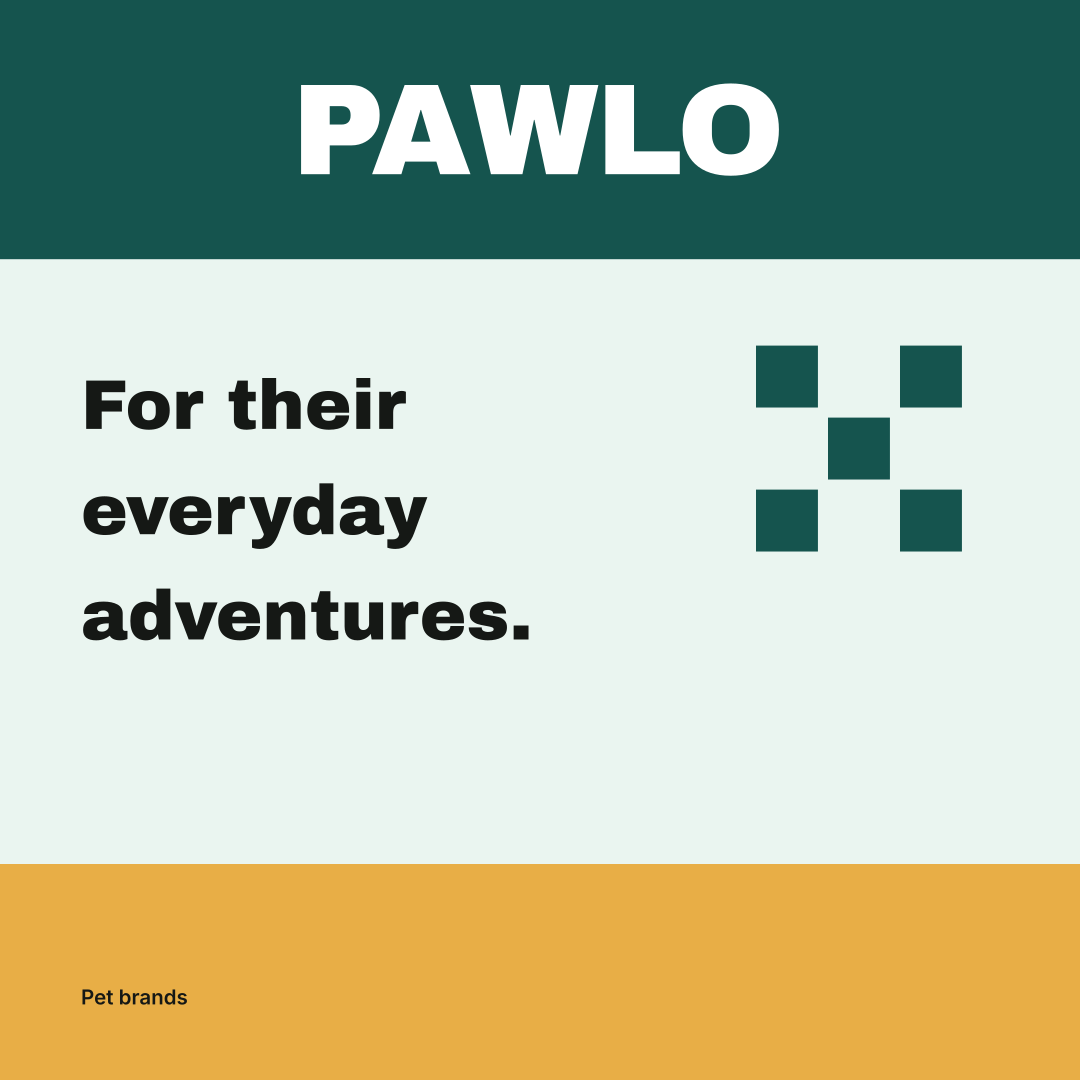
About the example: PAWLO is an original fictional brief with curated identity settings. The images are actual Brandfolia exports, not customer work, product photography or evidence of a live AI run. The PAWLO case page records the inputs and design choices.
Choose the business task before choosing a mascot
A pet accessories shop, a groomer and a food brand need different information and customer journeys. Write down your actual category and the next action you want the visitor to take. A shop may need a product comparison; a groomer may need service and appointment details. Keep the shared visual identity separate from those business-specific requirements.
PAWLO is an accessories-shop concept for people browsing everyday pet products and gifts. Its first applications are a collection post, shopping-bag artwork and a website concept. No animal mascot is required for this direction: the bold name, deep teal and short copy provide the recognizable elements.
Give the voice a useful job
Separate personality from instructions. “For their everyday adventures” is the fictional brand’s invitation. A real product description should then name the item and explain the relevant choices using information supplied by its owner. Keep use, fit and care instructions direct even when a headline is playful.
| Situation | Useful approach | What needs evidence |
|---|---|---|
| Collection introduction | A short invitation followed by the actual category or collection name. | Any claim about a real assortment or availability. |
| Variant selection | State the exact variant and refer to the actual measurement or fit information. | The product-specific sizing record. |
| Care or use | Use the approved instructions without playful substitutions for key terms. | Instructions applicable to that exact product. |
| Promotional caption | Describe visible design choices and the intended browsing action. | Safety, health, durability or professional-approval claims. |
A friendly visual style does not establish that a product is safe, suitable for every animal or veterinarian approved. PAWLO has none of that evidence. When adapting it to a real business, leave those claims out until the responsible product owner can support them.
Build a variant system that does not depend on color alone
Keep the same position for the brand name, product name and variant information. Use an explicit label alongside a color accent so someone can distinguish options without guessing what the color means. If an item comes in several sizes, use the seller’s actual size labels and measurements; do not assume “small” means the same thing across unrelated products.
The worksheet separates the collection, product and variant levels. For a real shop, fill one row per offered variant, connect it to the correct photo and record where its approved information lives. PAWLO does not contain a real catalog, so its sample row intentionally stops at brand-level information.
Specify photos around the actual product
Ask for a clear whole-product view, useful detail and an appropriate scale reference. If an animal appears, the scene should show the product being used as intended. Preserve shape, fastenings and proportions during retouching. An attractive generated scene cannot verify the physical product or how it should be used.
Separate a campaign composition from a product-listing image. A campaign may establish atmosphere, while the listing needs to make the selected item clear. Record which images are real product photographs and which are concepts before passing them to another team member.
Try PAWLO across a post and a bag
- Save any current studio work, then open the PAWLO sample. Sample editing and export require no account or AI credits.
- Change the shop name and one short collection message. Compare the social square with the tote artwork, keeping the name readable and the accent in a supporting role.
- Review the changed applications together. Use Export brand kit for the guide and source files; use Backup & import to save an editable project backup.
- Compare your exported files with the decisions in the worksheet. Editing the source profile and exporting again is the easiest way to change wording in SVGs whose lettering has been outlined.
Creating a new AI proposal from your own brief is a separate workflow requiring an account and paid credits. See current pricing and allowances.
The tote SVG is flat artwork, not a photograph or manufactured bag. A supplier still needs the actual item, printable area, placement and production requirements. Download the PAWLO board or complete sample kit to inspect the corresponding files.
Keep a collection review record
Download the pet-brand collection worksheet includes the PAWLO identity example, a blank variant register, voice checks and an image-source log. It helps the designer and product owner see whether an inconsistency is visual or factual.
For publishing cadence, use the weekly social content plan; for repeated crops and type rules, use social media branding guidelines. Food, supplements, veterinary services and other specialist categories need their own product and regulatory review. This accessories example does not supply those requirements.