Your assets come first
Upload the real product photograph and existing logo files. The editor composes your supplied image into layouts without claiming to redesign or photograph the product.
Bring your product, logo, color choices and typography into one project. Apply the same decisions across a compact collection of campaign and identity formats.
Start in the studioBring a product photo, brand name and a description of your customer. Add your approved logo if you have one. You can preview three layouts for free. The planned Brand System scope proposes a finished identity reference, six editable applications and documented sources; orders are not open.
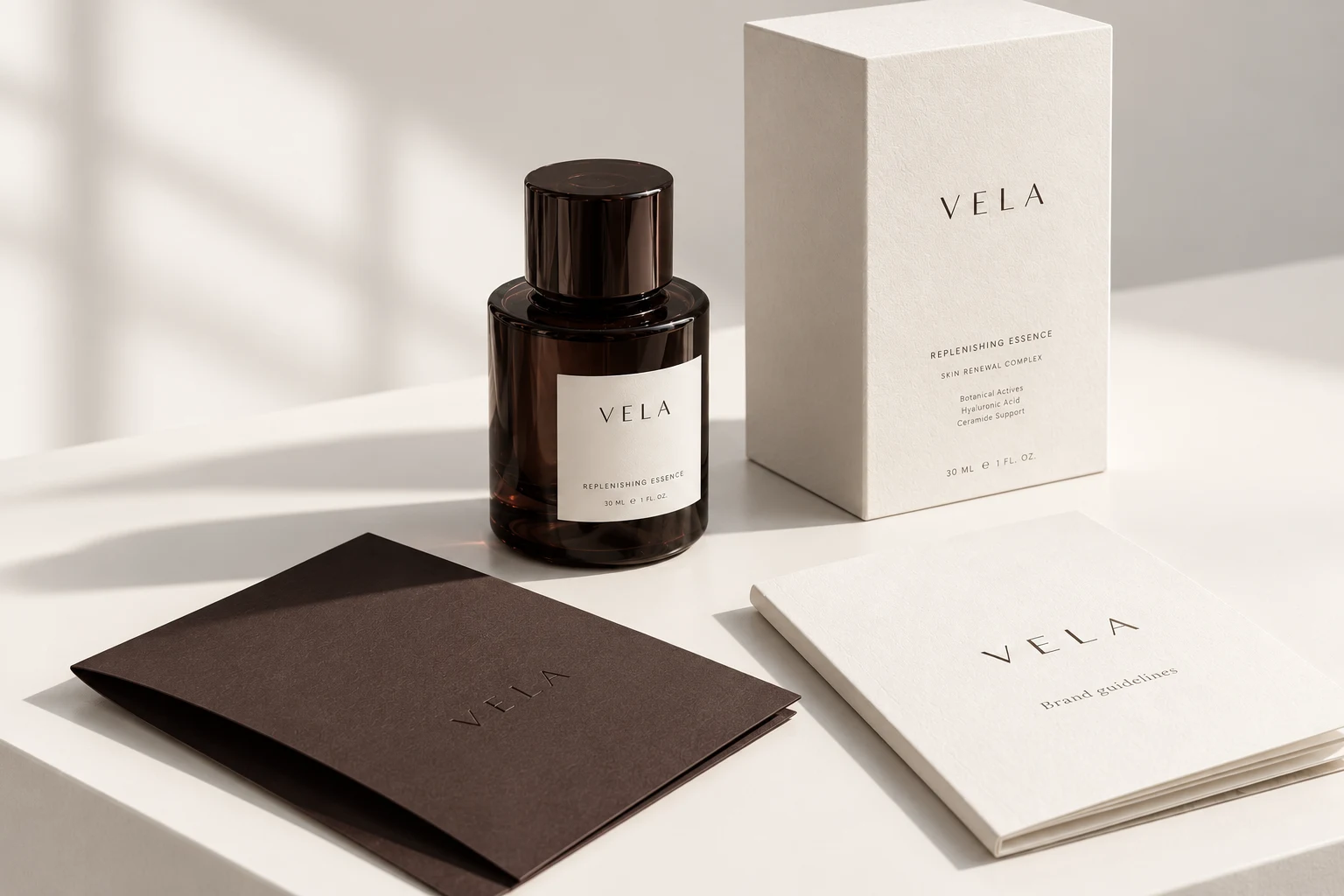
Upload the real product photograph and existing logo files. The editor composes your supplied image into layouts without claiming to redesign or photograph the product.
Edit the full four-color palette and choose headline and supporting fonts. Adjust product image scale and position. Review contrast and brief completeness before exporting.
Explore three free watermarked layouts. The planned paid scope proposes six editable applications and a 24-section brandbook. Orders and delivery are not open yet. The local working project can be saved separately.
The free studio provides three watermarked layout downloads and a locally saved project. The planned Brand System scope proposes a 24-section brandbook, six editable applications and an asset inventory. This paid package is not open for orders.
| Asset | Format | Availability |
|---|---|---|
| Identity, social and banner previews | PNG, longest edge up to 960 px | Free, watermarked; individual files or one ZIP |
| Studio working project | JSON with supplied images and editable settings | Free local save and reopen |
| Finished brandbook | 24-section PDF and editable page SVGs | Planned paid scope · not available to order |
| Six brand applications | Editable SVG layouts and digital review exports | Planned paid scope · not available to order |
| Identity and sources | Wordmark or supplied-logo files, color/type rules, source and license inventory | Planned paid scope · not available to order |
The free previews are available now. Paid project delivery is planned and not available yet. Compare the planned $99 and $299 scopes.
No. Use a transparent PNG when you want a cutout composition. Original image backgrounds are preserved.
The studio supports typographic wordmarks and uploaded logos. It does not promise a unique illustrated mark or trademark availability.
Uploaded images and the working project stay in your browser until you save a local JSON. The public project form is disabled; customer briefs cannot be submitted or stored.
Three free watermarked previews. Planned paid packages from $99; not open for orders. Explore planned packages.