


MORA
Home & living
AI branding & social media studio
Build your identity, then turn it into social profiles, launch posts and campaign content. Keep your brand rules and product facts in one workspace, ready for the next thing you make.
Explore samples without an account. Buy a single kit after sign-in. Month and year passes are available with no automatic renewal.
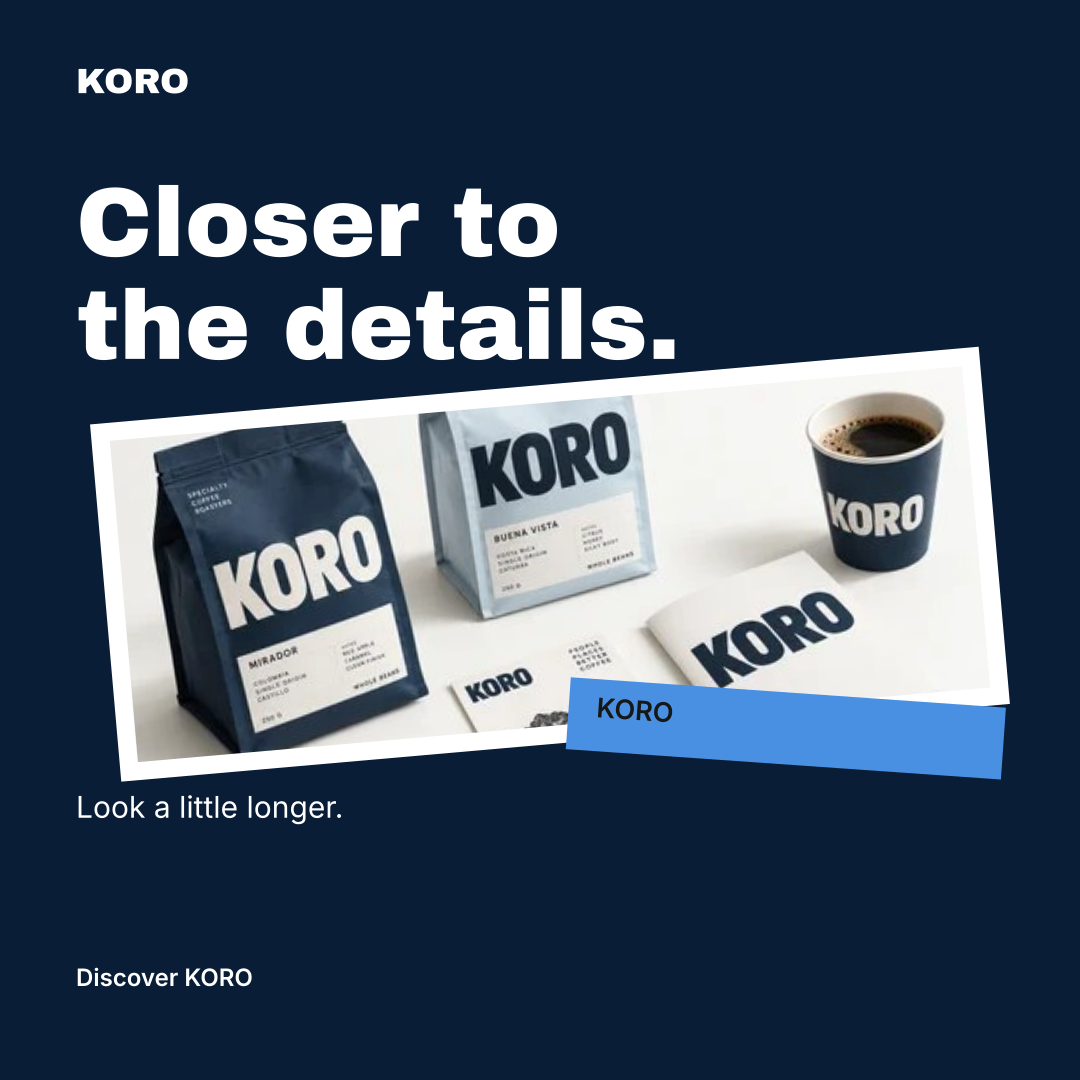
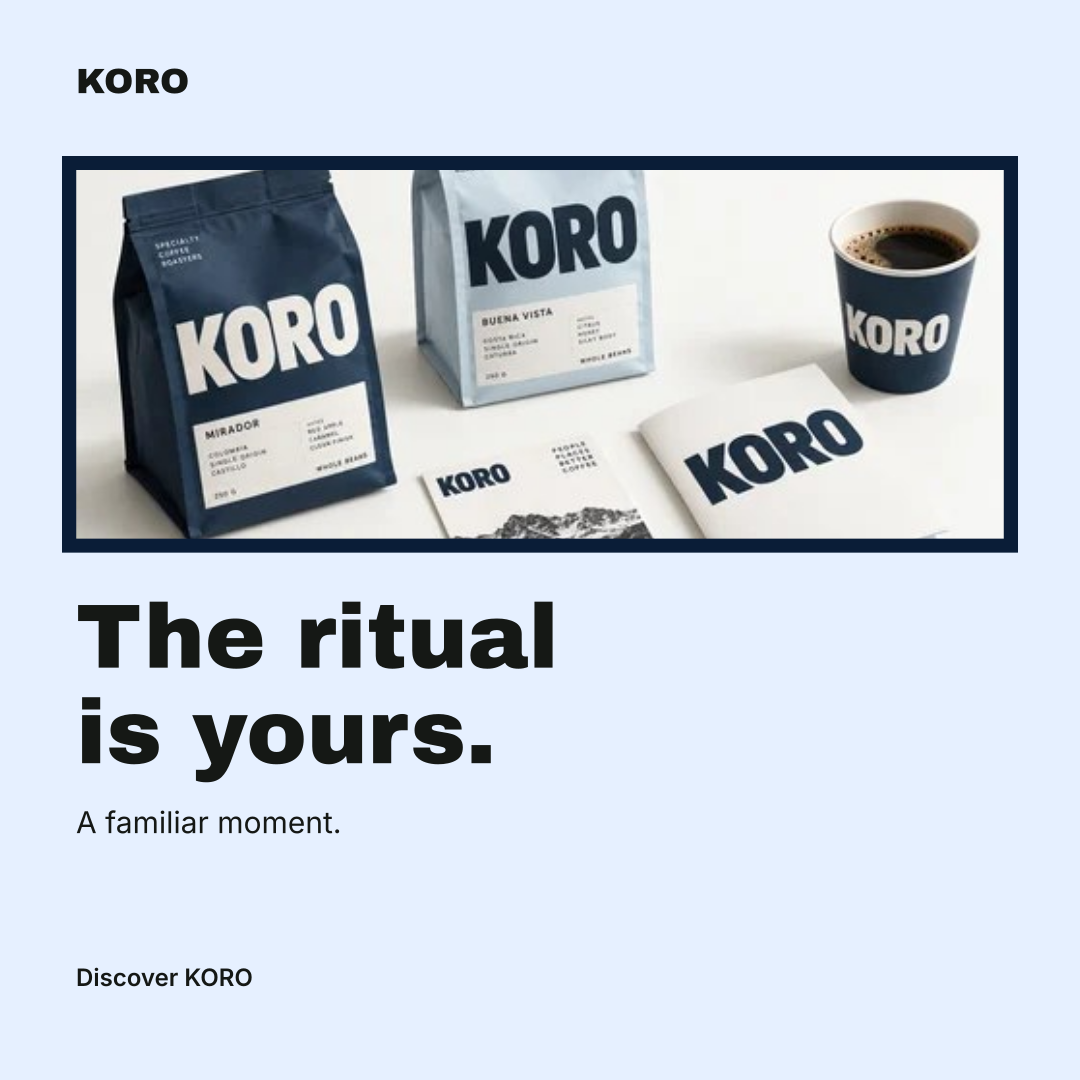
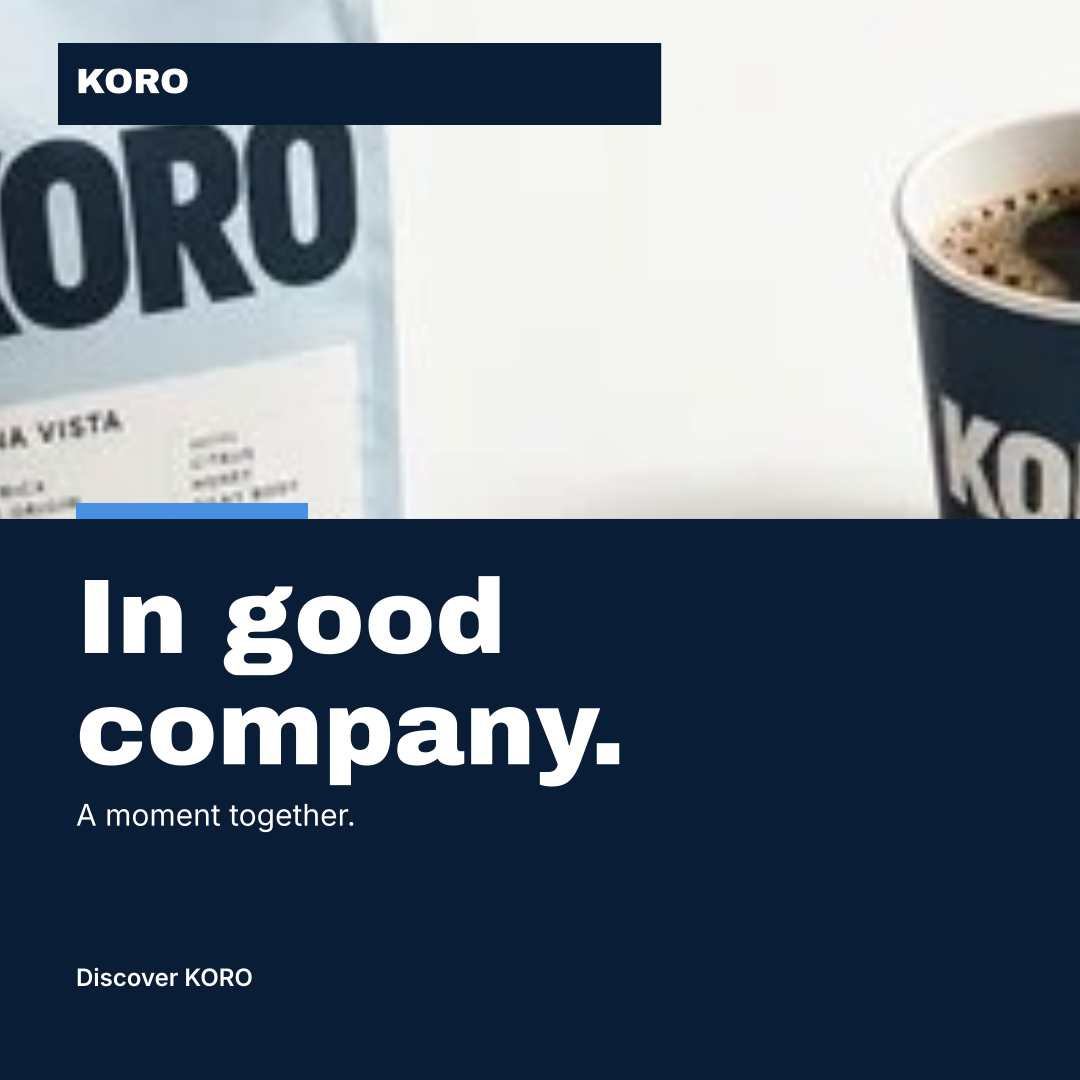
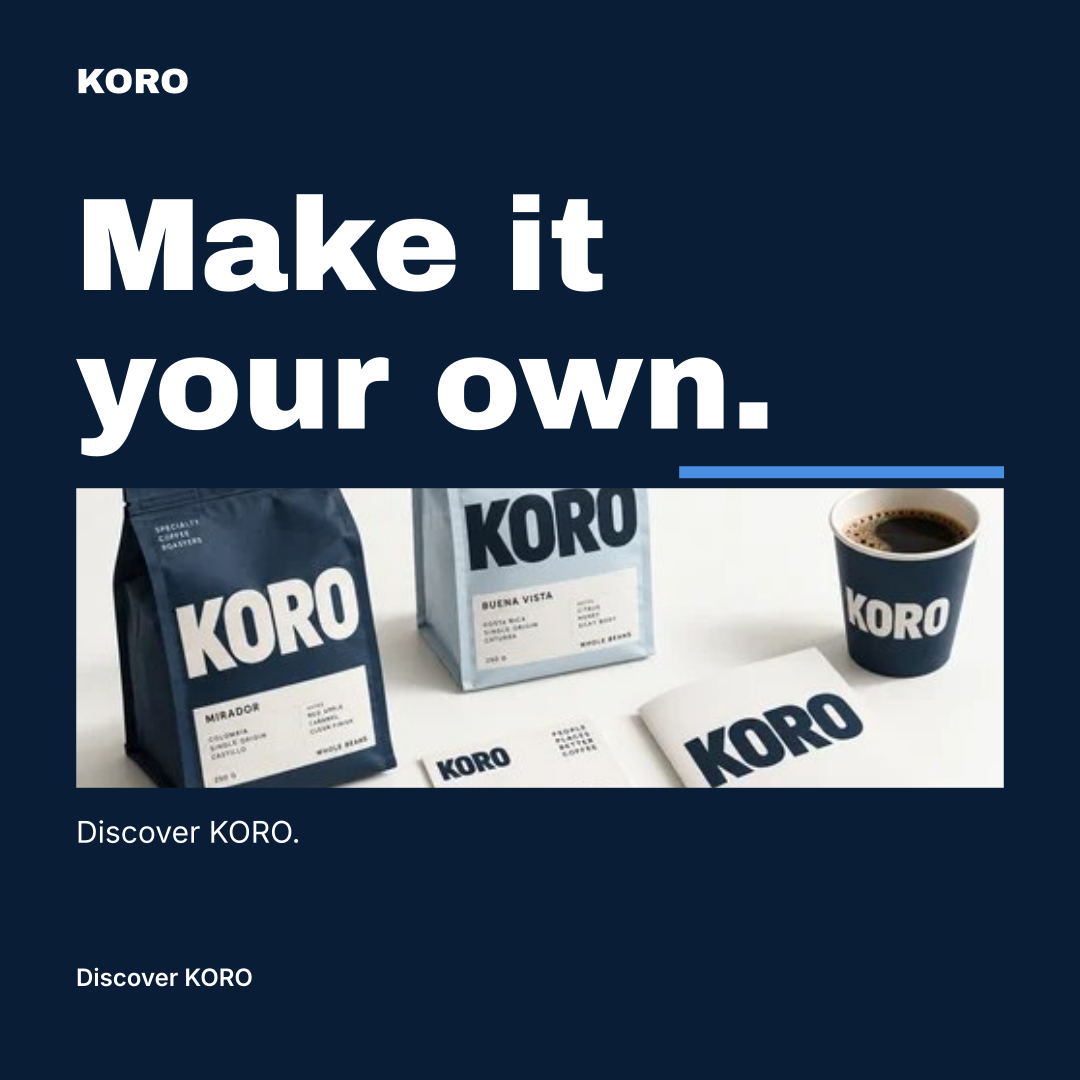
One identity. Nine designs.
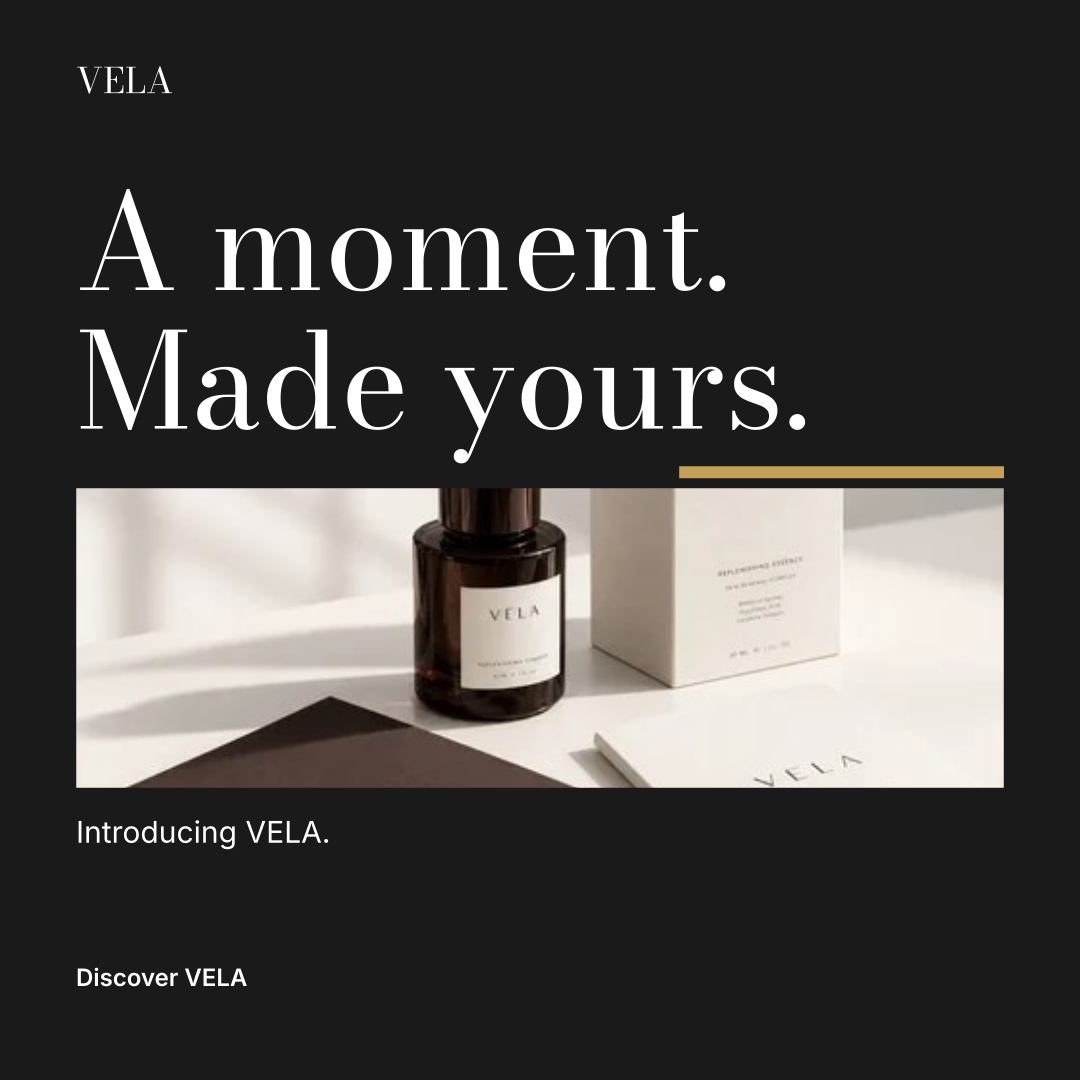
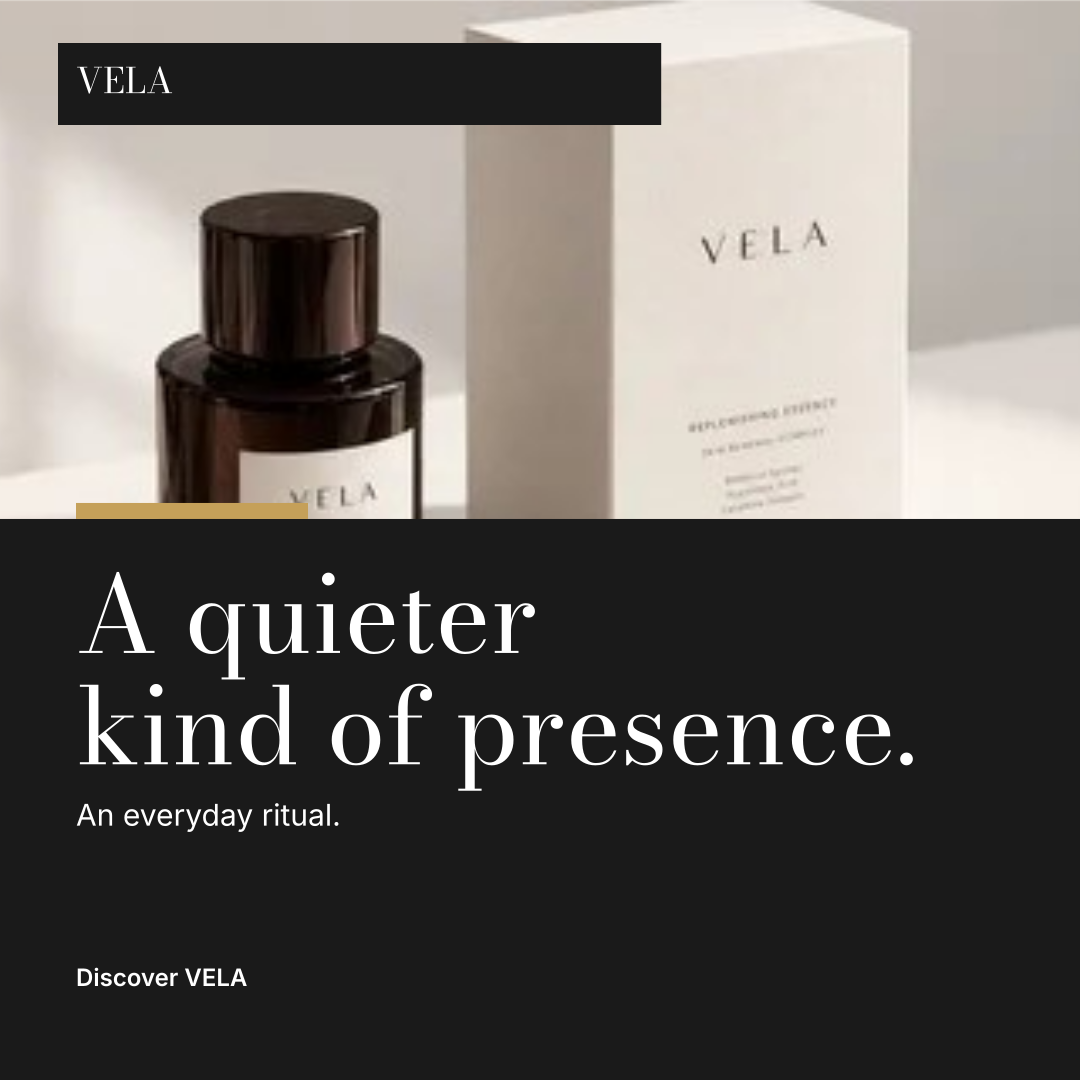
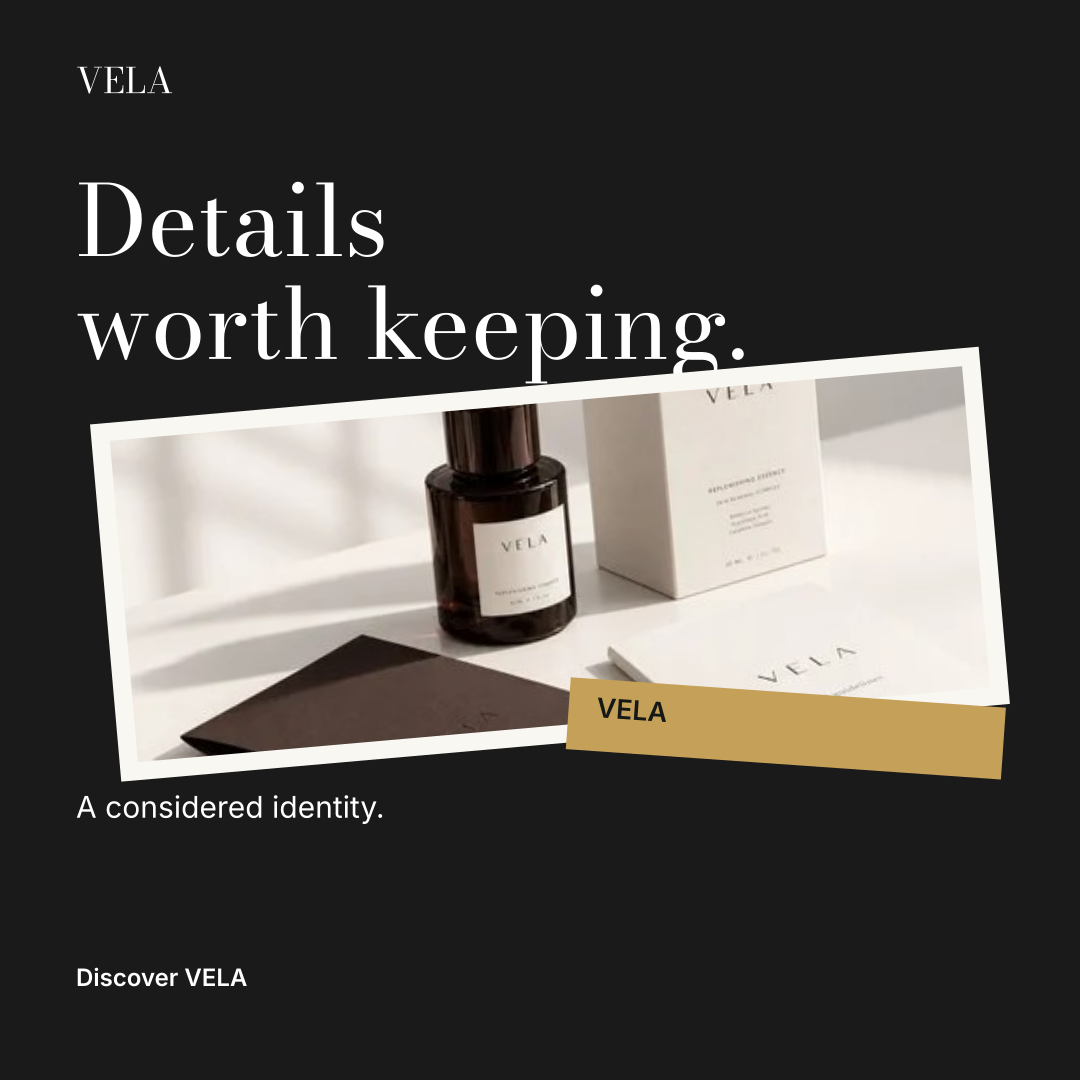
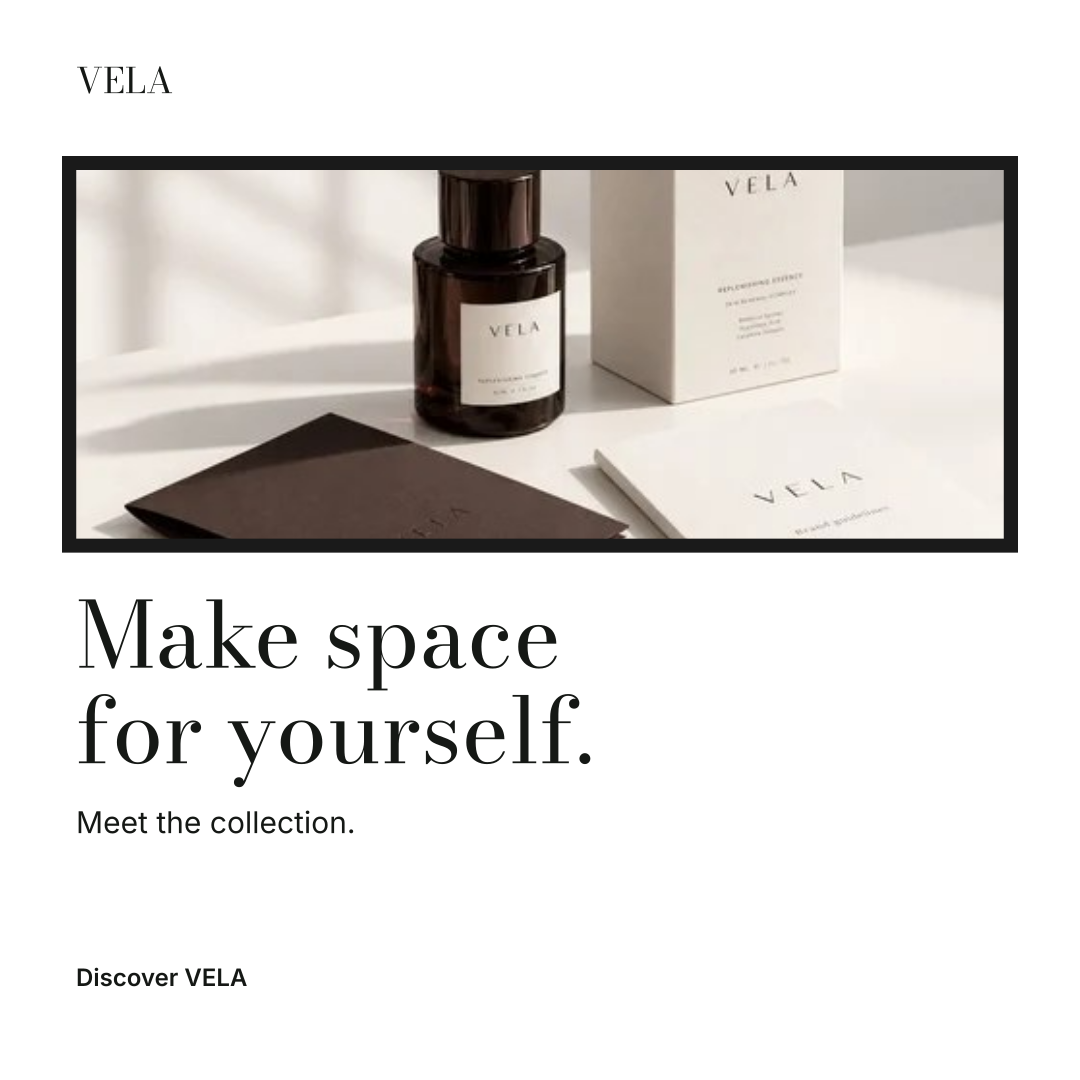
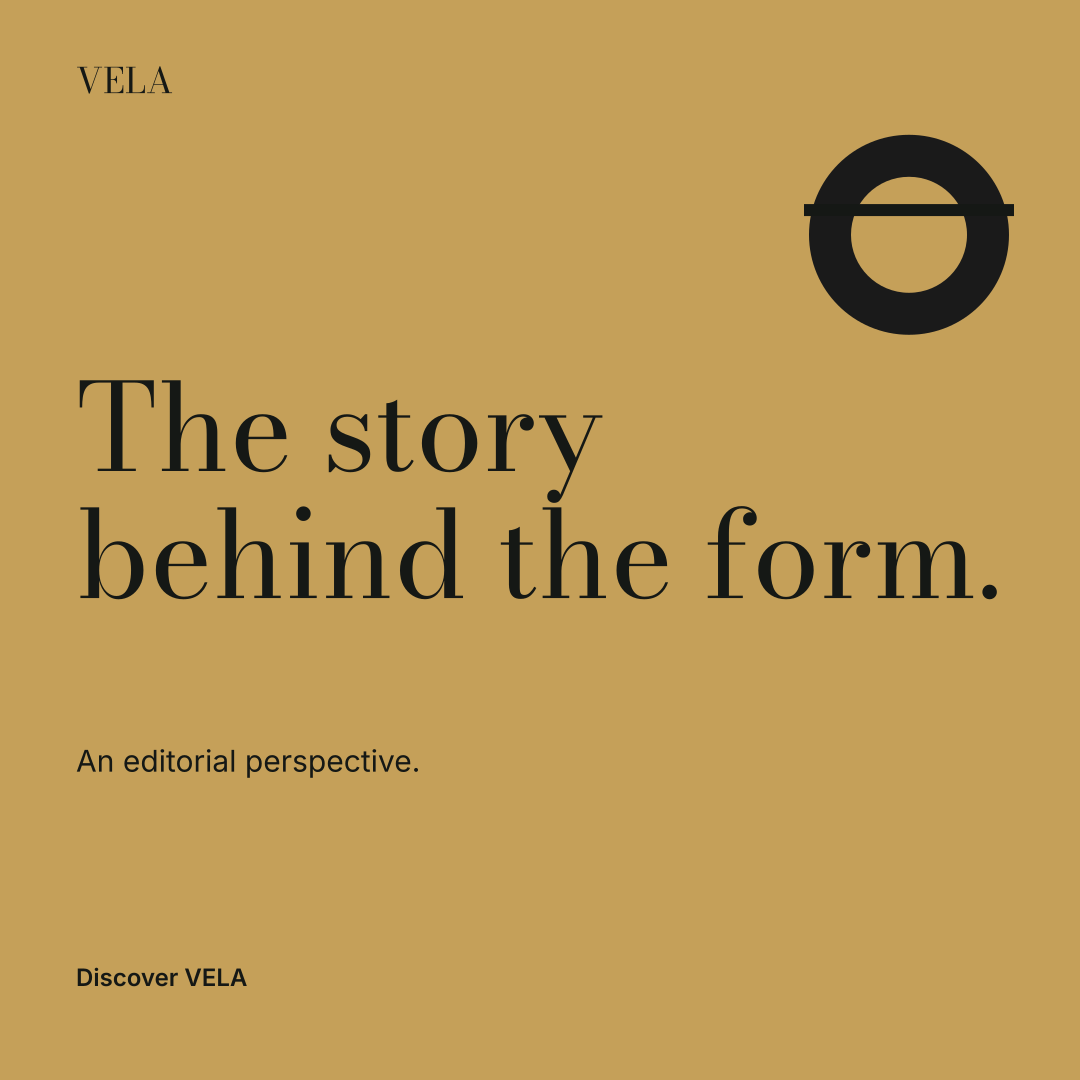
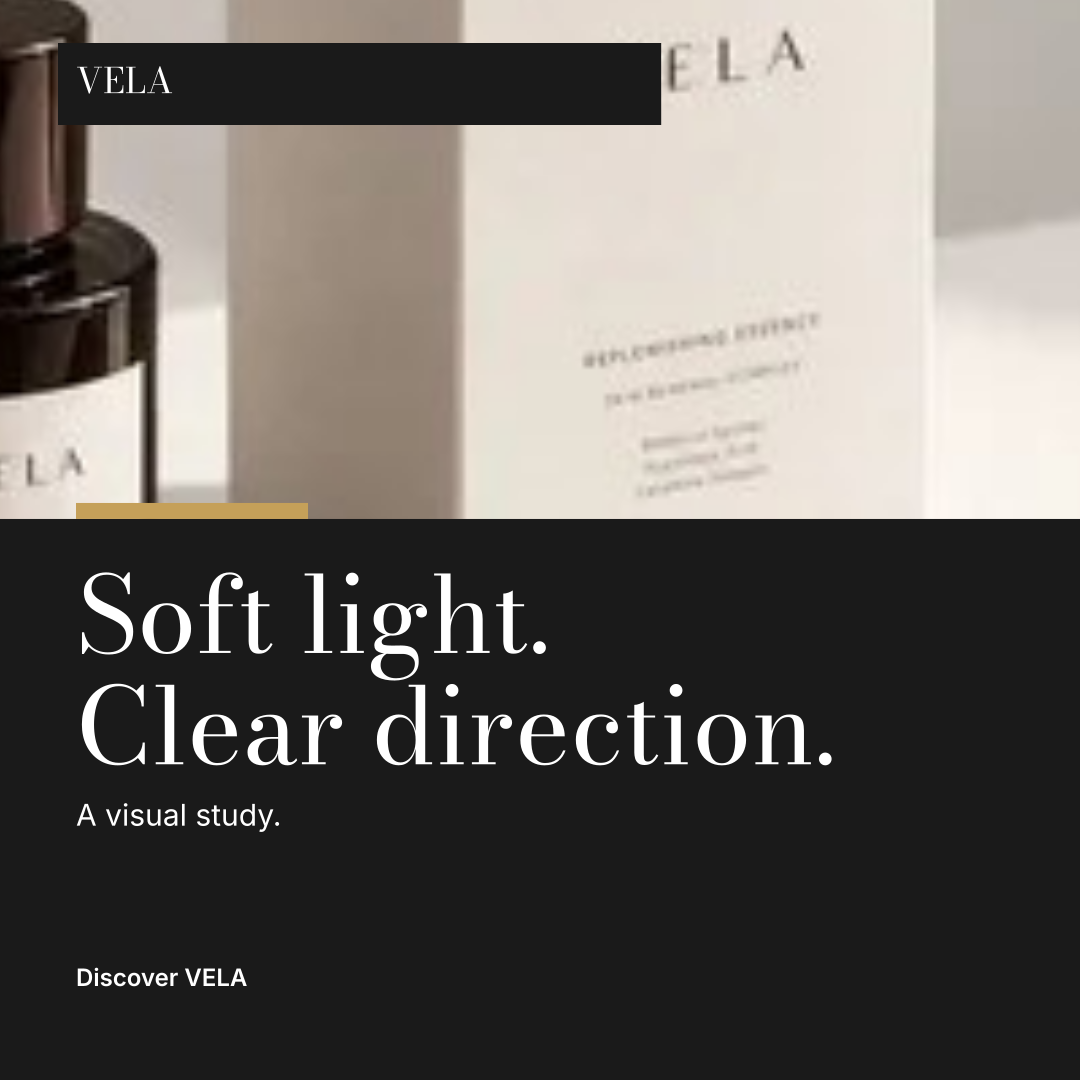
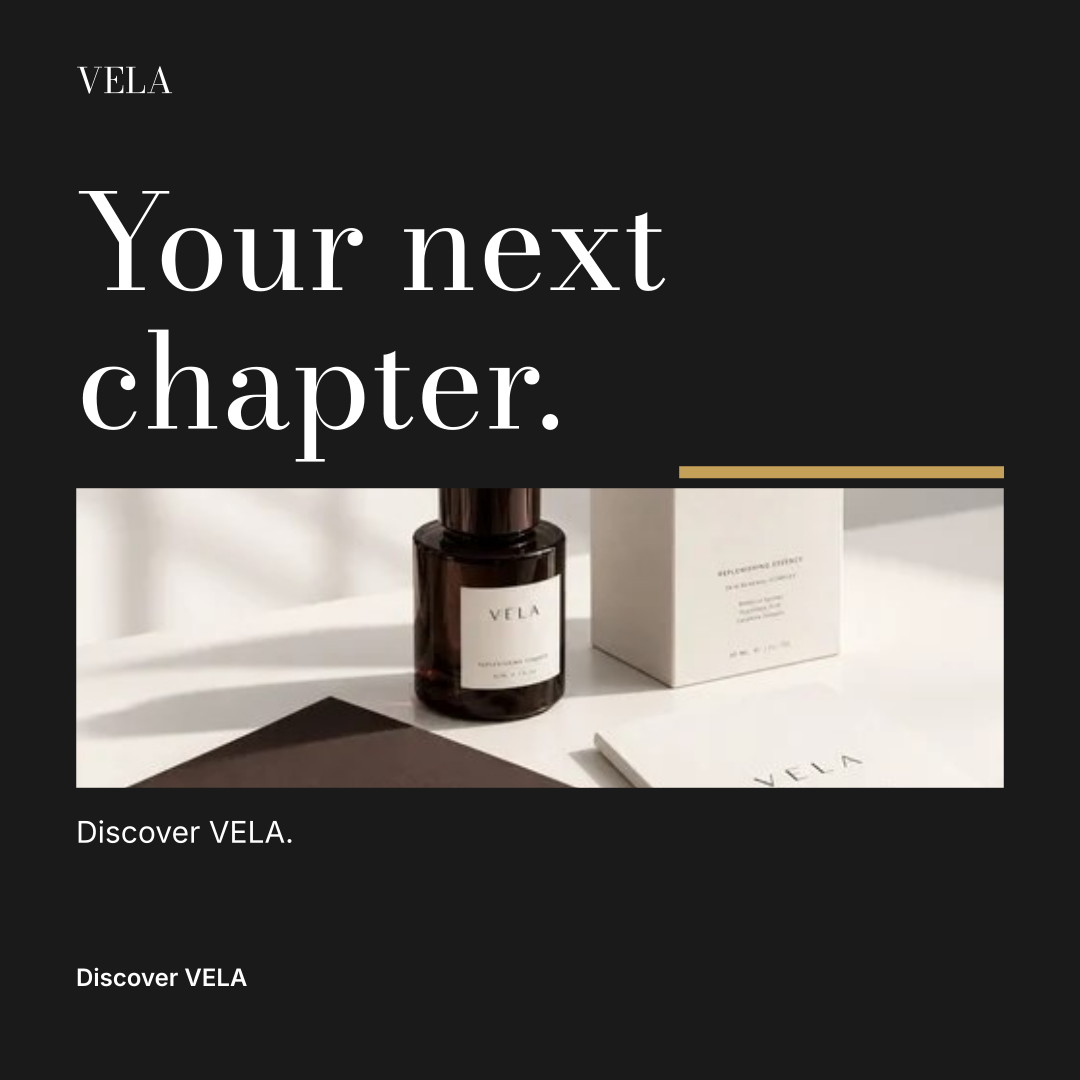
One identity. Nine designs.
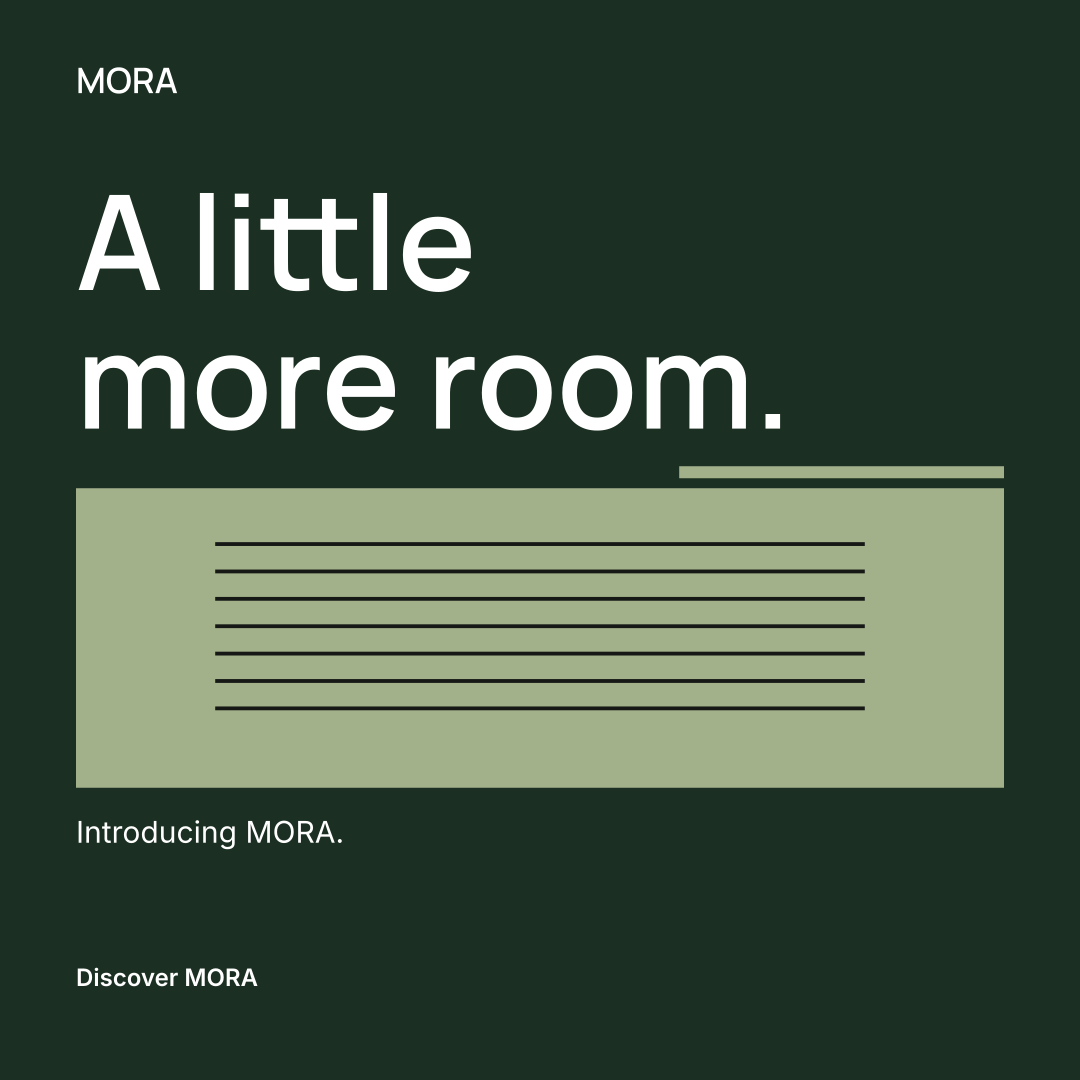
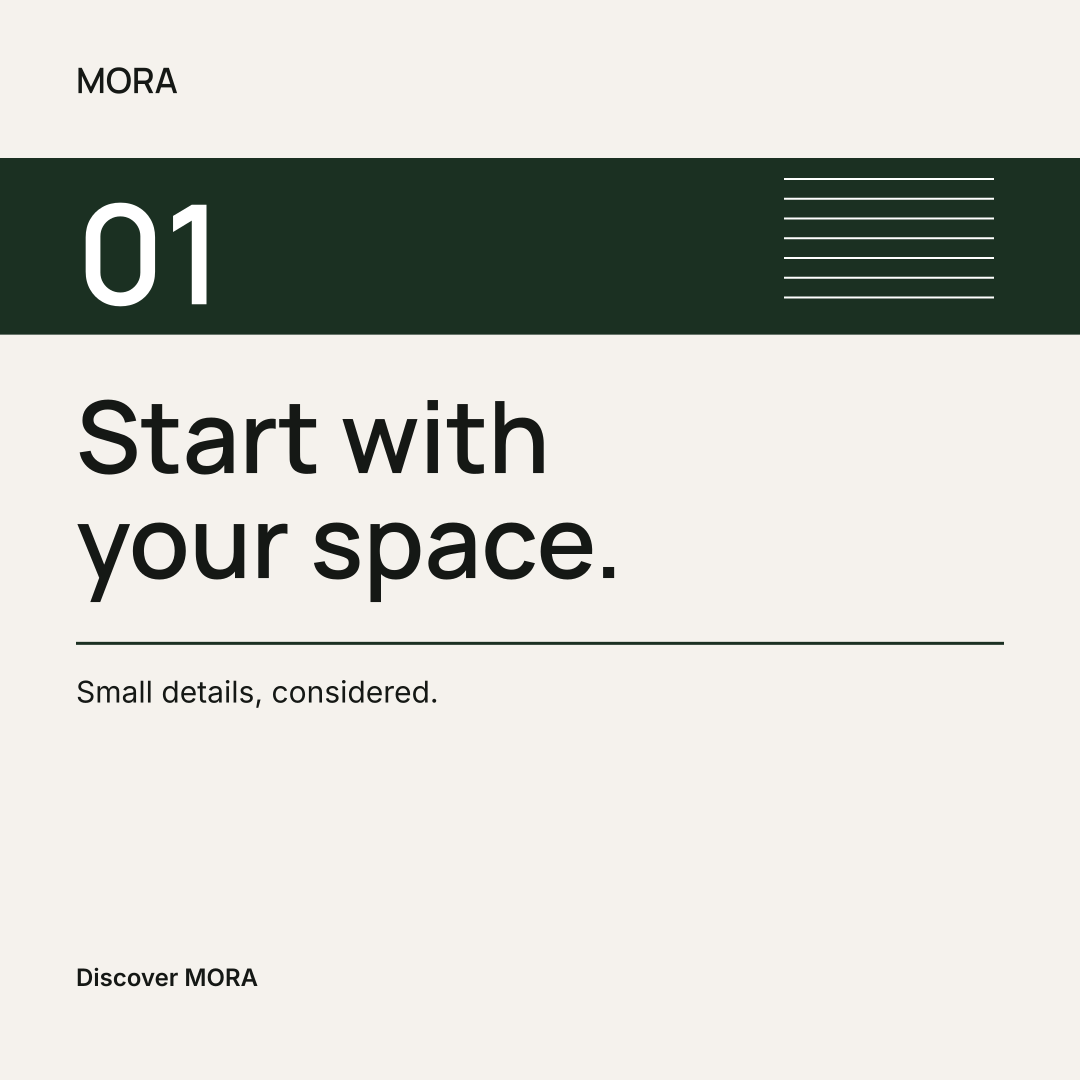
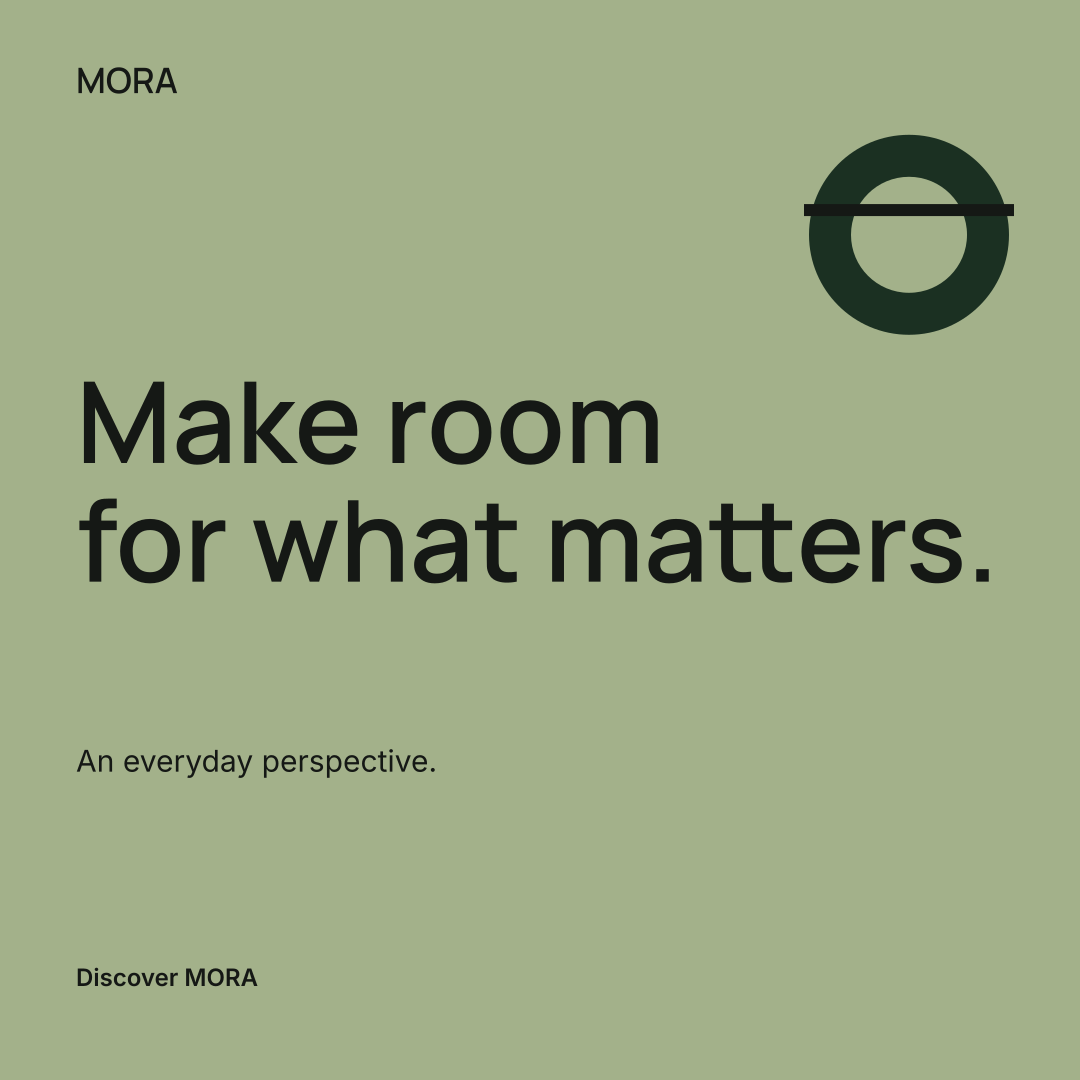
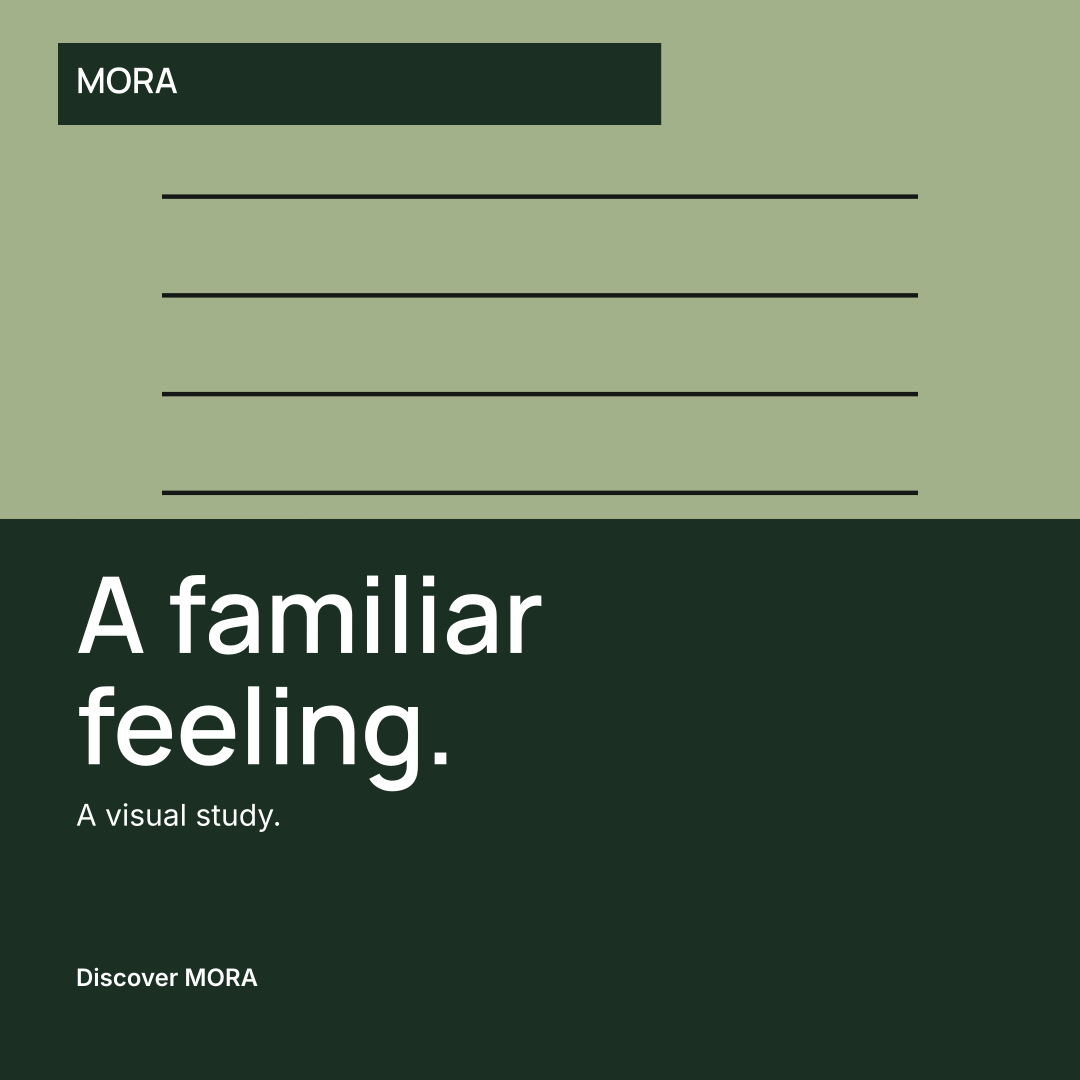
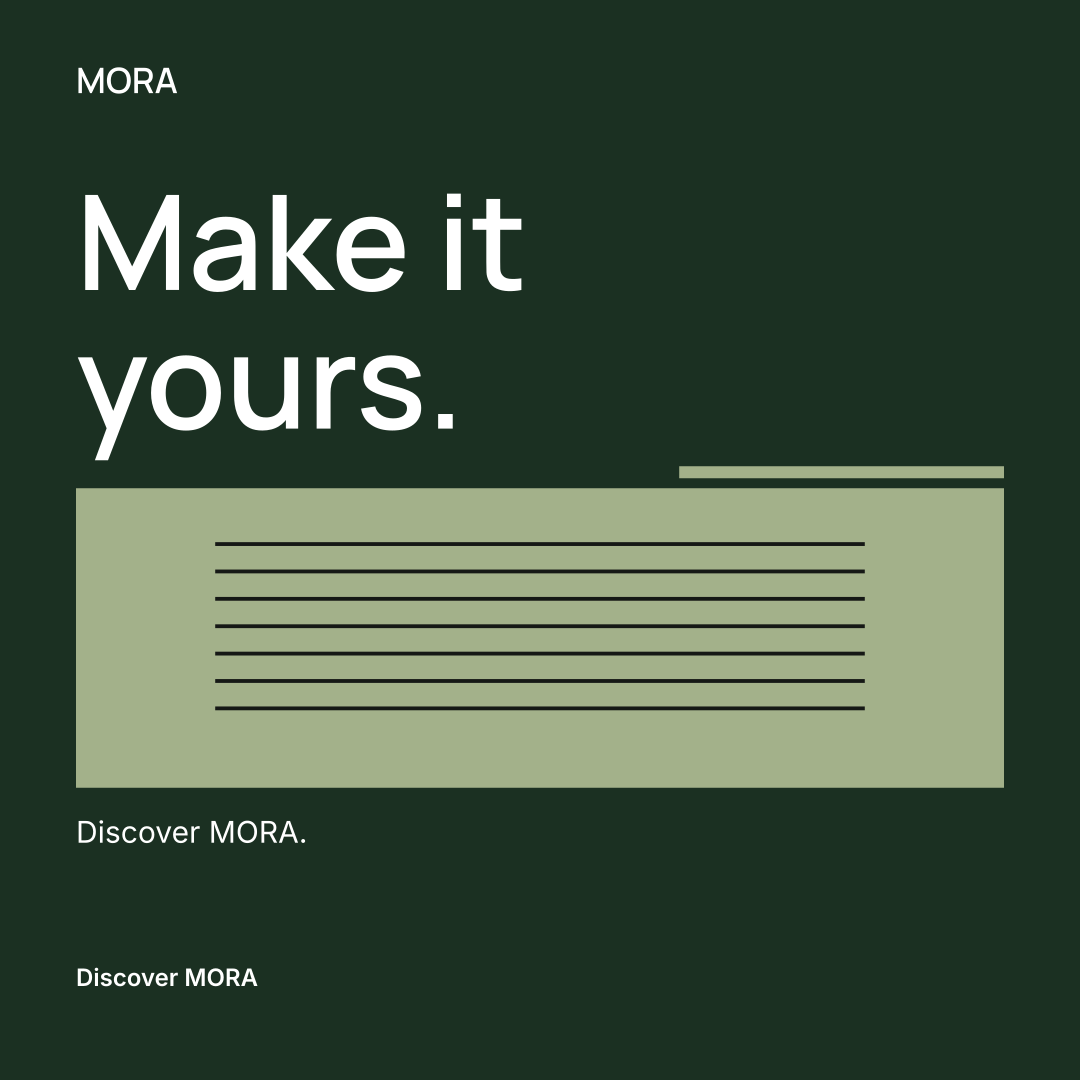
One identity. Nine designs.
Wordmarks
Colors & type
Social media kits
Campaign content
Made in the studio
Follow three fictional briefs through the current tool. Compare their directions, inspect the actual files, then open any example and make it yours.
Home & living

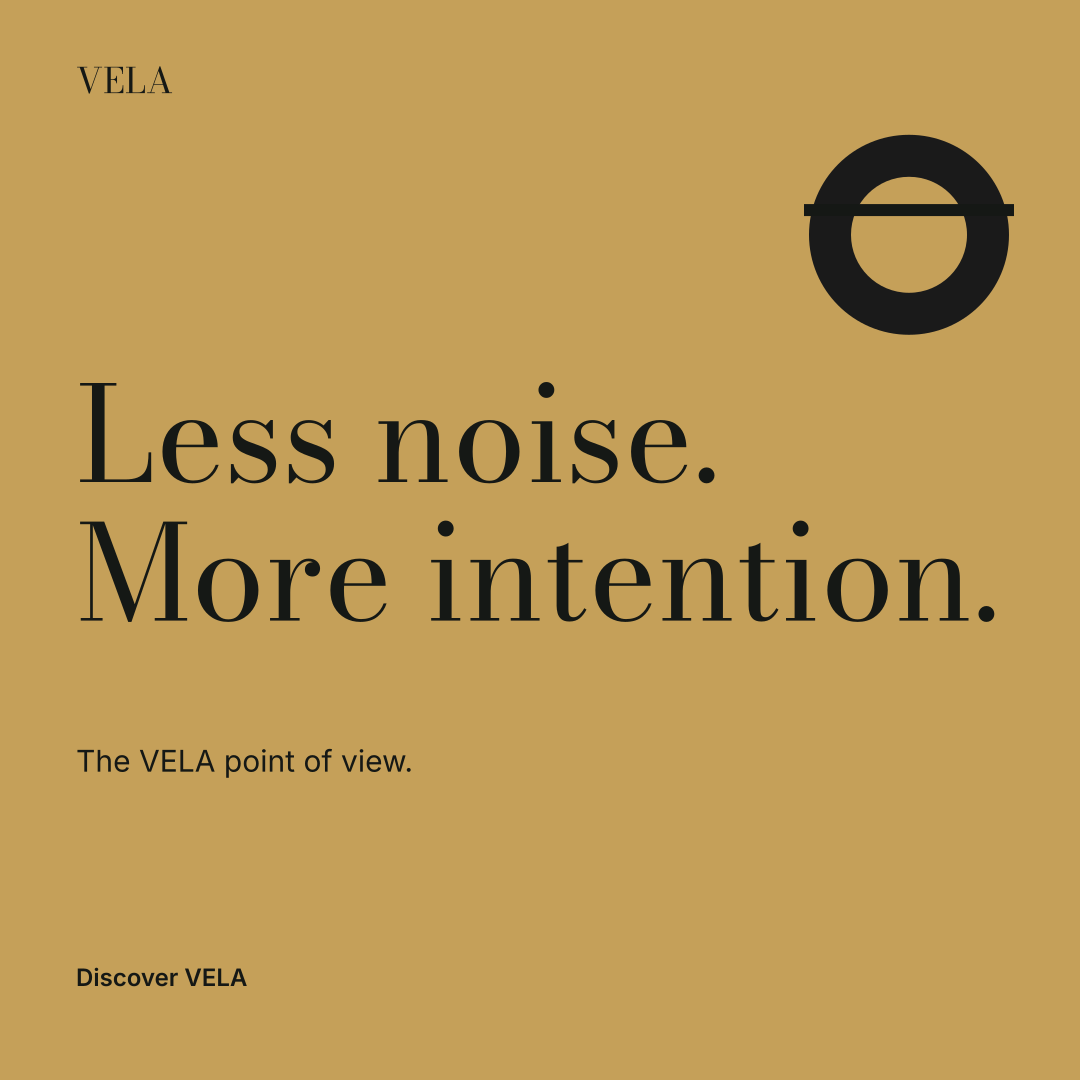


Skincare concept

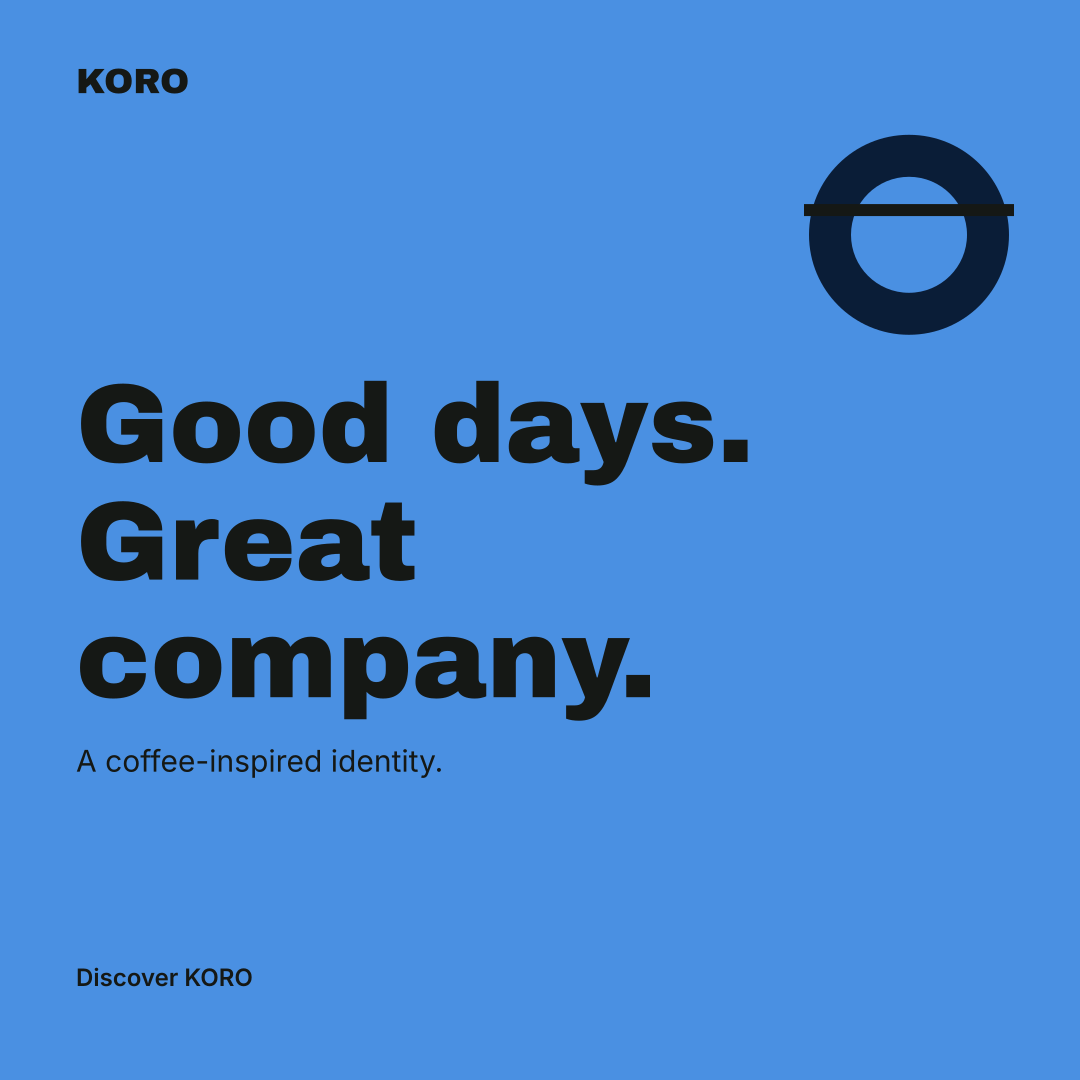


Coffee concept
These examples use real AI analysis and the same editable layouts and export engine as the studio. They are demonstrations, not client projects or a promise of identical results.
Your brand. Every next chapter.
Keep your identity, product facts and campaign content together. Use the same brand as the starting point for your next launch, story or promotion.
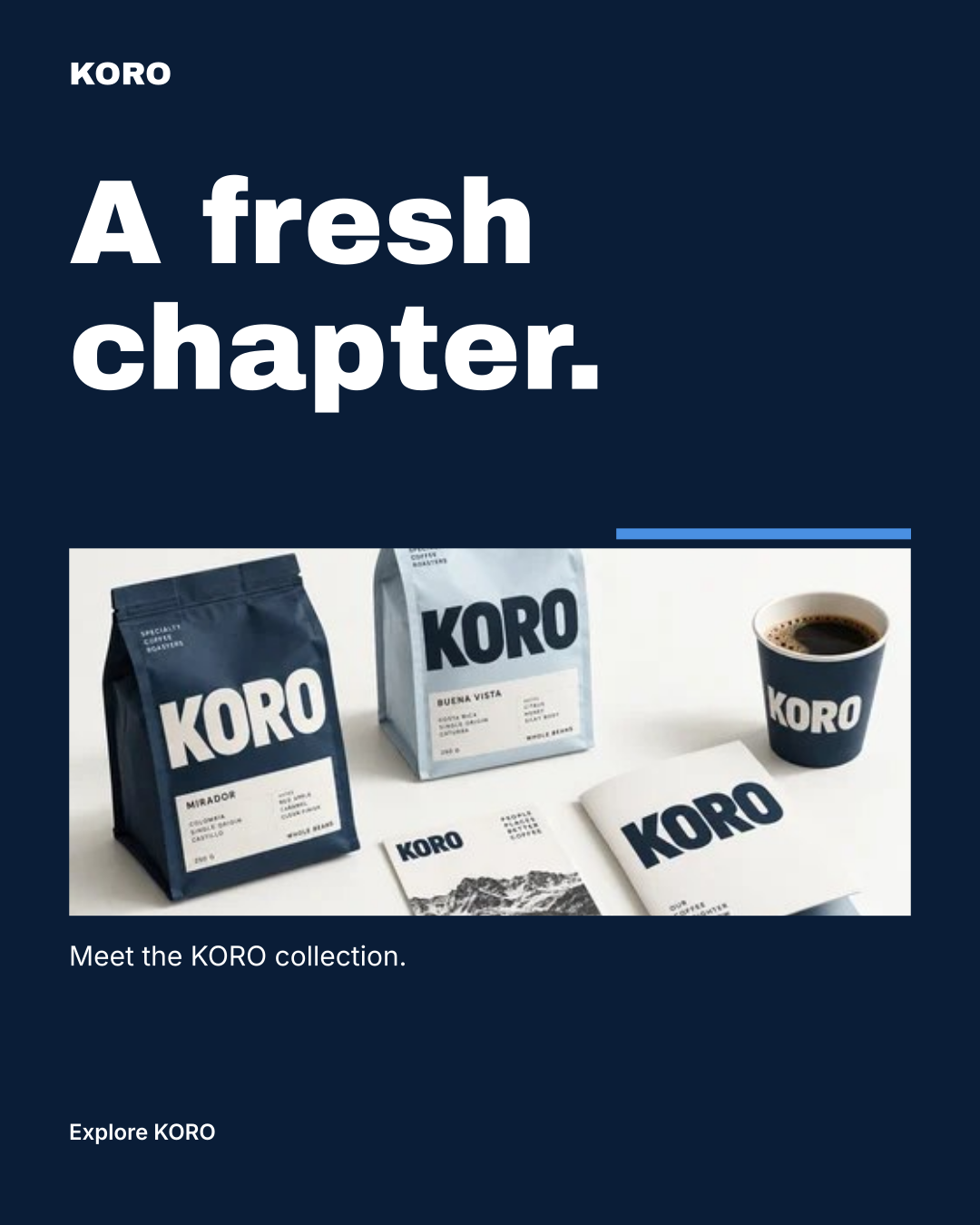
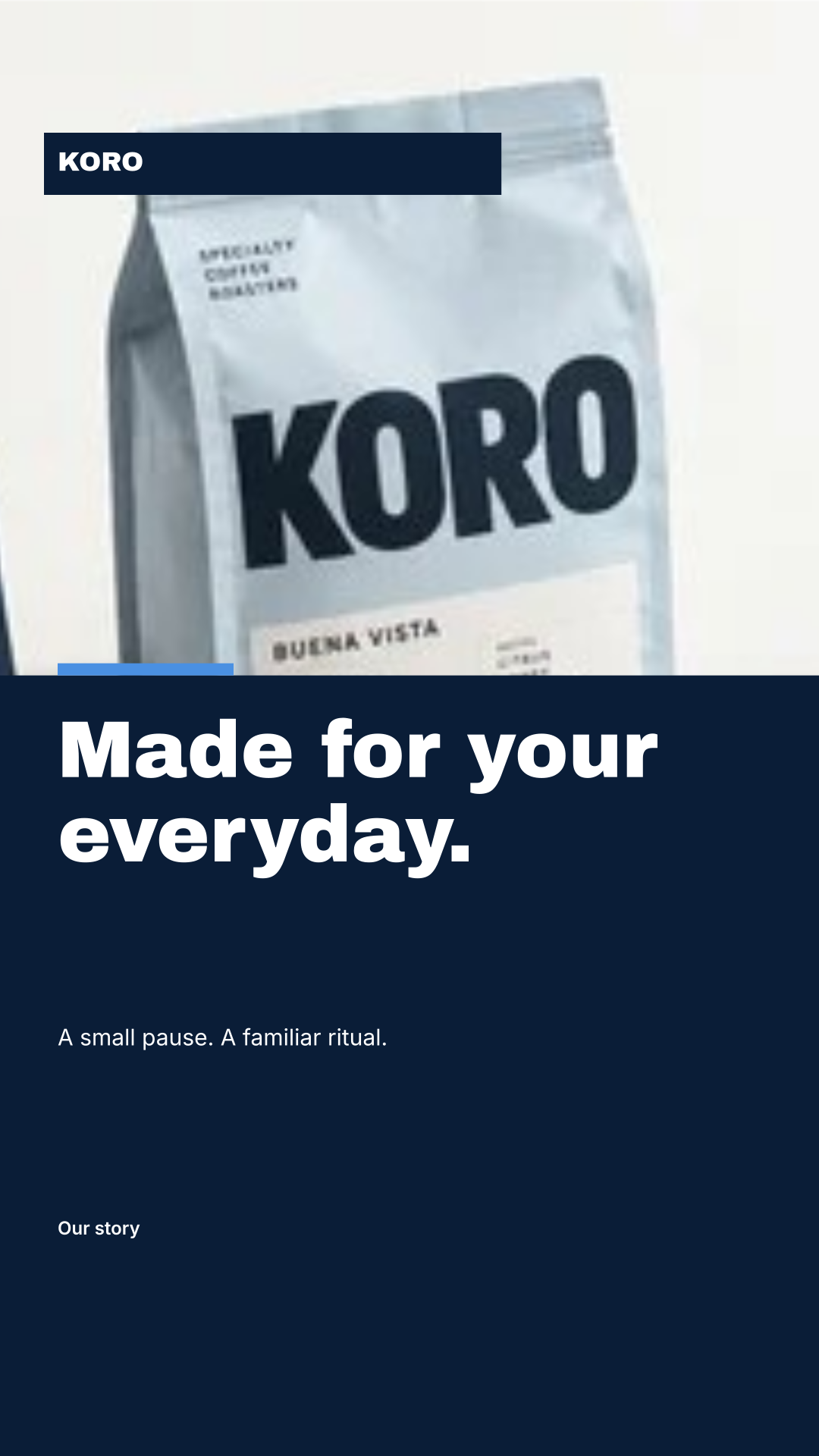
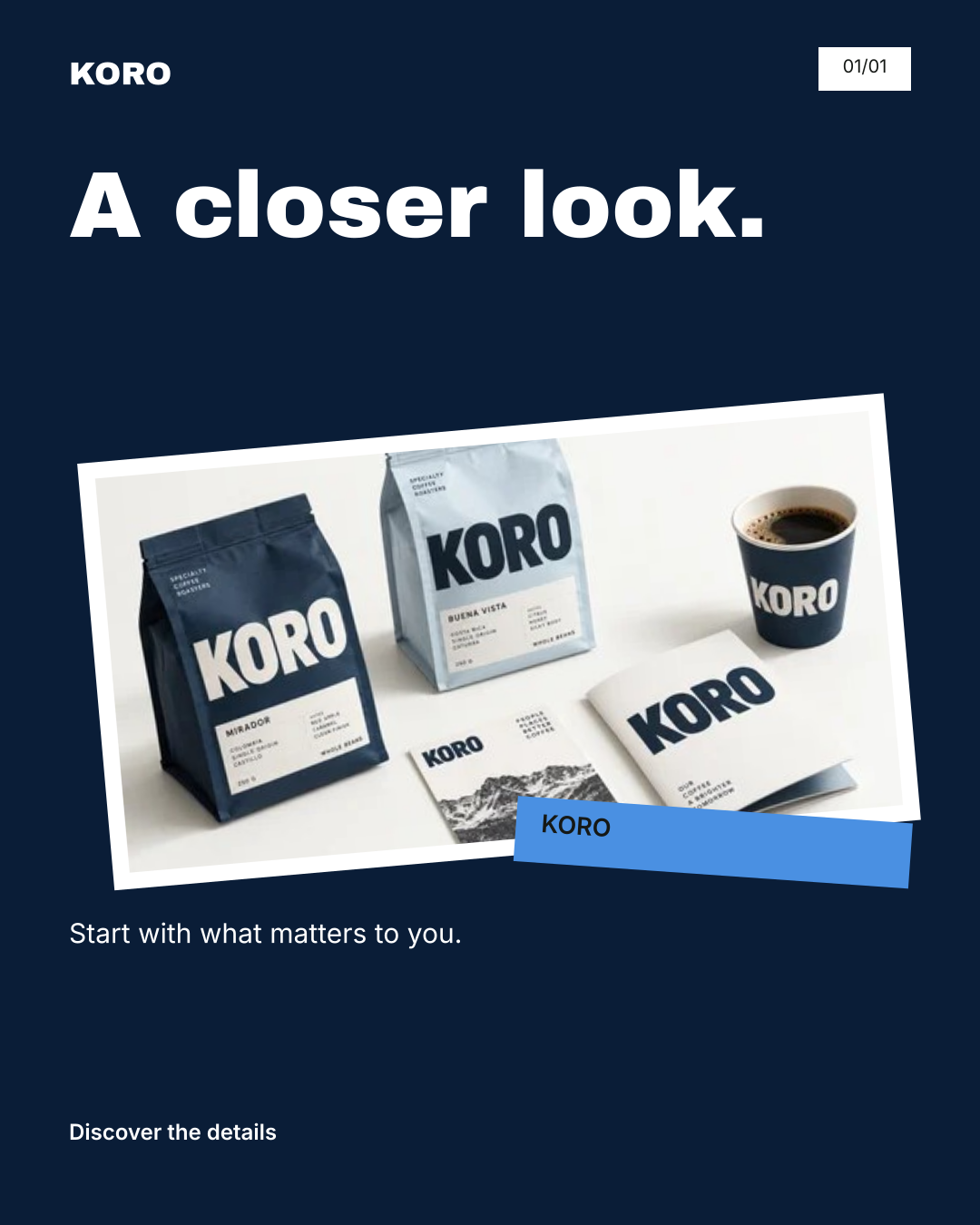
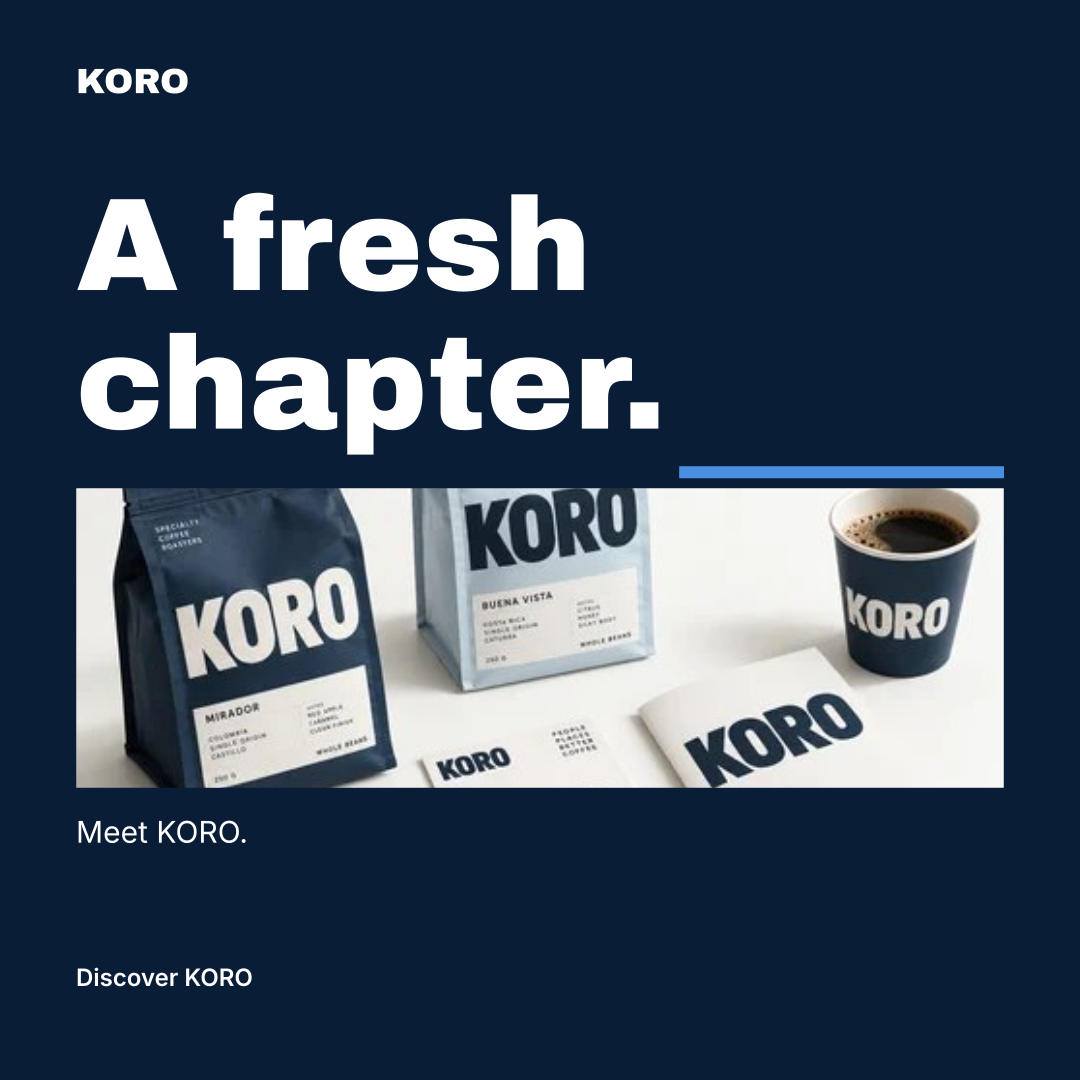
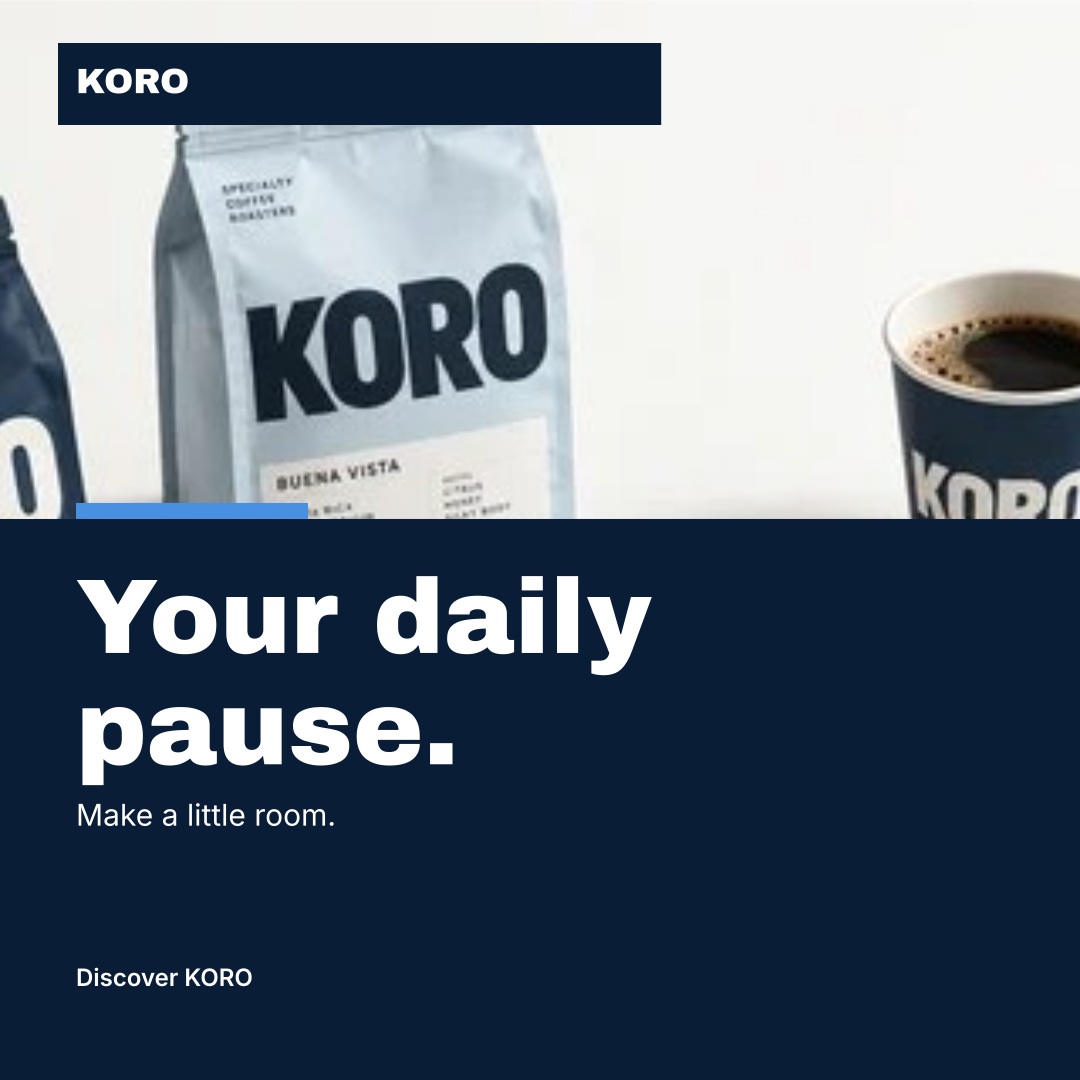
Fictional KORO example. Actual workspace renders with sample copy and an existing AI-assisted product reference; these are exported designs, not customer results.
From a new idea to your next campaign
Start with the information you know. The workspace carries your brand and selected product facts into each content task, so you spend less time repeating the brief.
Describe your business. Compare three palettes, type treatments and layouts. Refine your identity, audience and voice before using them.
Explore brand creation →Add product facts, choose channels and start a 7, 14 or 30-day campaign draft. Use AI to develop a launch post, an educational carousel or a brand story.
Explore content planning →Edit copy and artwork, check the final version and export your assets and calendar. Publish manually, record the link and results, then reuse what you learned.
See social deliverables →A useful handoff
Start using a consistent visual language, and share the rules with the people helping you build.
Explore the full delivery scopeYes. Open any complete sample, edit its colors and name, and download its files without an account. Samples are pre-generated examples. Creating your own AI proposal requires paid credits; single-kit checkout is available after sign-in; month and year passes are available with no automatic renewal.
No. You can start with a written business brief. A photo adds visual context, and an existing PNG, JPG or WebP logo can be added in the editor.
Use the artwork as the starting point for your brand’s digital presence and handoff. Website and packaging files are design concepts, not functioning websites or supplier dielines. Review the facts, rights and production requirements before use.
Manual edits do not consume a new kit. Each kit has up to 10 optional image attempts, including retries and failed attempts. Failed initial brand analysis returns its kit credit. Read the allowance and support details.
The brand workspace saves records and media to your account. In the older identity studio, some product photos and generated images remain browser-local; download a full backup before switching devices.
Your brand. Every next chapter.