Brand kit templates.
Make them your own.
Download three editable brand kit templates with logo variants, colors, fonts and 13 coordinated application layouts. Each ZIP is free to download without an account. Start with the generic “Your Brand” identity, then replace the wording and design decisions.
Choose a starting direction
These are reusable layouts generated by the Brandfolia identity engine, with placeholder copy and no product photos. Choose a visual starting point, then test it against your actual audience and channels.
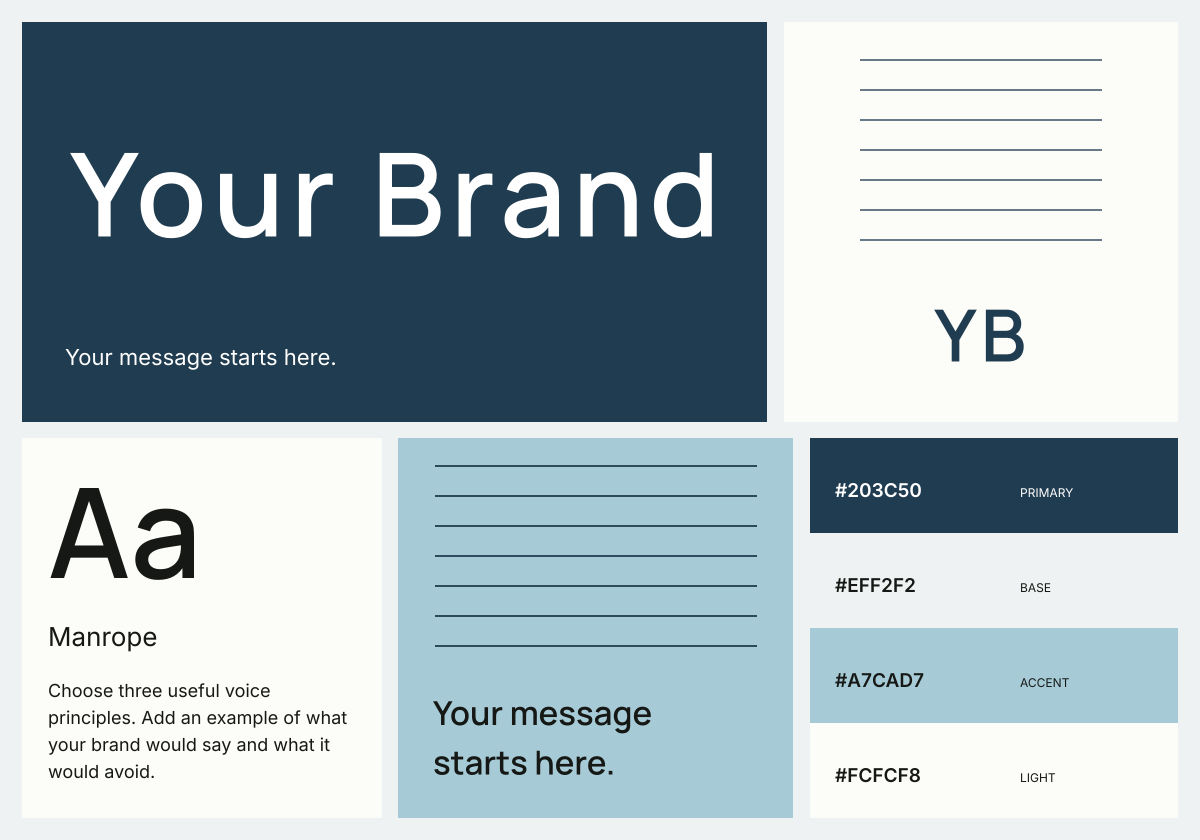
Considered modern
A navy anchor, cool blue accent and a clear sans-serif wordmark. Start here for a restrained service or product identity.
Download modern brand JSON only26 files · about 12 MB · SVG, JSON, CSS, TTF and TXT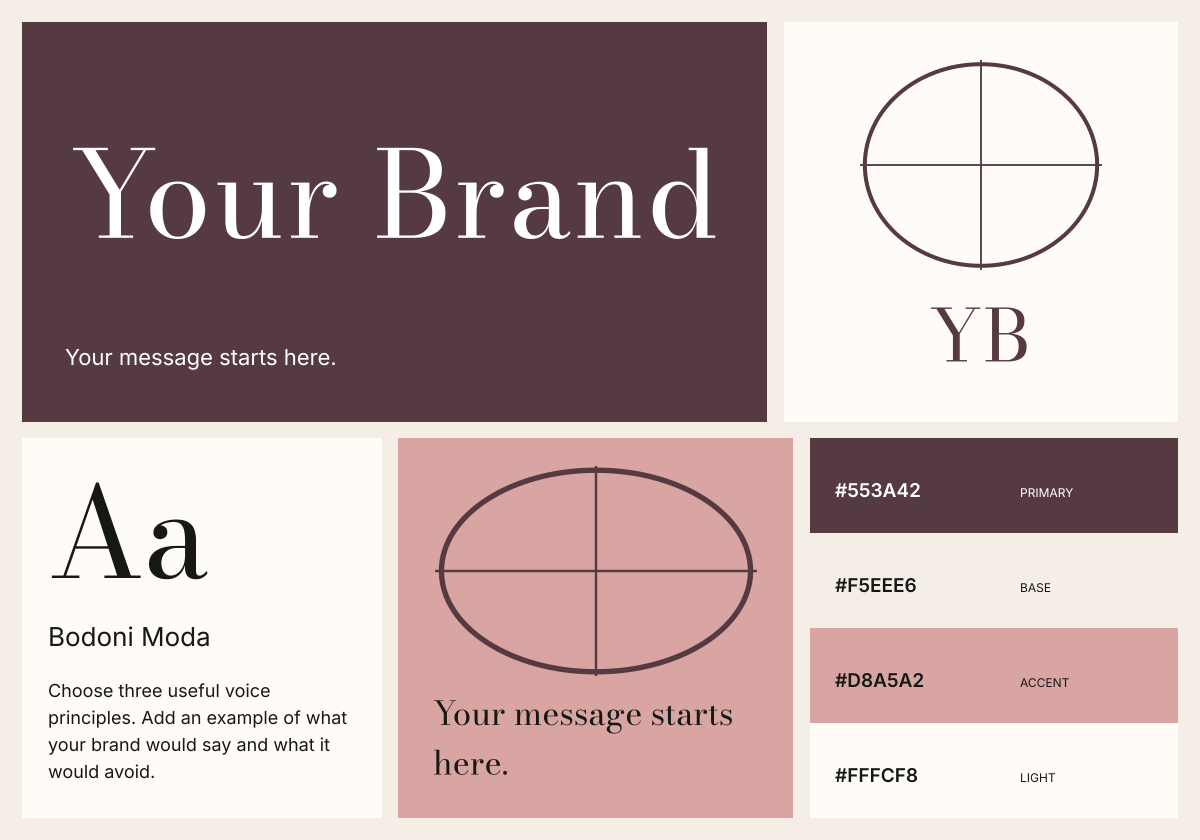
Human & editorial
An expressive serif with warm paper and muted rose. A starting point for a publication, studio or considered lifestyle brand.
Download editorial brand JSON only26 files · about 12 MB · SVG, JSON, CSS, TTF and TXT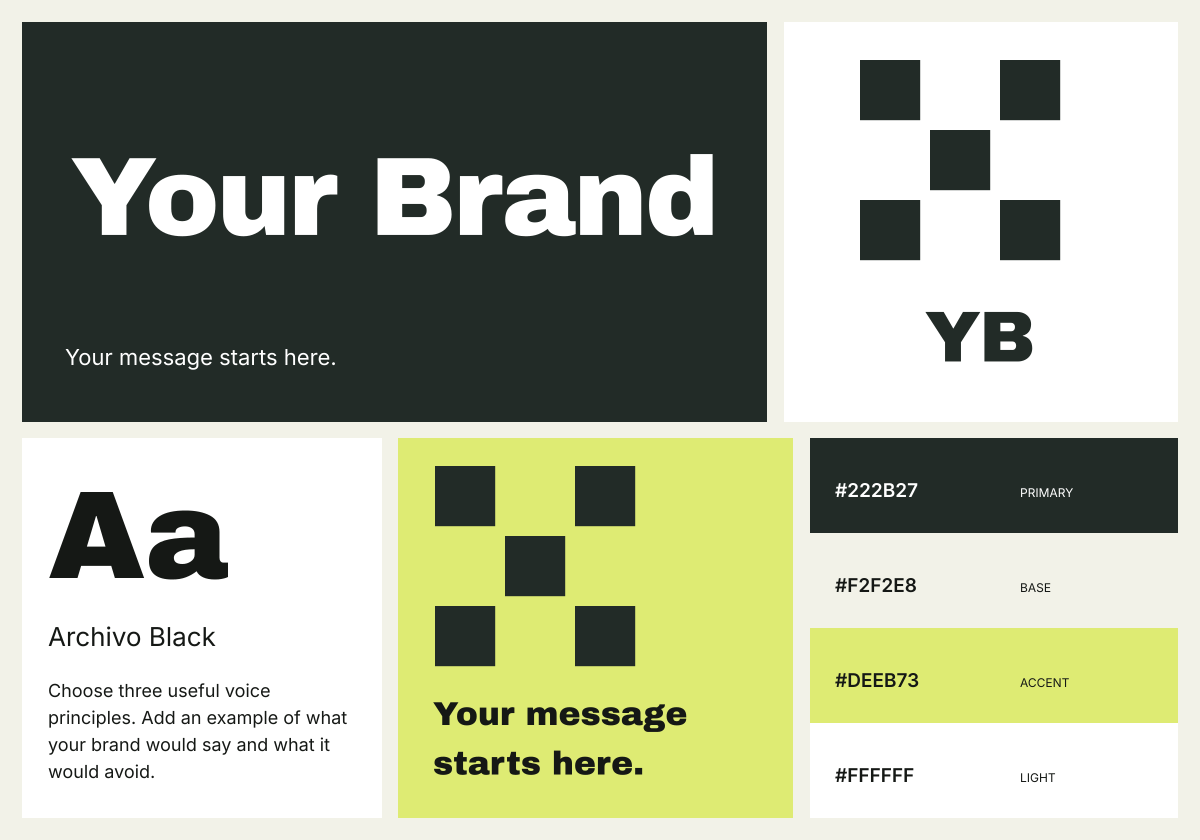
Bold & expressive
Heavy display type, near-black and a sharp yellow accent. Useful for testing a direct, high-contrast campaign direction.
Download bold brand JSON only26 files · about 12 MB · SVG, JSON, CSS, TTF and TXTWhat is inside each brand kit template?
| Files | Purpose | Editing route |
|---|---|---|
| 4 signature SVGs | Primary, reversed, black and compact versions. | Edit vector shapes, or change the name in Brandfolia and export again. |
| 13 application SVGs | Cards, social, story, packaging label, letterhead, web, presentation, envelope, tote, mug, outdoor and mobile artwork. | Use an SVG-capable editor, or regenerate them from the brand profile. |
| brand-system.json + palette.css | Editable identity settings and four color variables. | Import the JSON into the studio; copy CSS variables into your web project. |
| 4 fonts + license notices | Selected display font, Inter regular and semibold, and Noto Sans SC fallback. | Review the bundled font licenses for your intended use. |
| README + QUICKSTART | File inventory, import instructions and production boundaries. | Keep these with the handoff and add project-specific notes. |
The template ZIP contains no PDF. After editing its profile in the studio, you can export a 30-page brandbook and a new source ZIP. To inspect a finished document first, open the brandbook PDF examples.
How to edit the template in Brandfolia
- Download a ZIP and extract it, or download its brand JSON only. Keep a copy of the original.
- Open the identity studio. Choose Backup & import, then Import project or brand JSON. Select
brand-system.jsonfrom the ZIP, or the separate JSON download. Save an existing unsaved project when prompted. - Replace the brand name, tagline, positioning, story, audience, voice and contact details. Choose your palette and type direction. “Your Brand” and
hello@example.comare placeholders. - Review the applications, then export the guide and source package. Check long names, line breaks and small formats before approving the result.
Importing, editing and exporting a starter profile happens locally and does not require an AI proposal. Creating an AI proposal or generating images requires an account and uses the current free-kit and image allowances.
Can I edit these files in Figma or Illustrator?
The SVG artwork can be opened or imported in editors that support SVG, including Figma, Illustrator and Inkscape. The lettering is converted to vector outlines, so it does not depend on installed fonts. Outlined letters are shapes, not editable text. Use the brand JSON import to change the original wording and export fresh SVGs.
Native Figma, AI and PSD documents are not included. The CSS supplies color variables, not a website theme; website and mobile SVGs are interface artwork, not running websites or apps.
Before using the starter commercially
You may use and adapt the supplied starter layouts in personal or commercial projects; the bundled fonts retain their included SIL Open Font License terms. The generic name, placeholder copy and typographic signature are not an exclusive identity or trademark clearance. Check the rights to every name, logo and image you add.
All artwork uses sRGB. Print, packaging, merchandise and outdoor files need supplier dimensions, safe areas, bleed, color preparation and a proof. Read the brand application specifications before production.
If your assets are already approved and you only need to document the rules, use the brand guidelines worksheet instead. Use the brand kit generator when you want a new direction from a business brief.