Start with what is true
Write the brand story, audience, promise, values and tone of voice. Missing details remain drafts, so the document never invents a business history or a strategic claim.
A brandbook makes your decisions repeatable. Build one from your own story, visual assets and clear guidelines, then arrange the chapters for the people who need them.
Start in the studioStart with your brand brief and existing product assets. The free studio lets you edit a 12-section working draft. For completed examples, inspect the free case-system downloads. The planned $99 Brand System package is not open for orders.
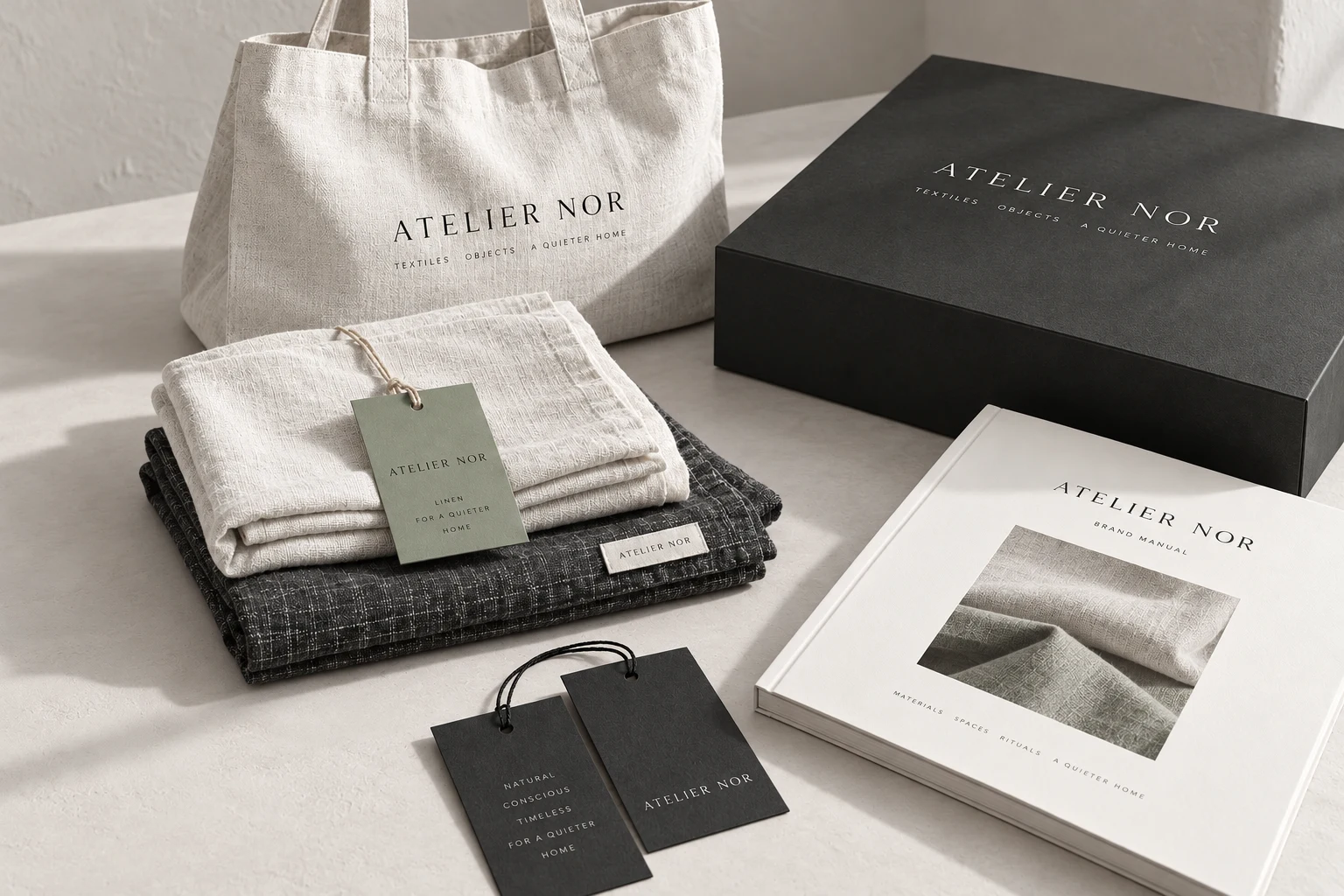
Write the brand story, audience, promise, values and tone of voice. Missing details remain drafts, so the document never invents a business history or a strategic claim.
Choose the chapters, change their order and add your own titles and notes. The 12-section starting structure covers brand foundation, wordmarks, clear space, palette, typography, imagery, applications and handoff.
Download three watermarked PNG previews and save the project JSON locally. Explore the freely downloadable fictional case books for 24-section PDF and editable-source examples. Paid delivery is not open yet.
Brandfolia turns your brand details, uploaded logo, product image, palette and type choices into a modular brand guidelines document. Choose from 12 sections, edit titles and notes, arrange the order and inspect a working preview. Paid delivery of a finished 24-section book is planned and is not available yet.
The free previews are available now. Paid project delivery is planned and not available yet. Compare the planned $99 and $299 scopes.
Yes. Upload a primary logo and an optional reversed version. The studio preserves the uploaded artwork and applies it to supported layouts.
Yes. The chapter editor supports inclusion, ordering, custom titles and notes. Preview the new structure after changing the project.
No. This is a visual system editor. Positioning research, custom illustration, trademark review and packaging production are separate work.
Three free watermarked previews. Planned paid packages from $99; not open for orders. Explore planned packages.