Social media branding
Your brand.
Your social media kit.
Build a social media kit around your identity: profile details, avatar and cover artwork, post designs and a consistent voice. Keep the source brand close when it is time to make something new.
AI tools require sign-in and an activated paid kit. See plans and allowances.
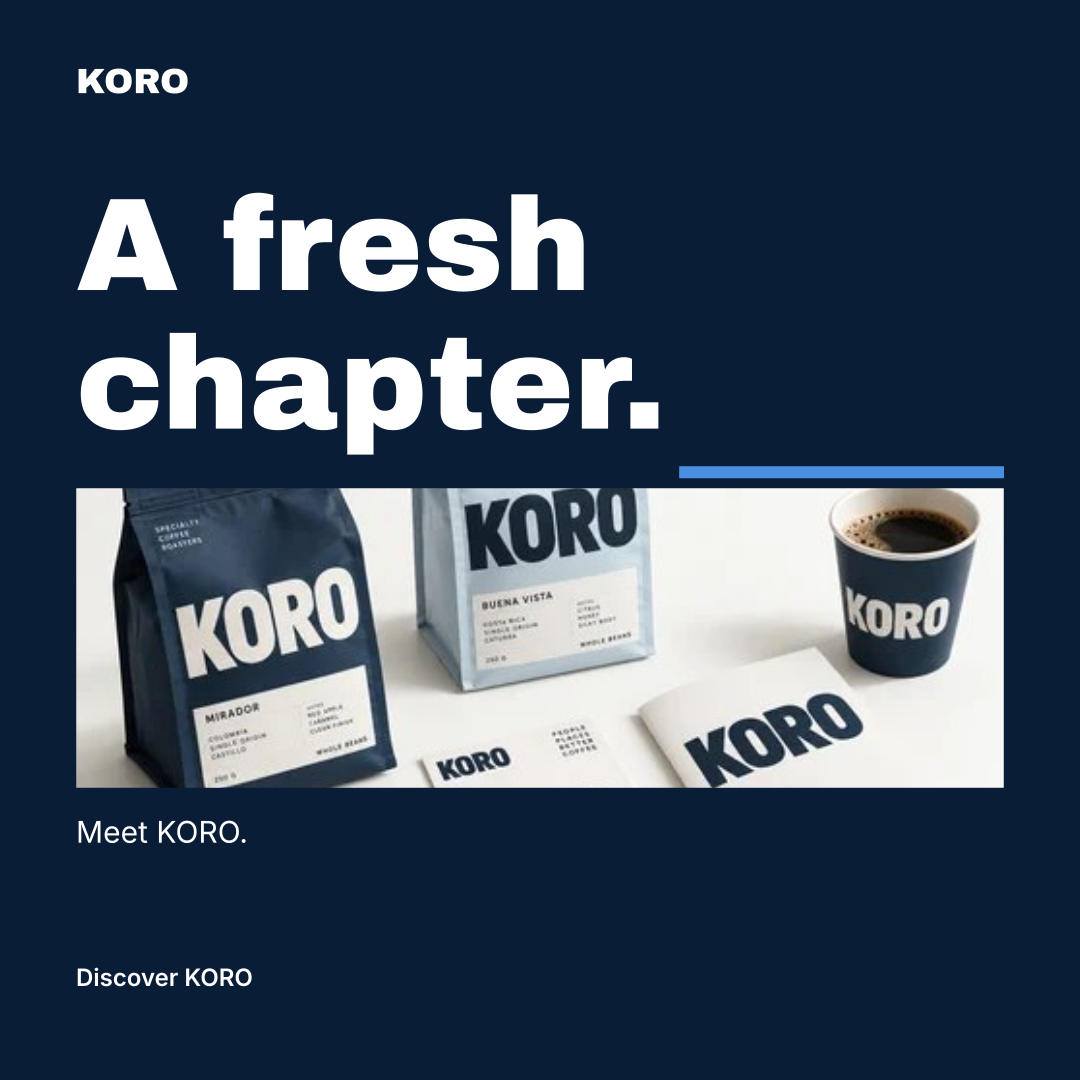
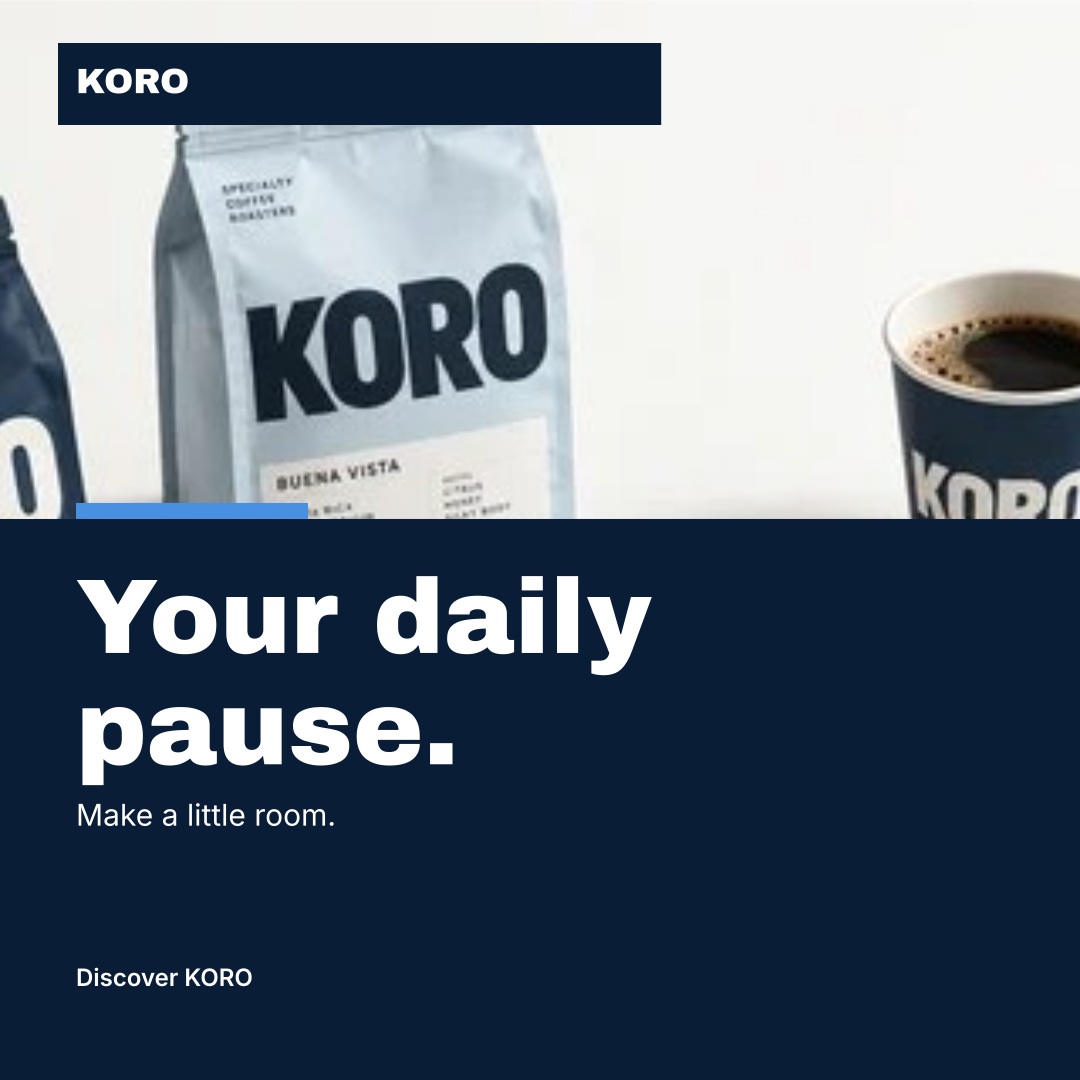
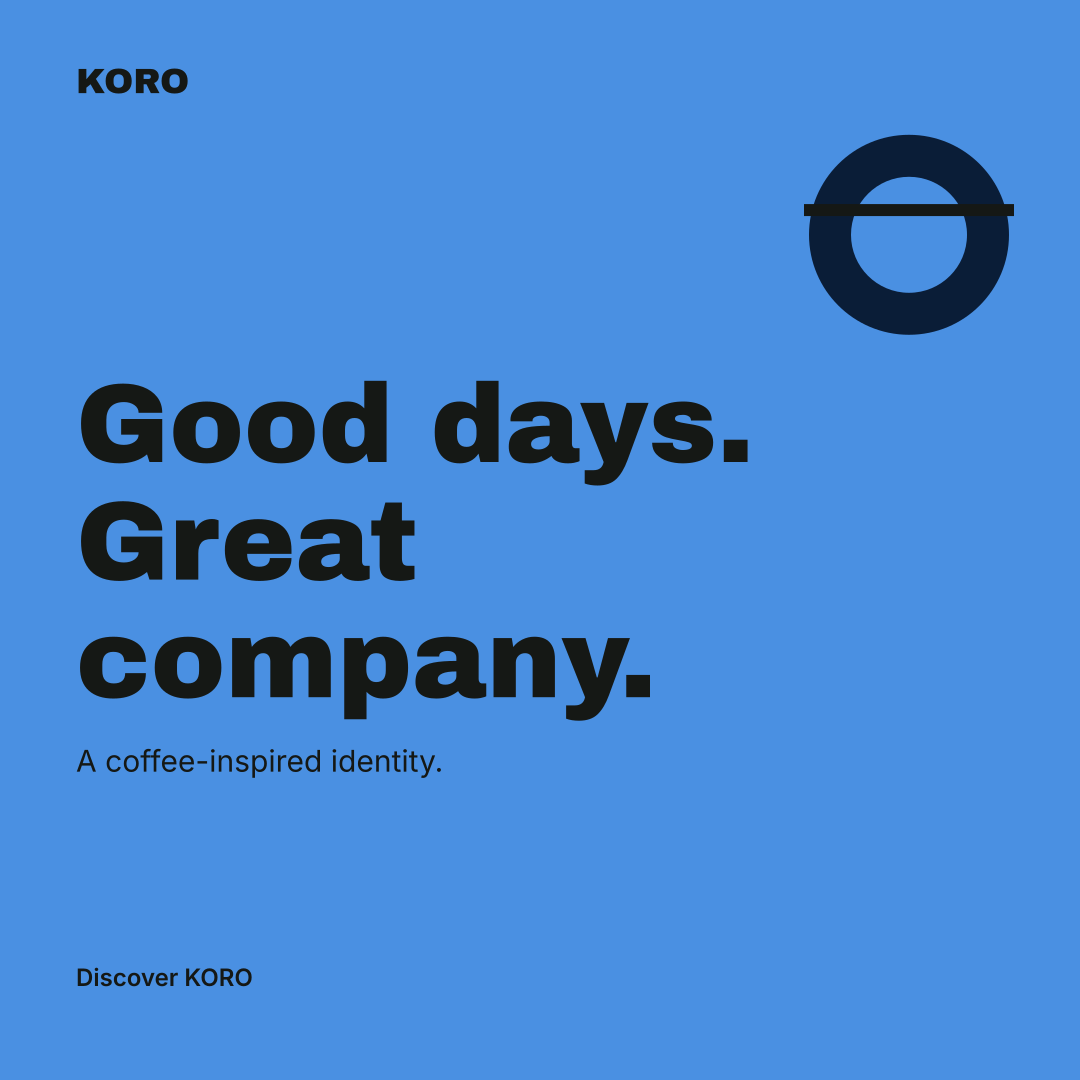
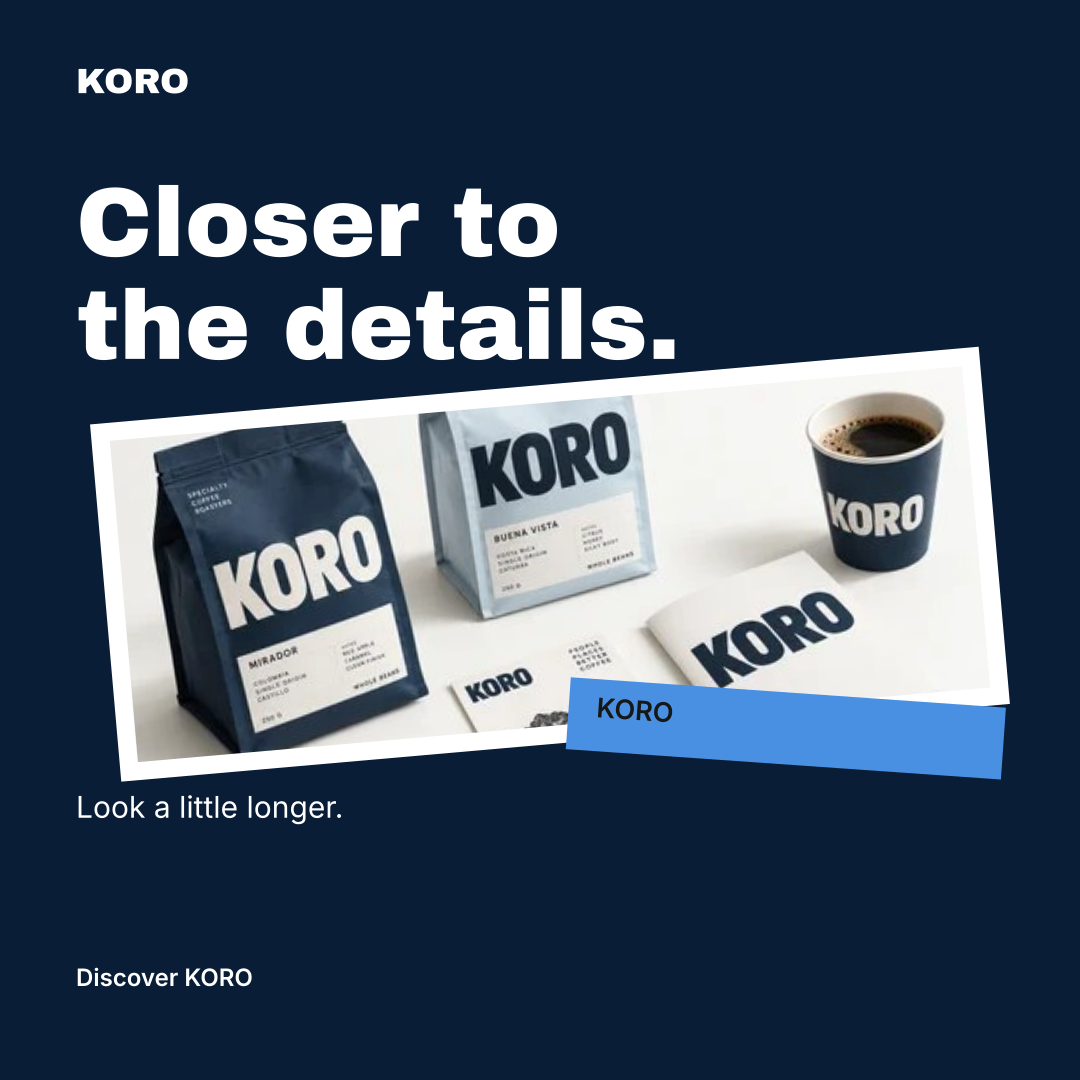
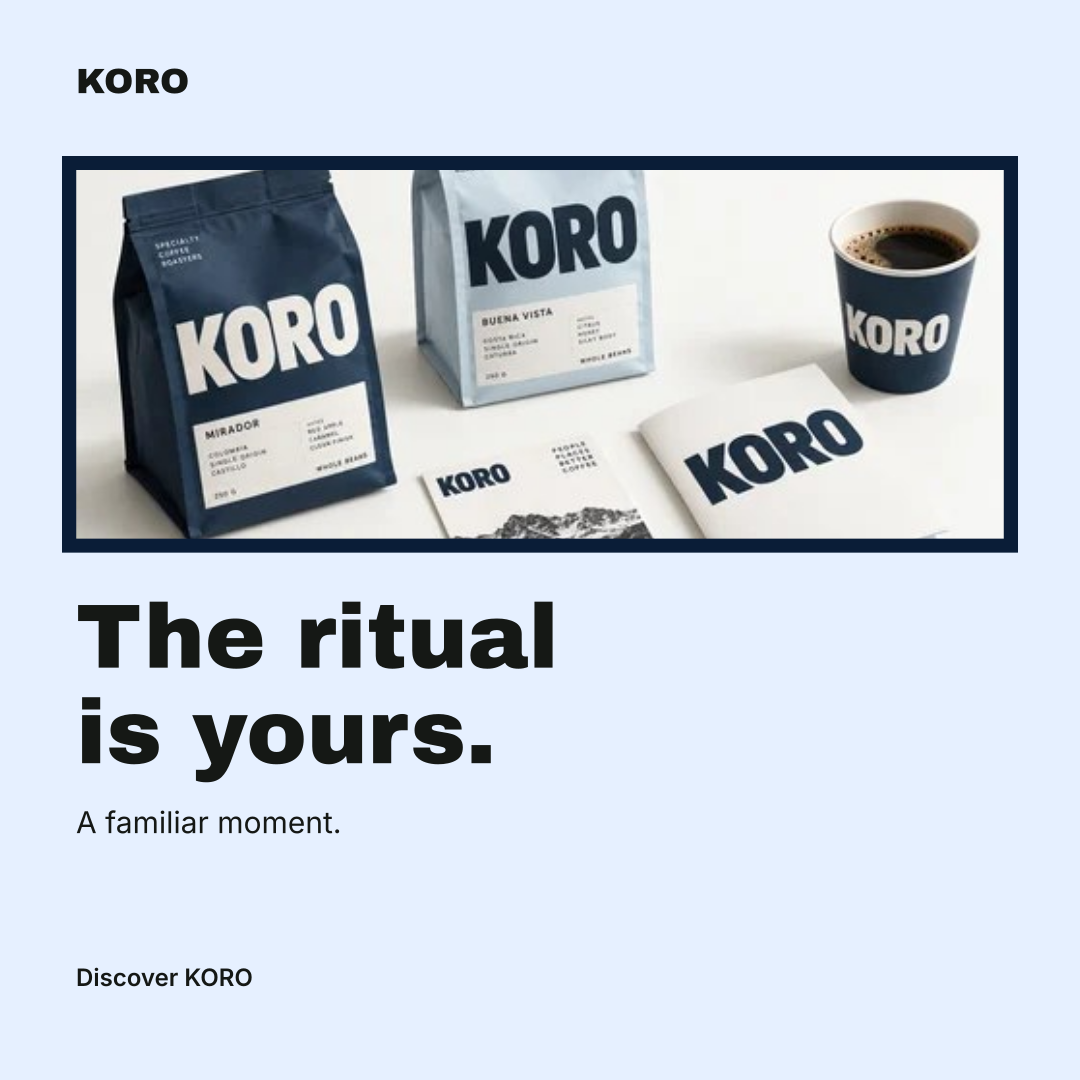
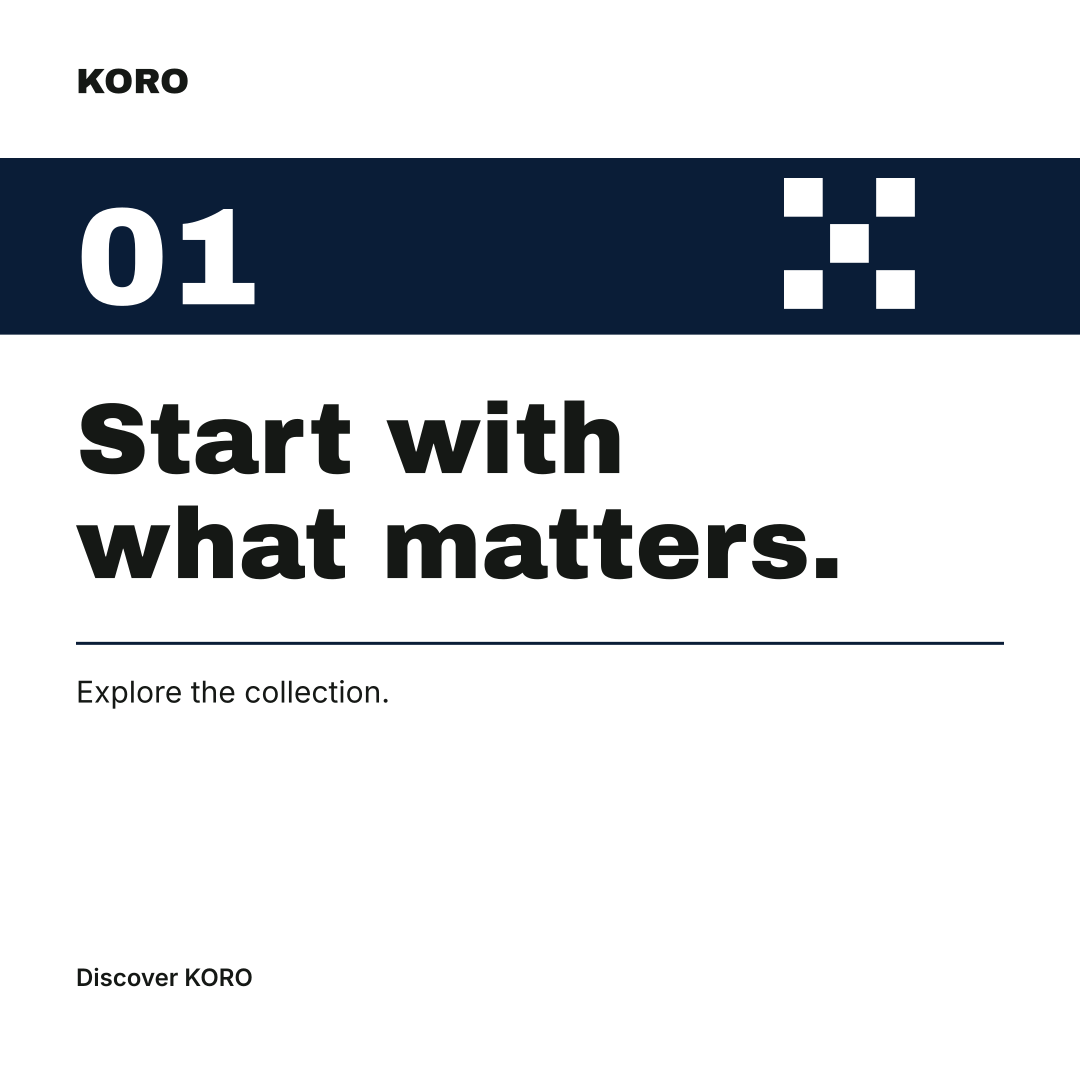
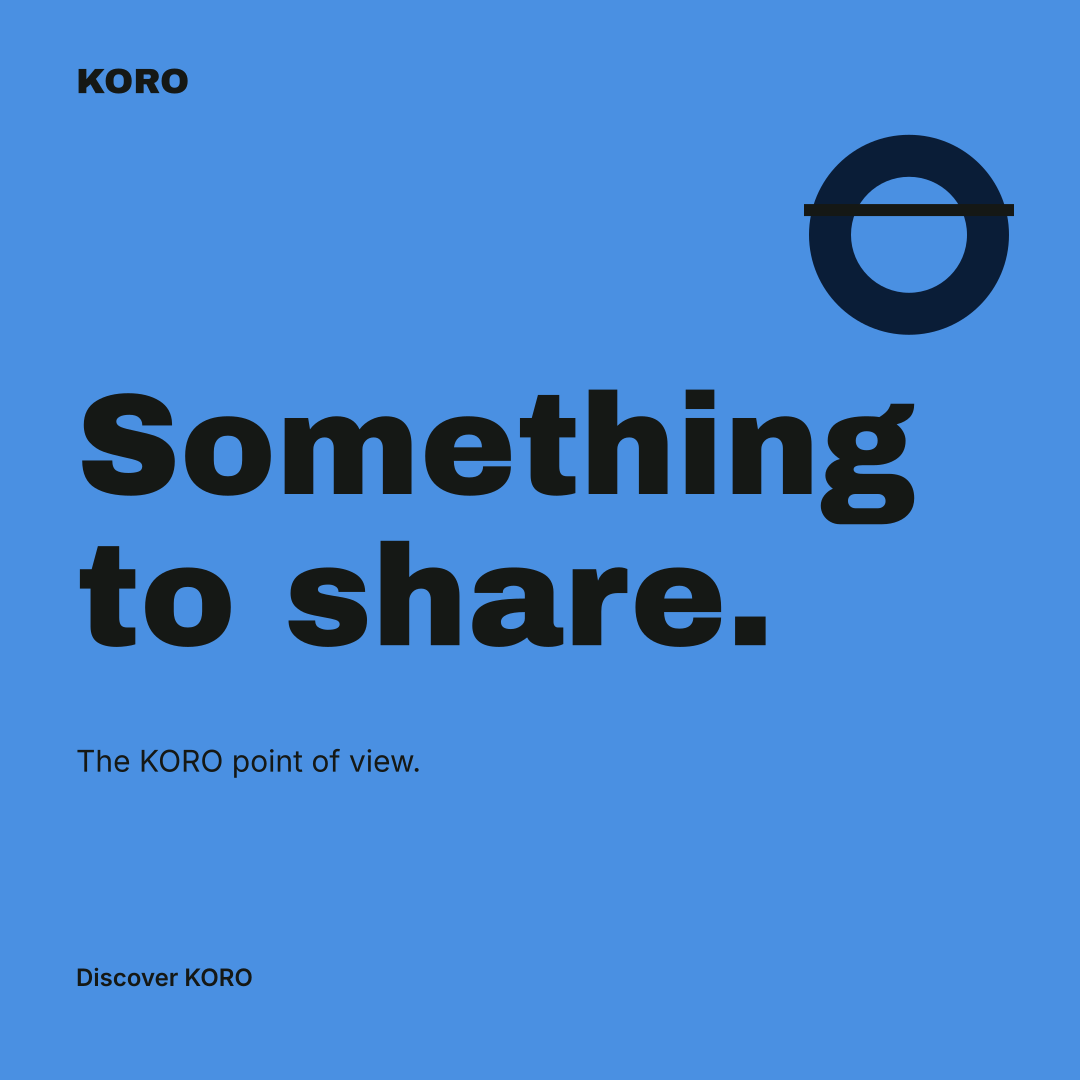
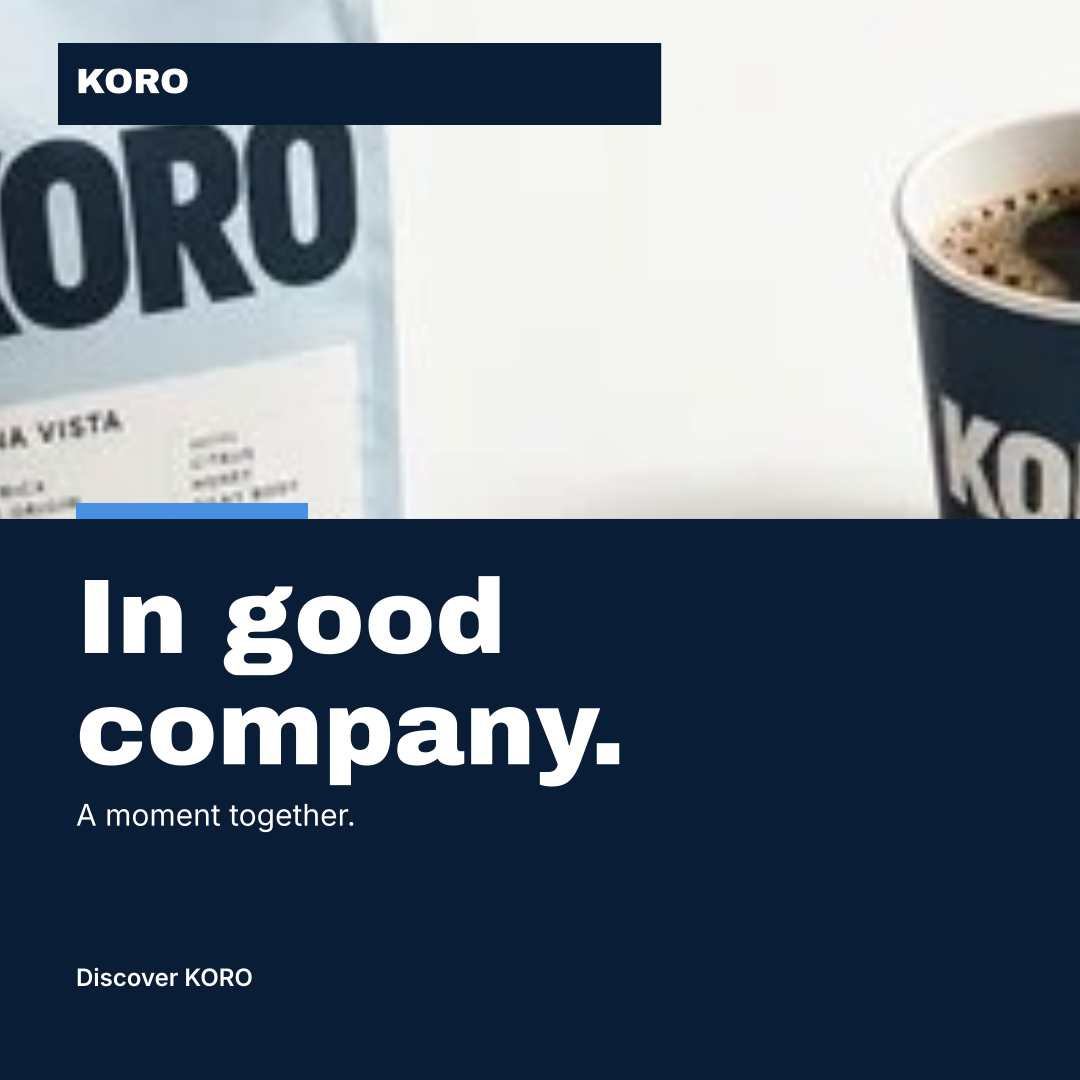
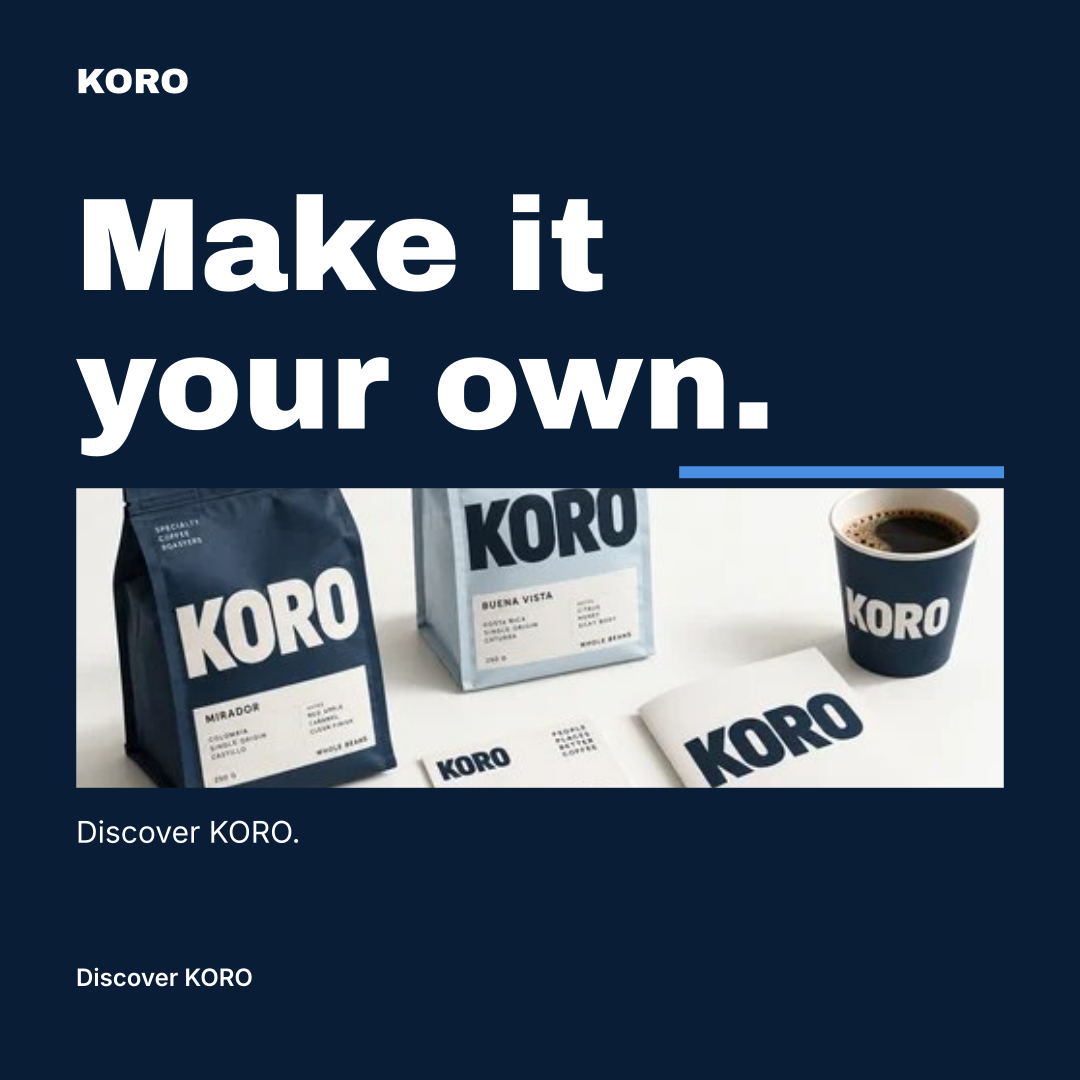
One identity. Nine designs.
Fictional brand · Actual workspace exports
What your social media kit includes
Recognizable at every size.
Your kit is a working collection of brand assets and content. Start with the formats you need and grow it with each campaign.
- Profile foundations
- Keep a display name, handle, bio, website, highlight ideas and pinned-post ideas for each channel. Edit the draft before copying it to the platform.
- Avatar and cover artwork
- Render artwork from your brand profile or use your own images. Preview safe areas and check the final crop on the destination platform.
- Posts, stories and carousels
- Build square, portrait and vertical artwork. Develop carousel pages with a shared palette, typography and visual direction.
- Copy that starts with your brand
- The content assistant carries your brand voice, product facts, channel and format into the draft. Edit headlines, captions, calls to action and alt text.
One identity, different purposes
See the kit in use.
These three designs share the KORO identity while changing the message and layout. Your content remains editable in the workspace.
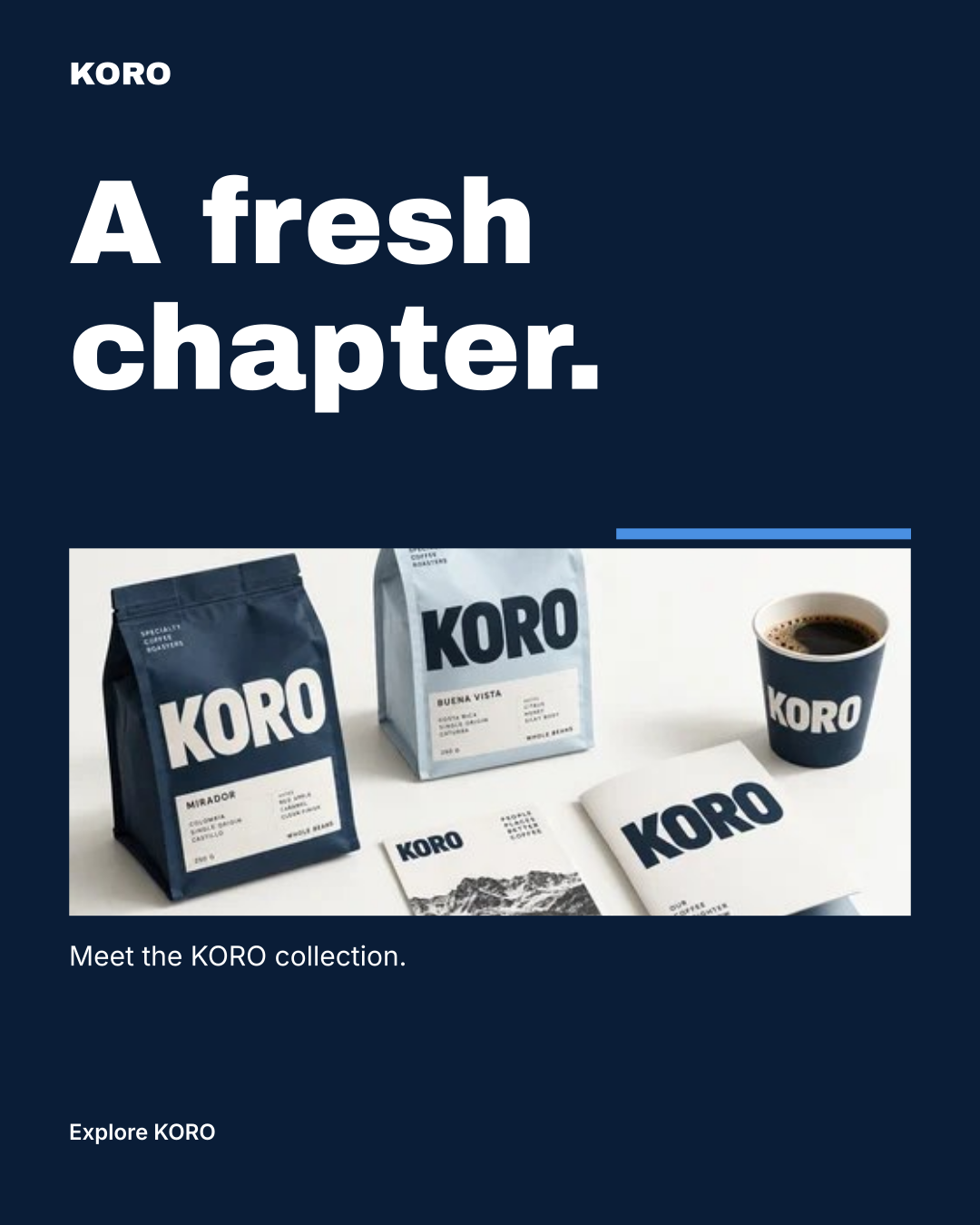
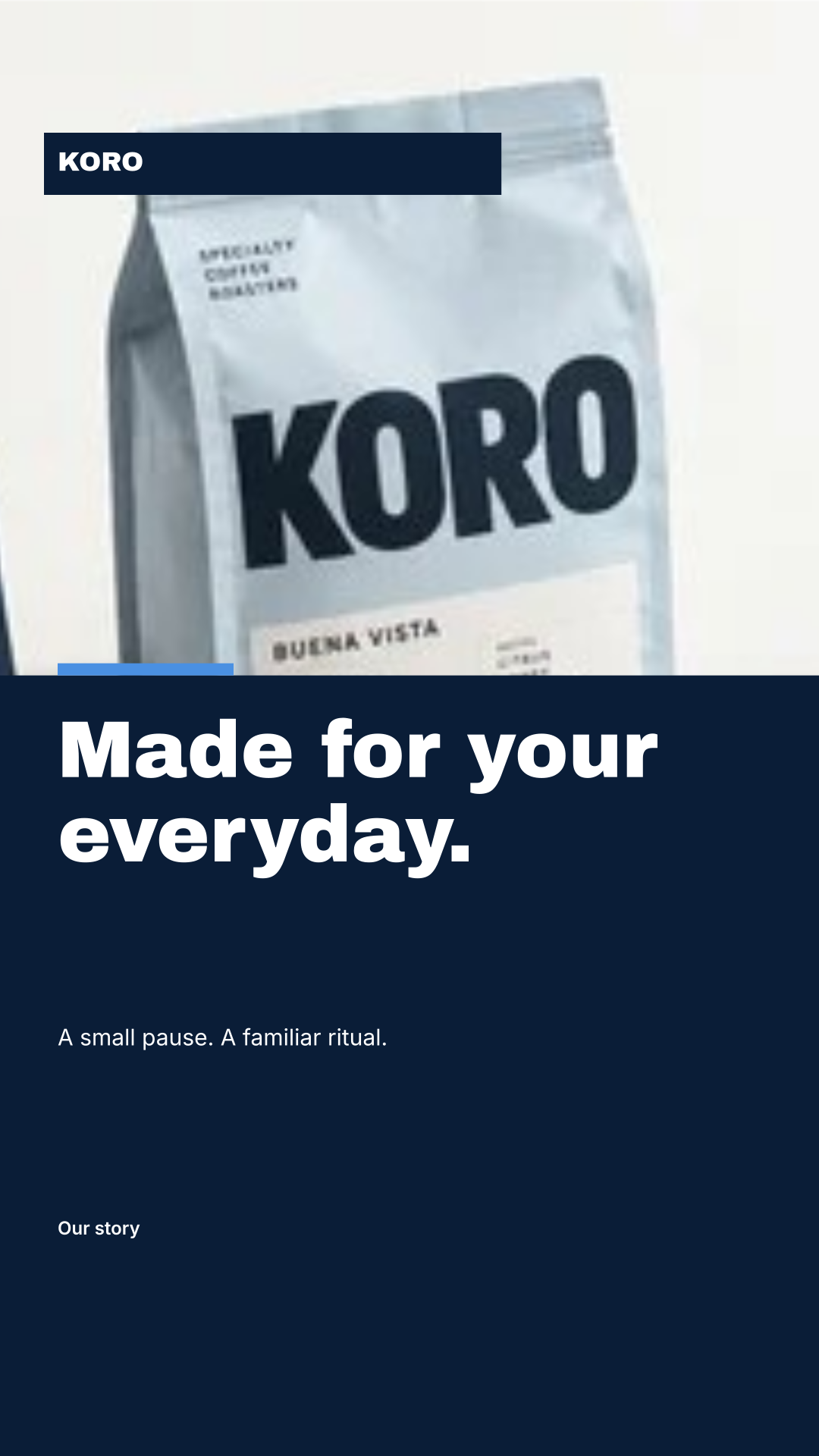
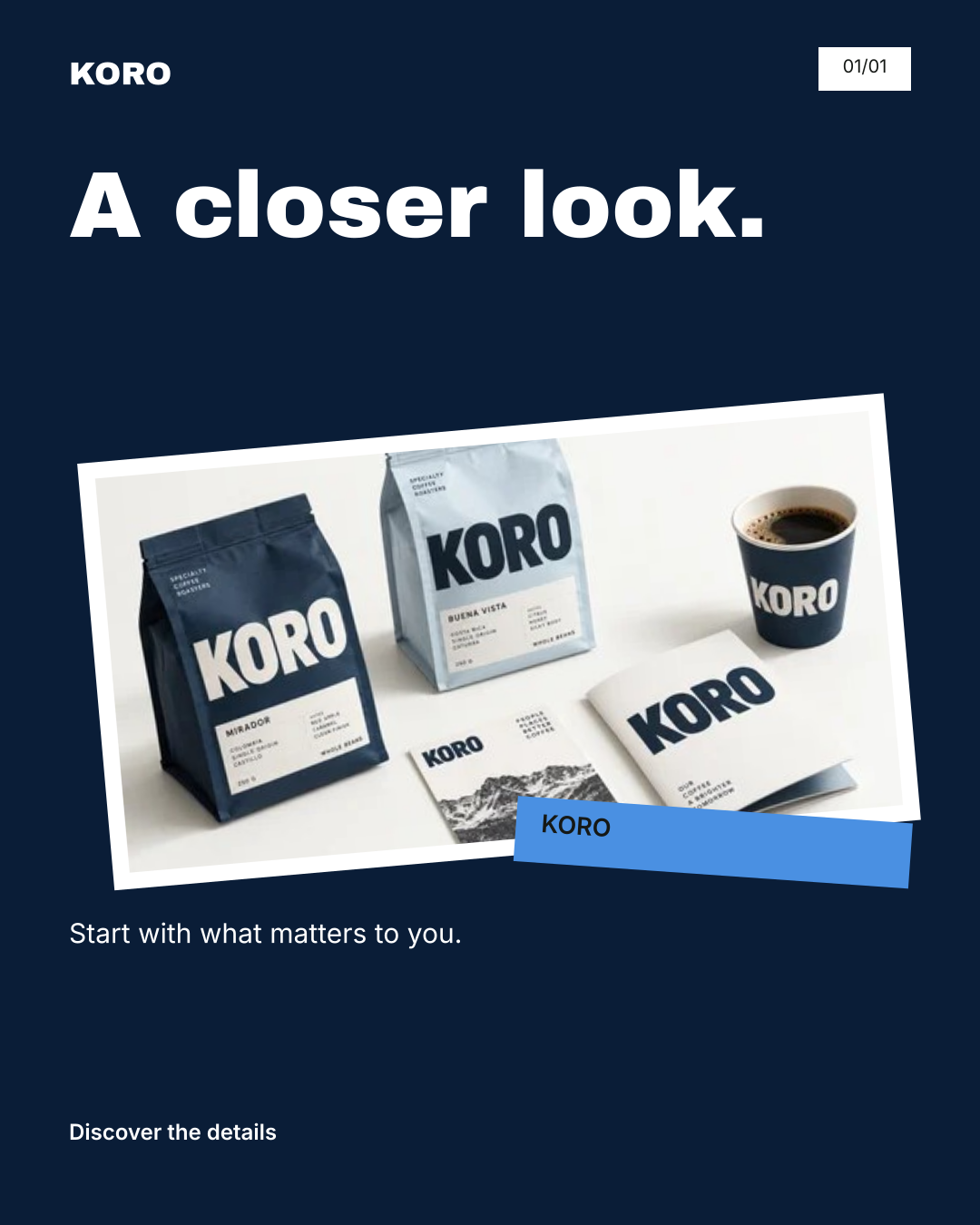
Fictional KORO example. Actual workspace renders with sample copy and an existing AI-assisted product reference; these are exported designs, not customer results.
A different brand, a different rhythm
Find your own kind
of presence.
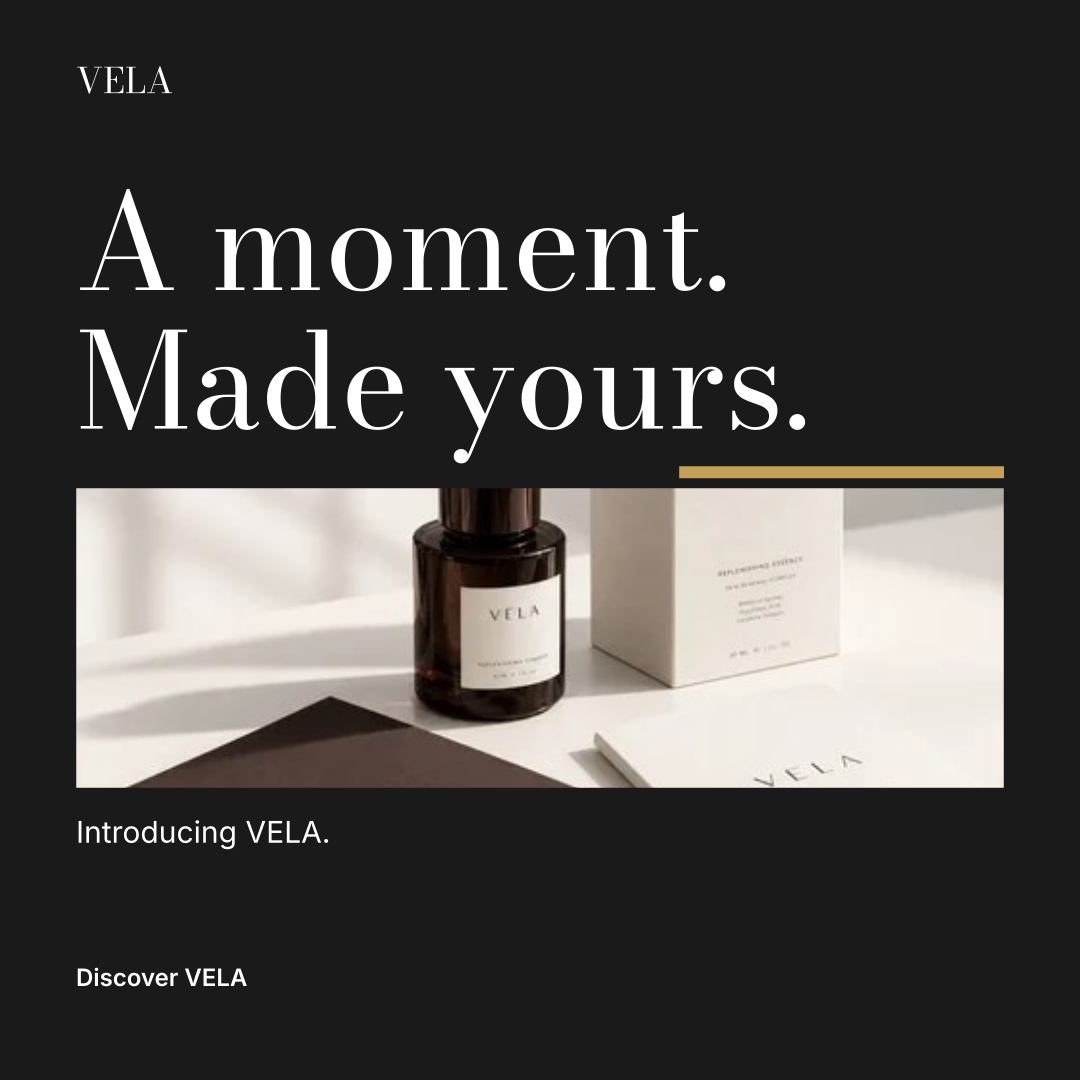
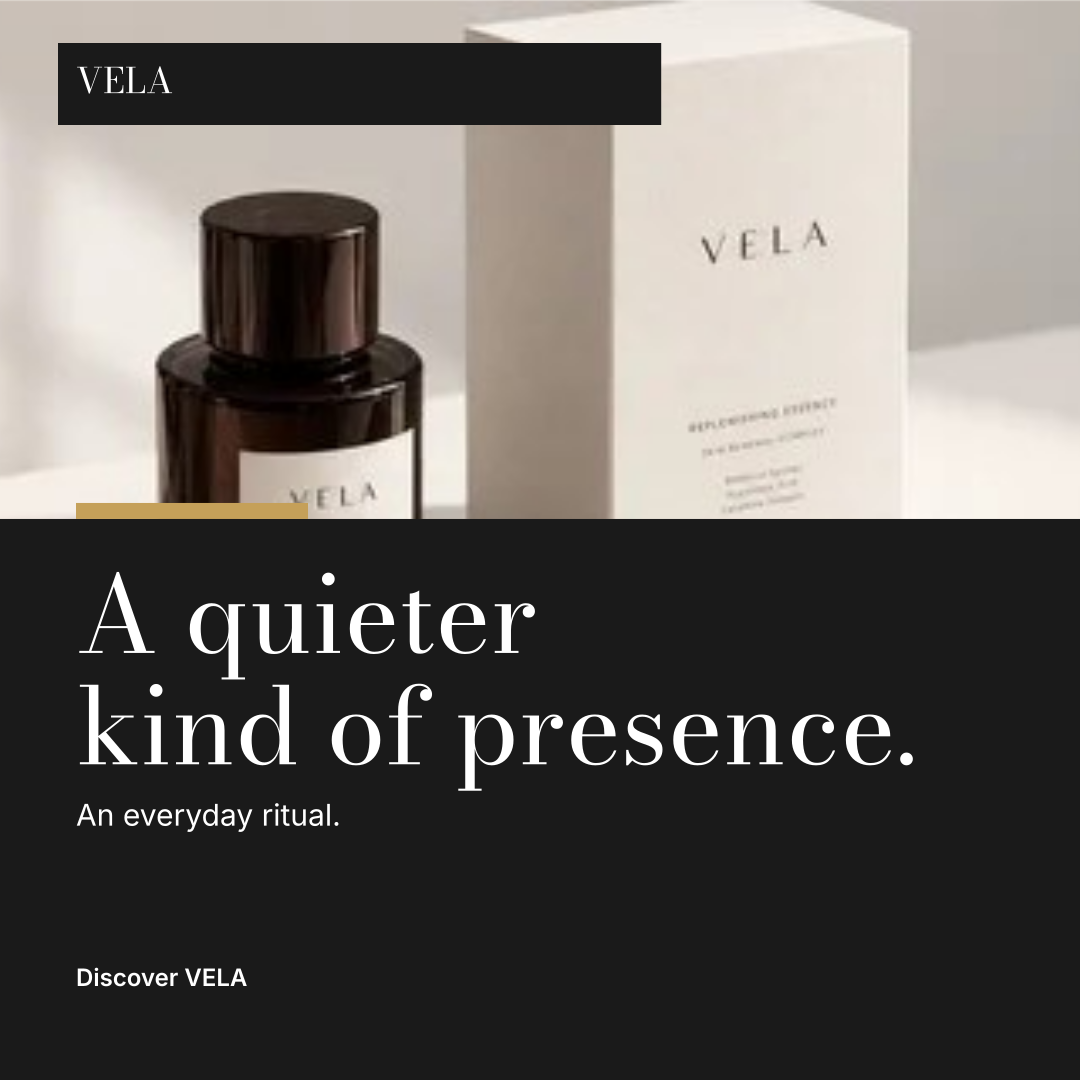
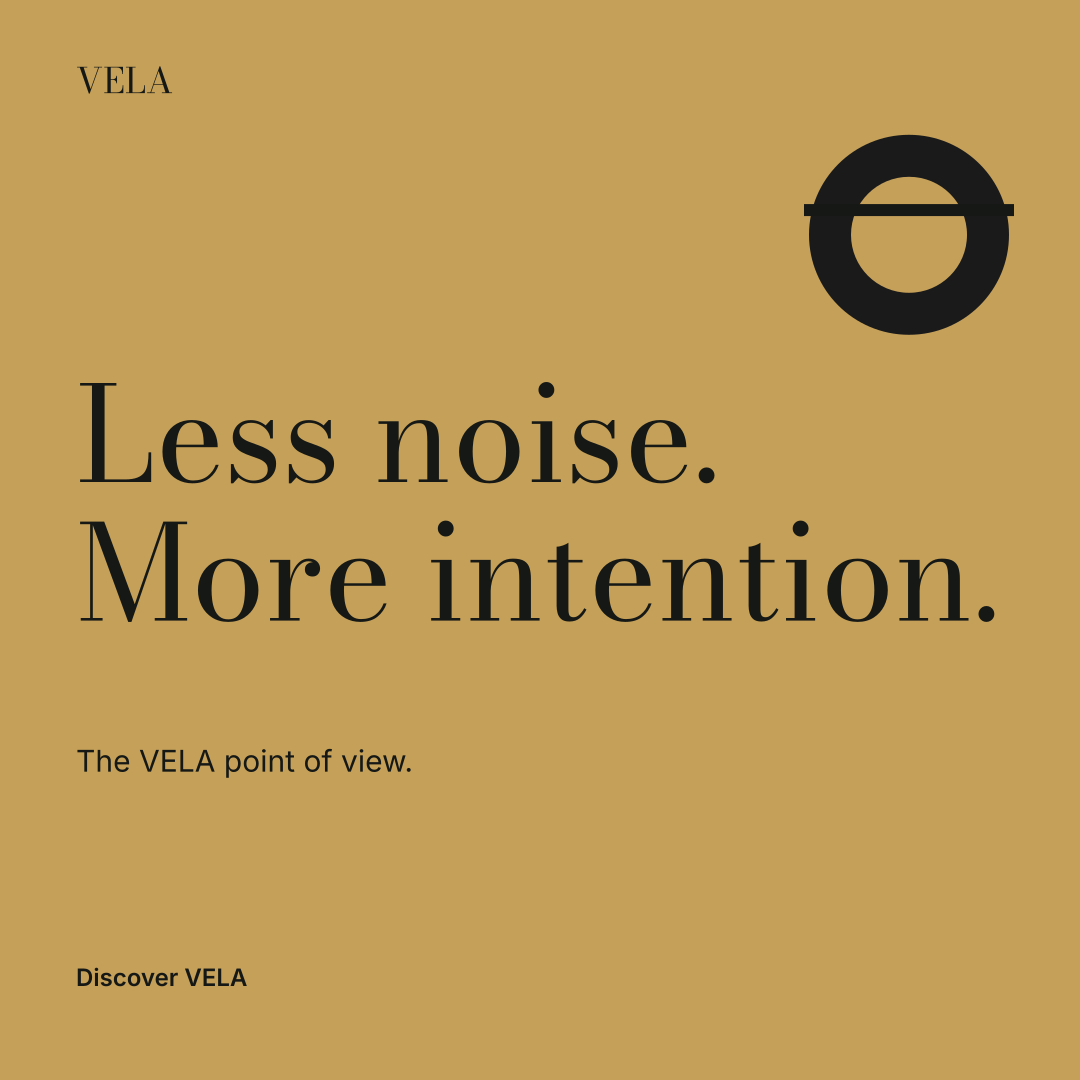
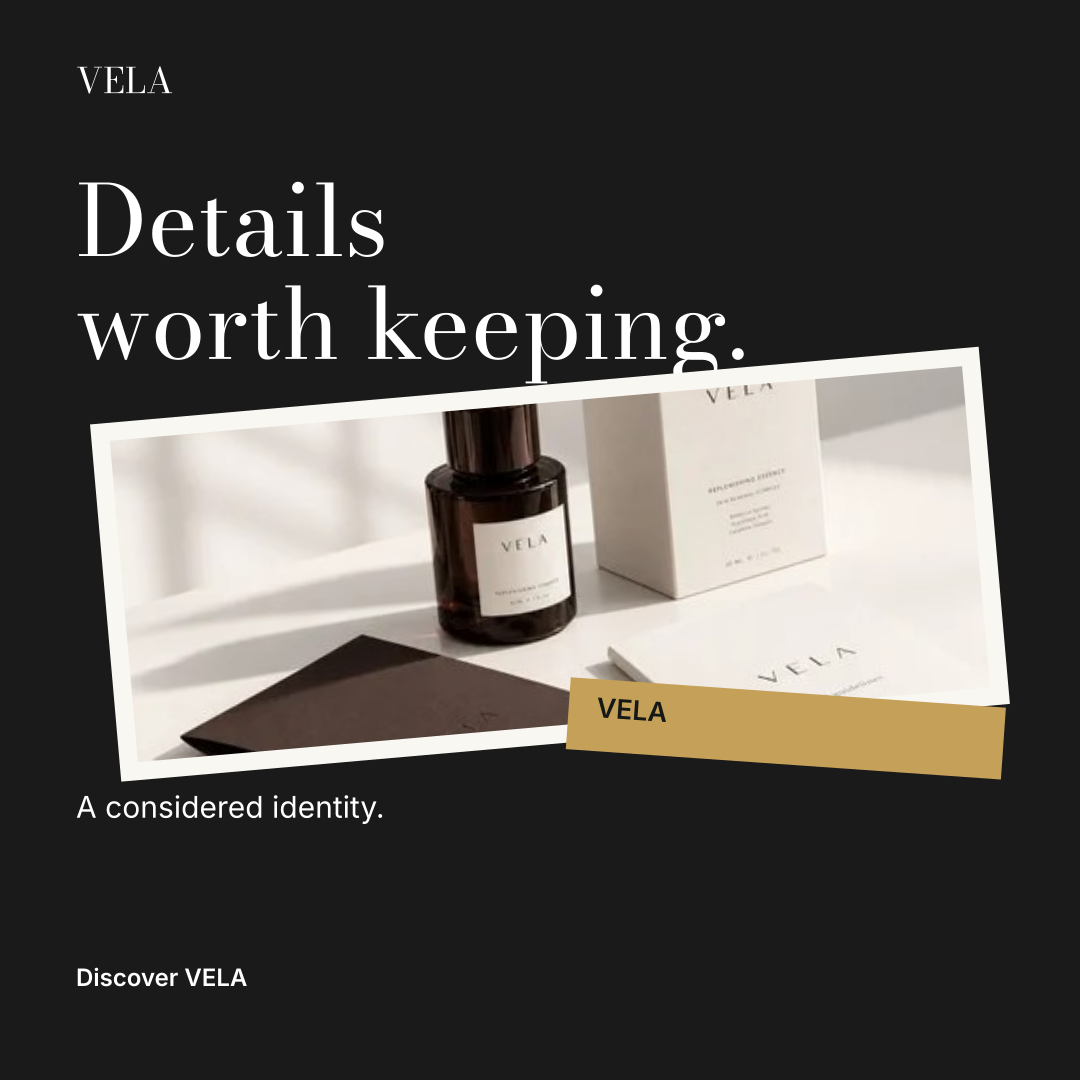
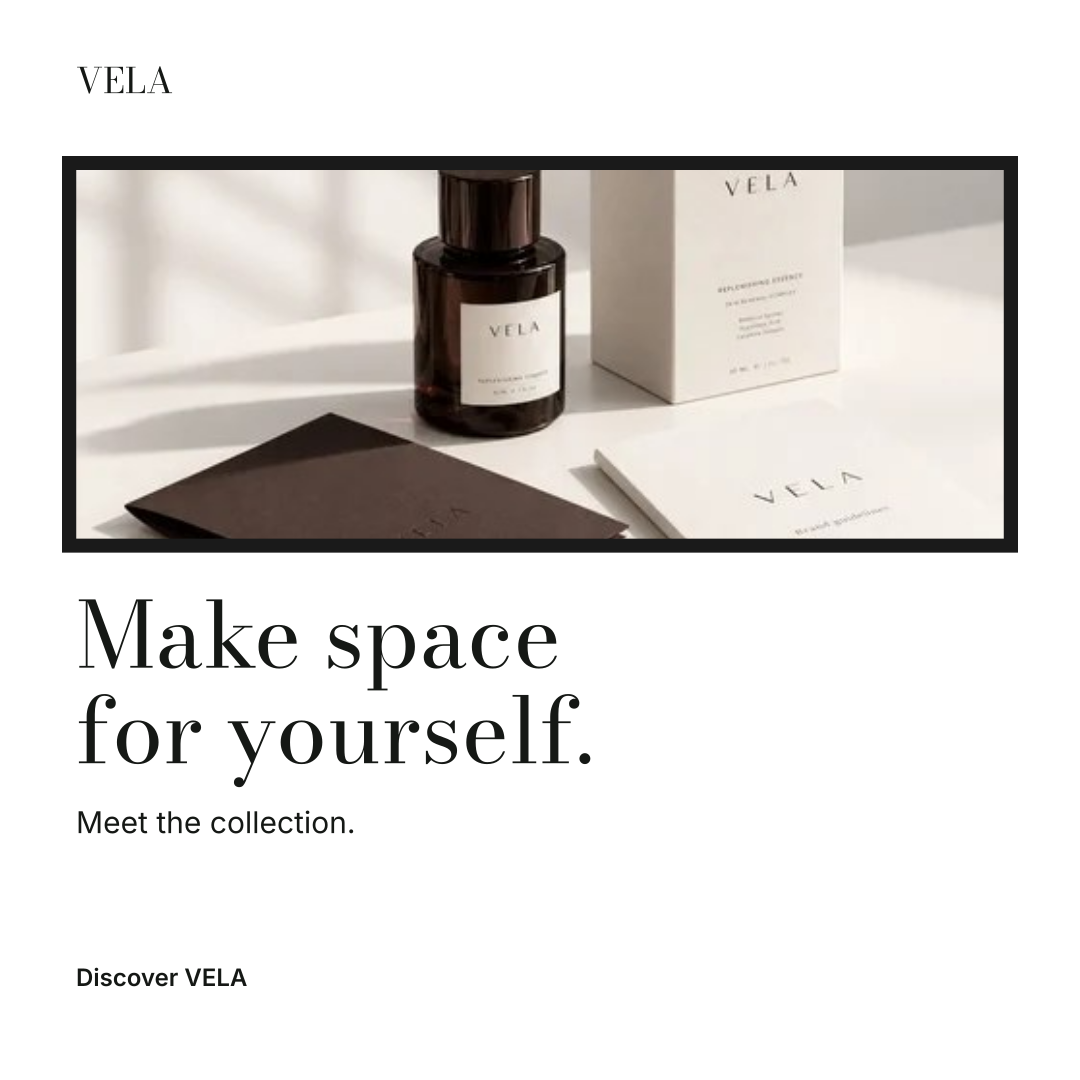
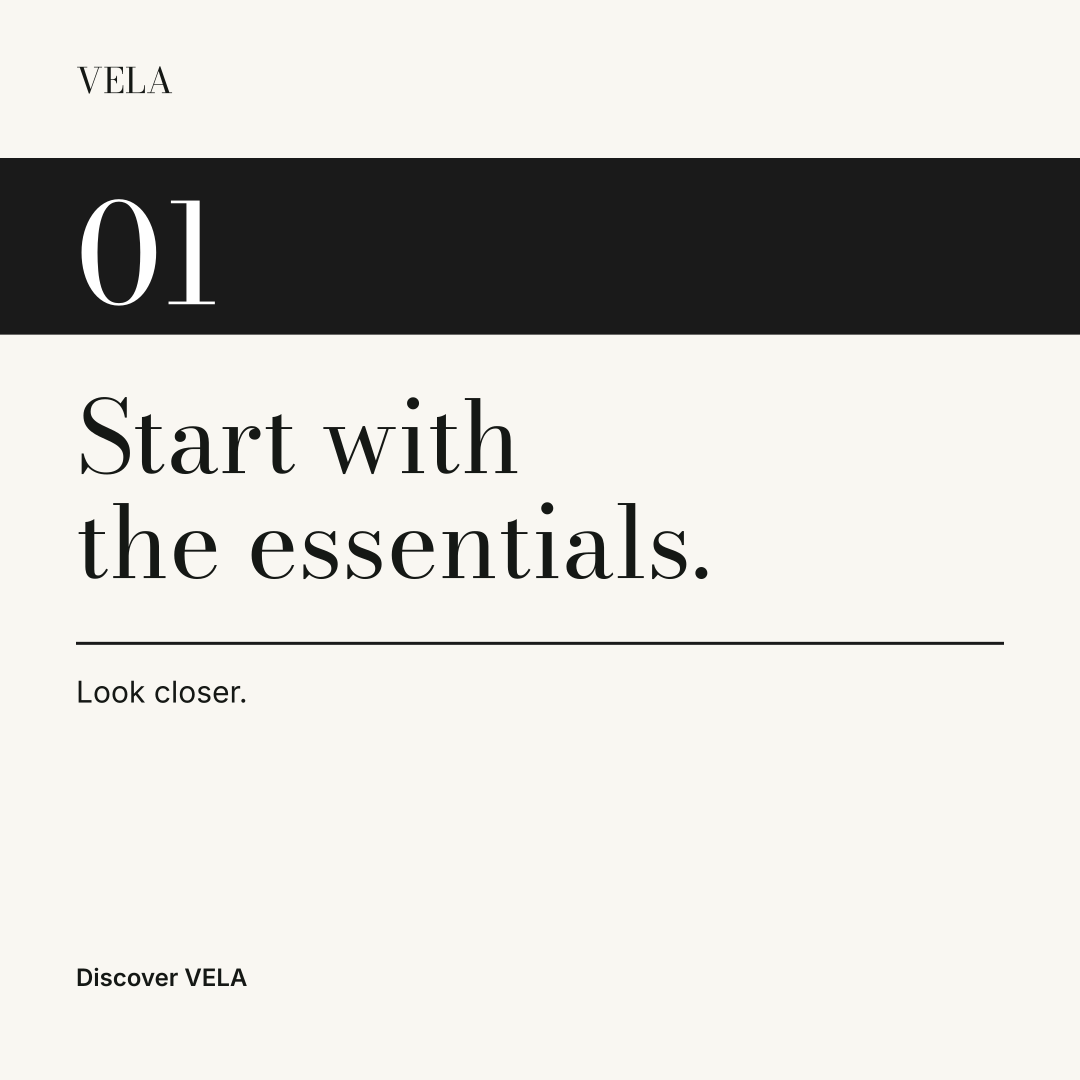
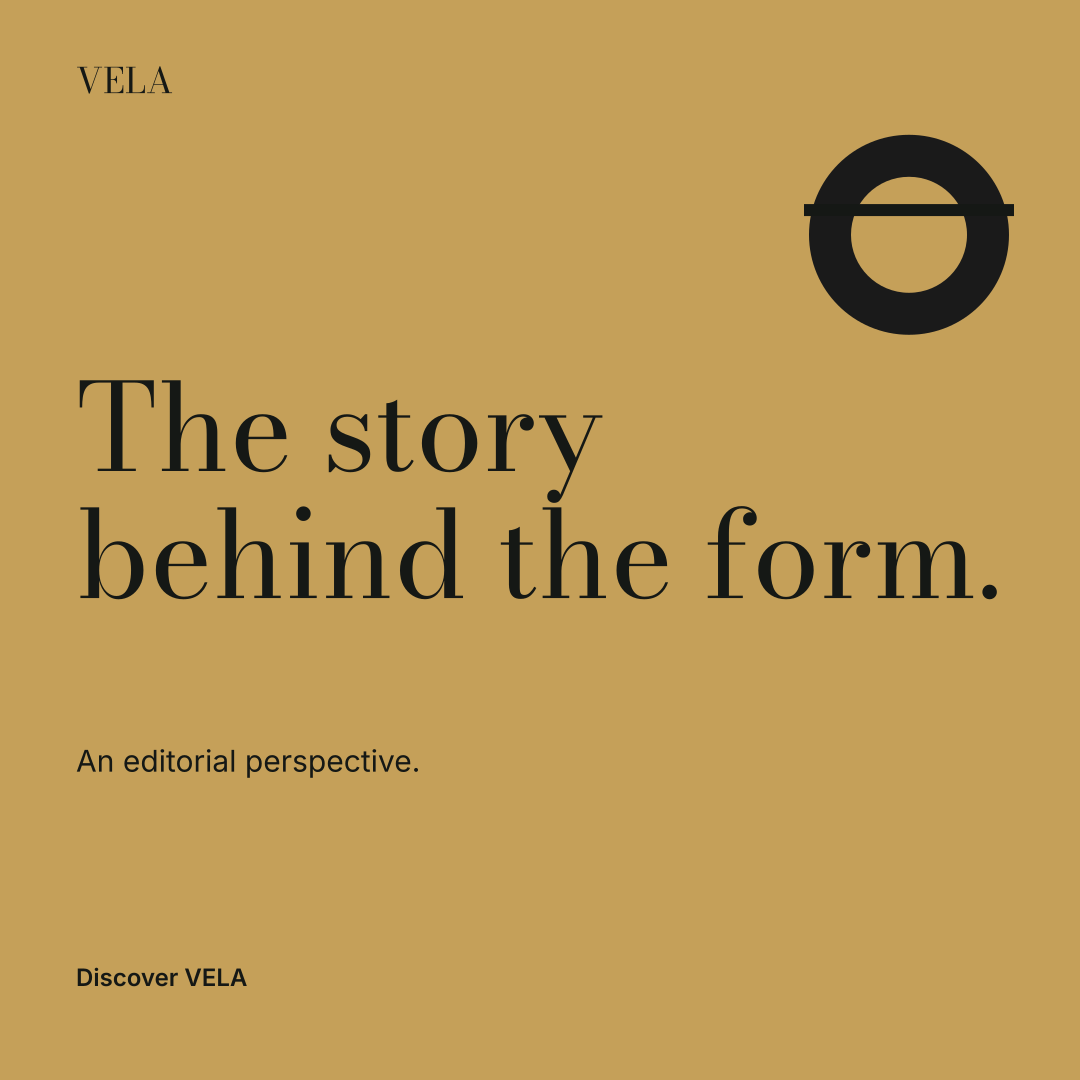
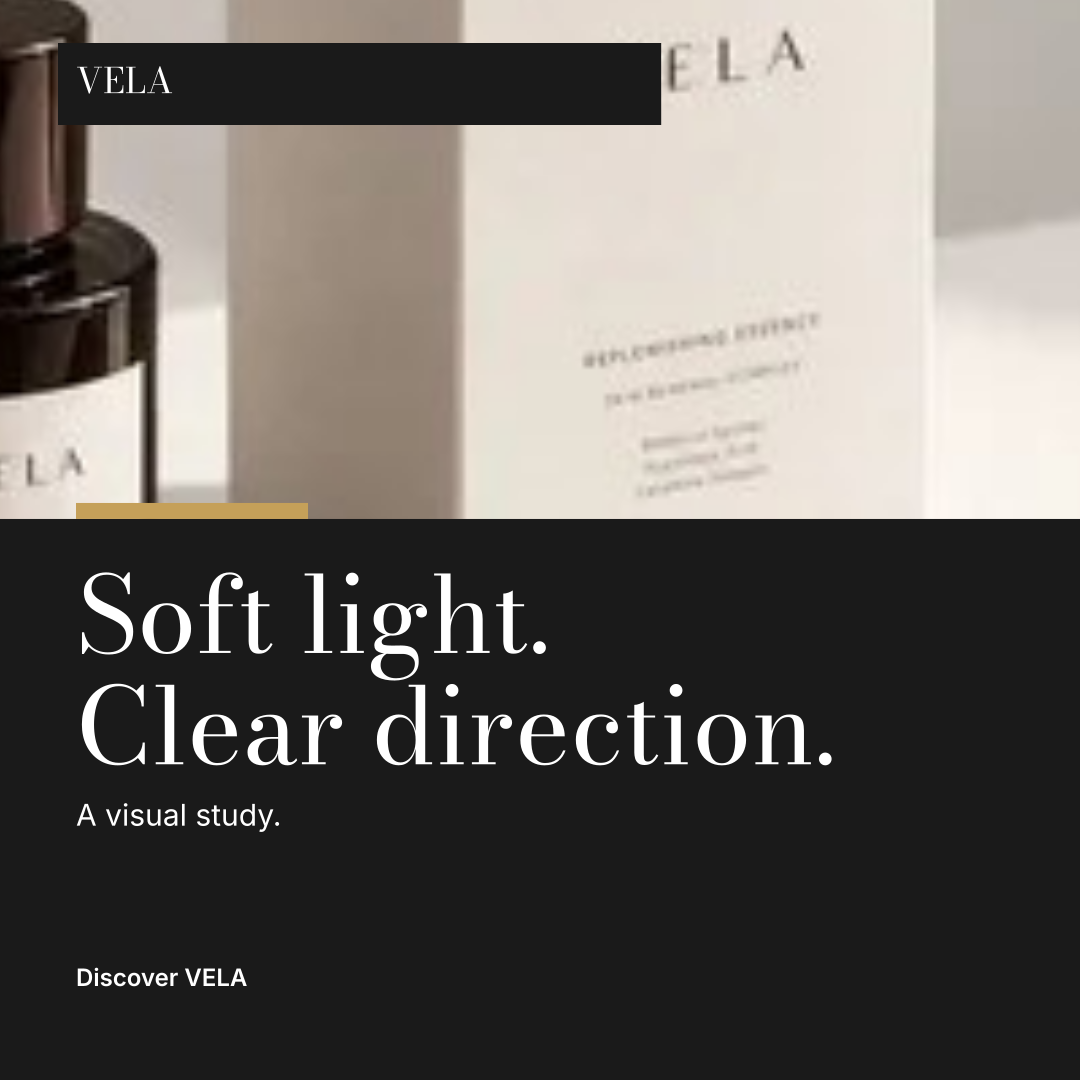
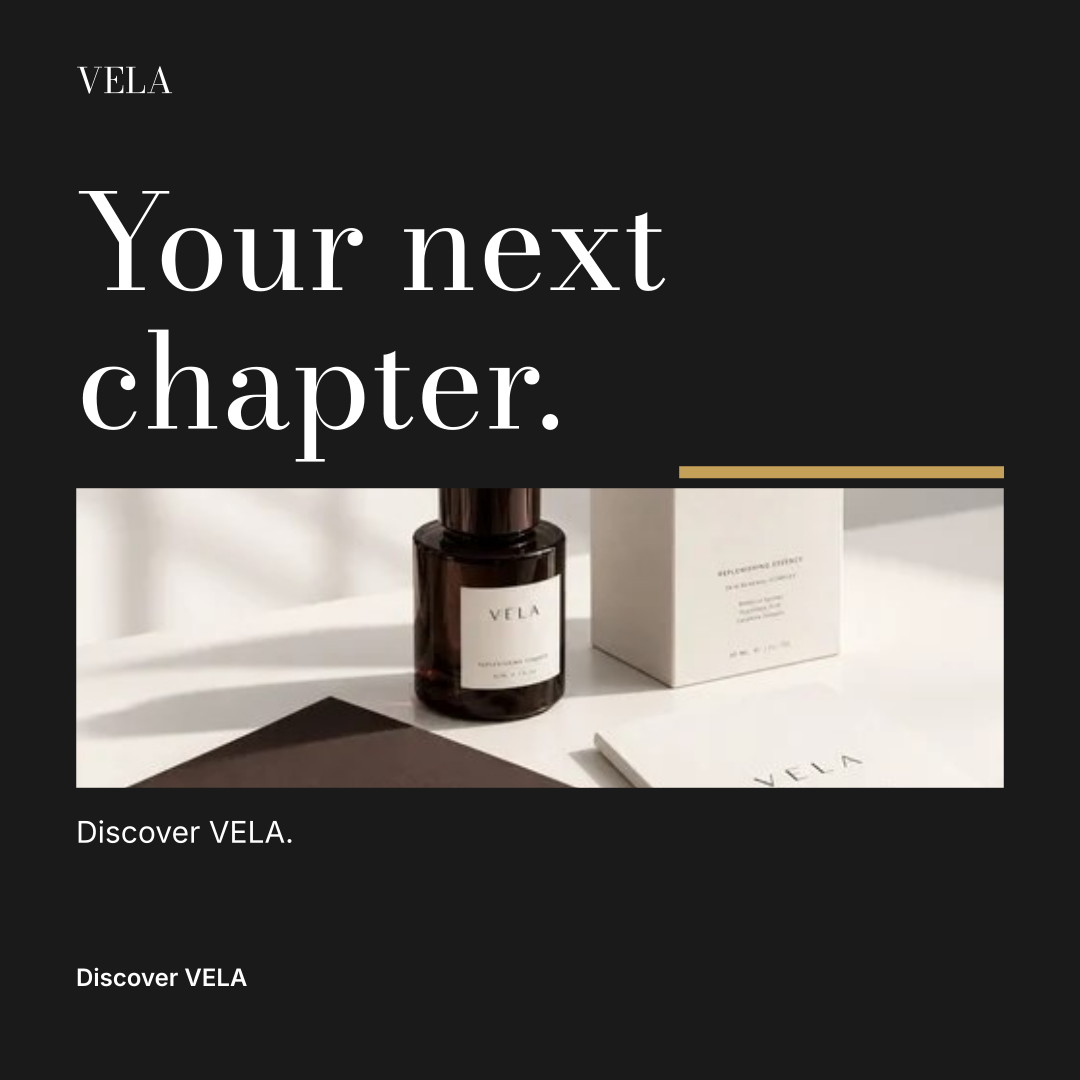
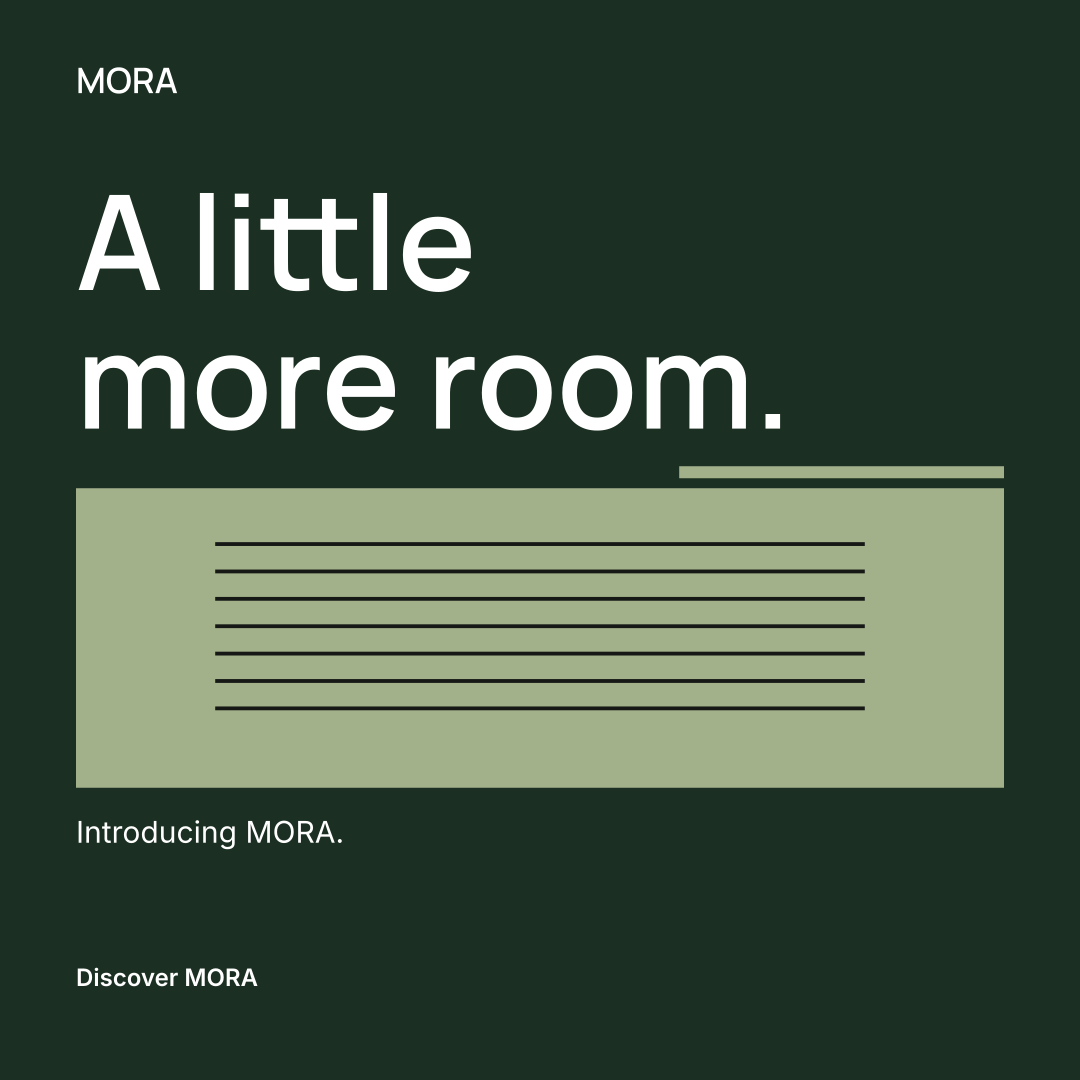
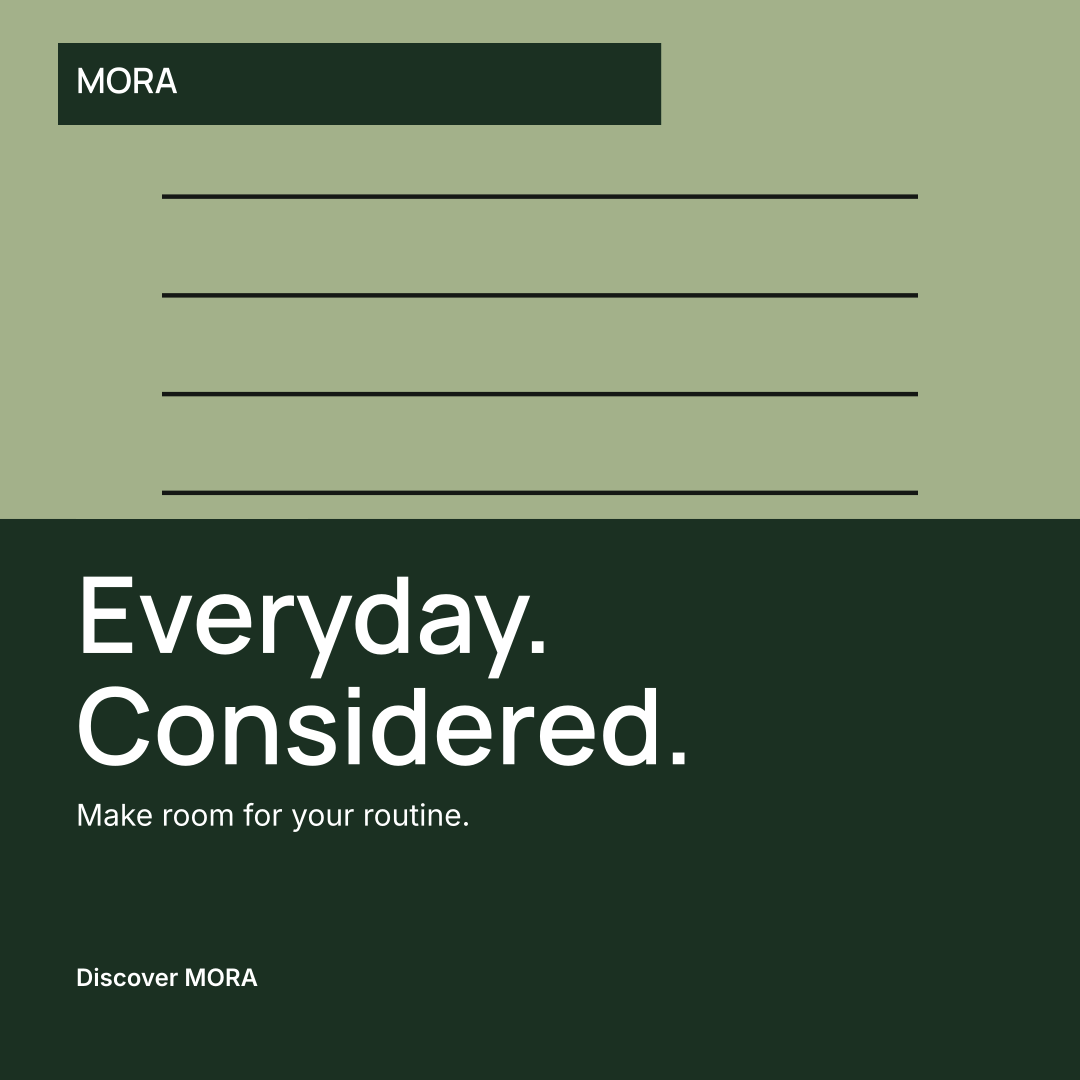
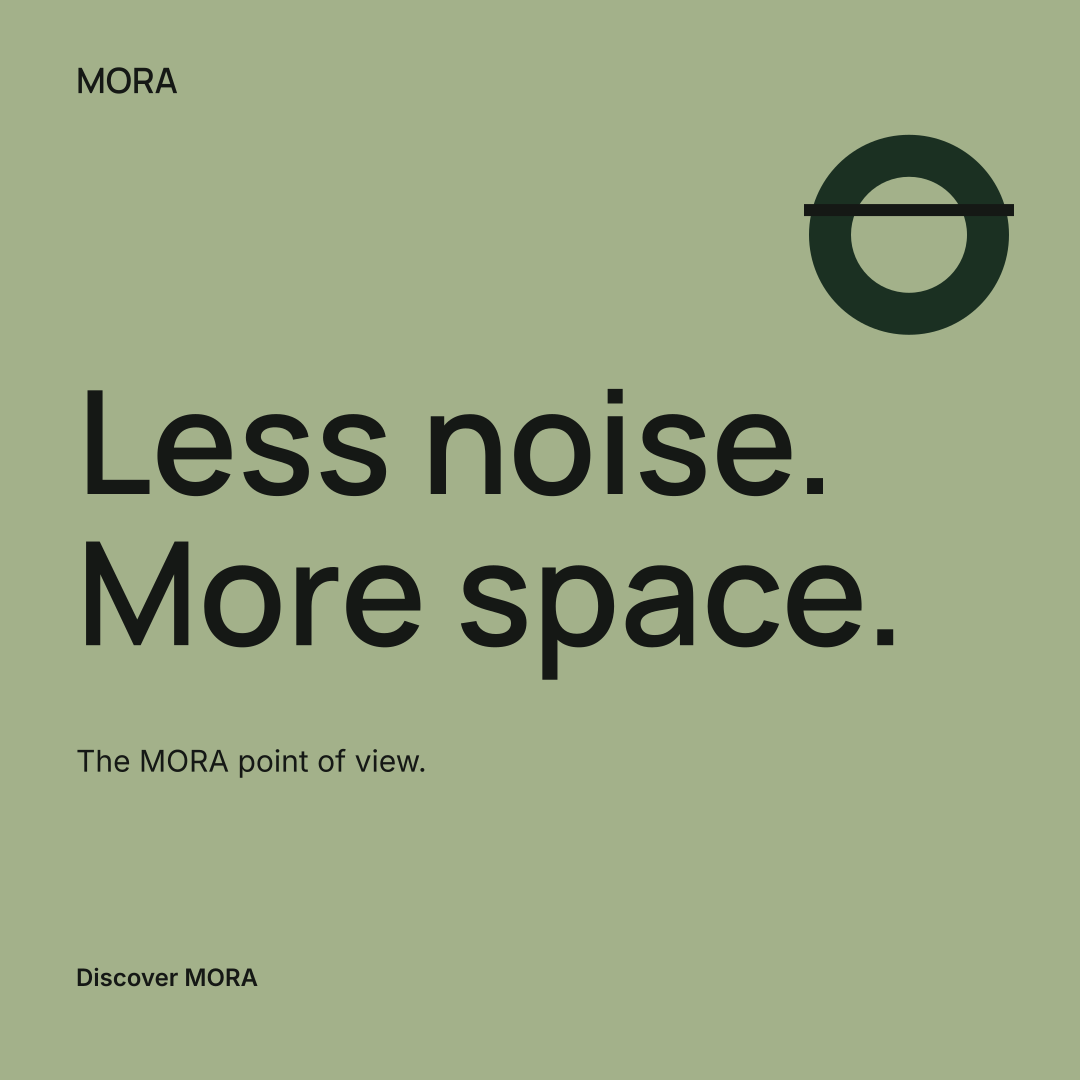
Color, type, image treatment and composition work together. Compare two more fictional identities, rendered with the same workspace tools.
One identity. Nine designs.
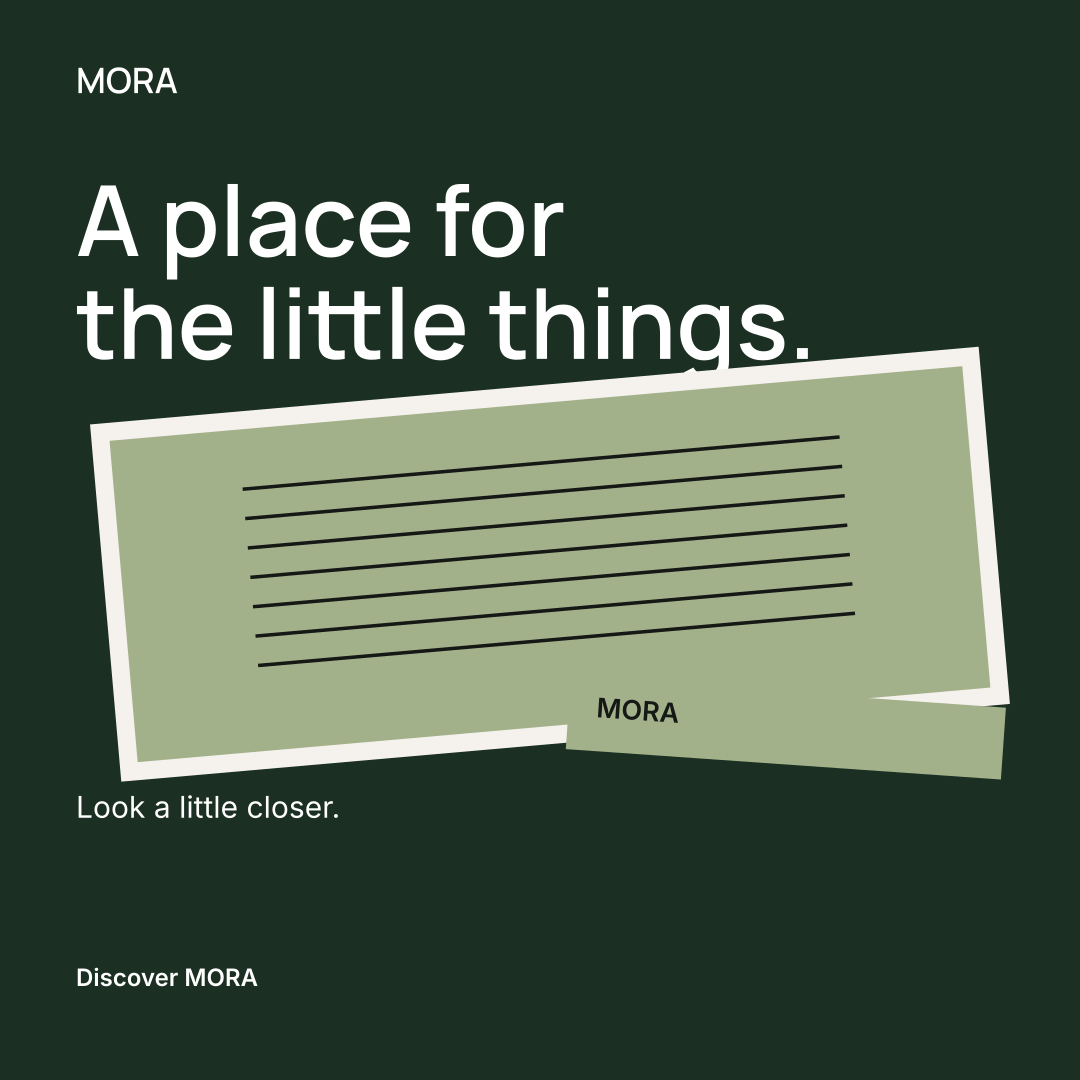
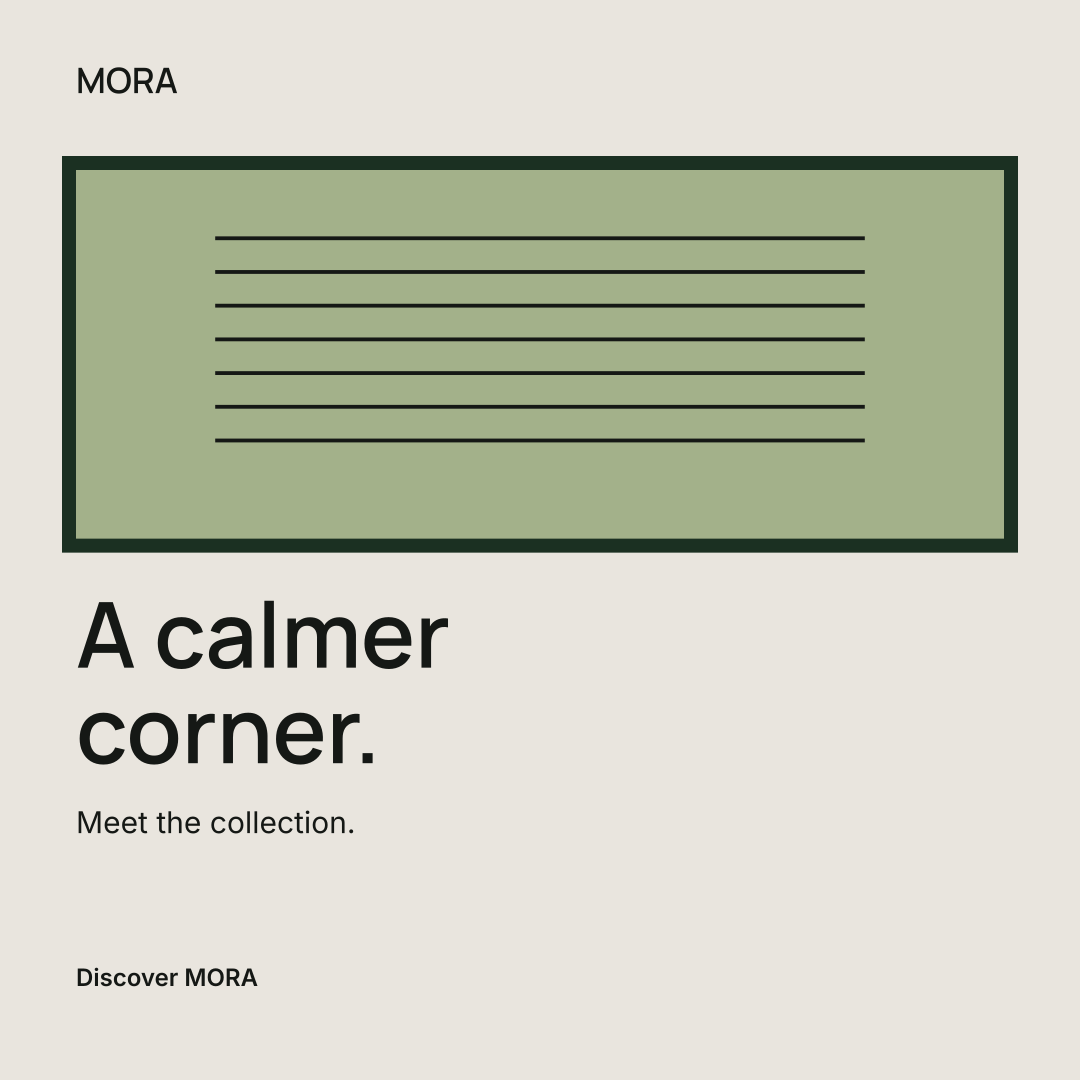
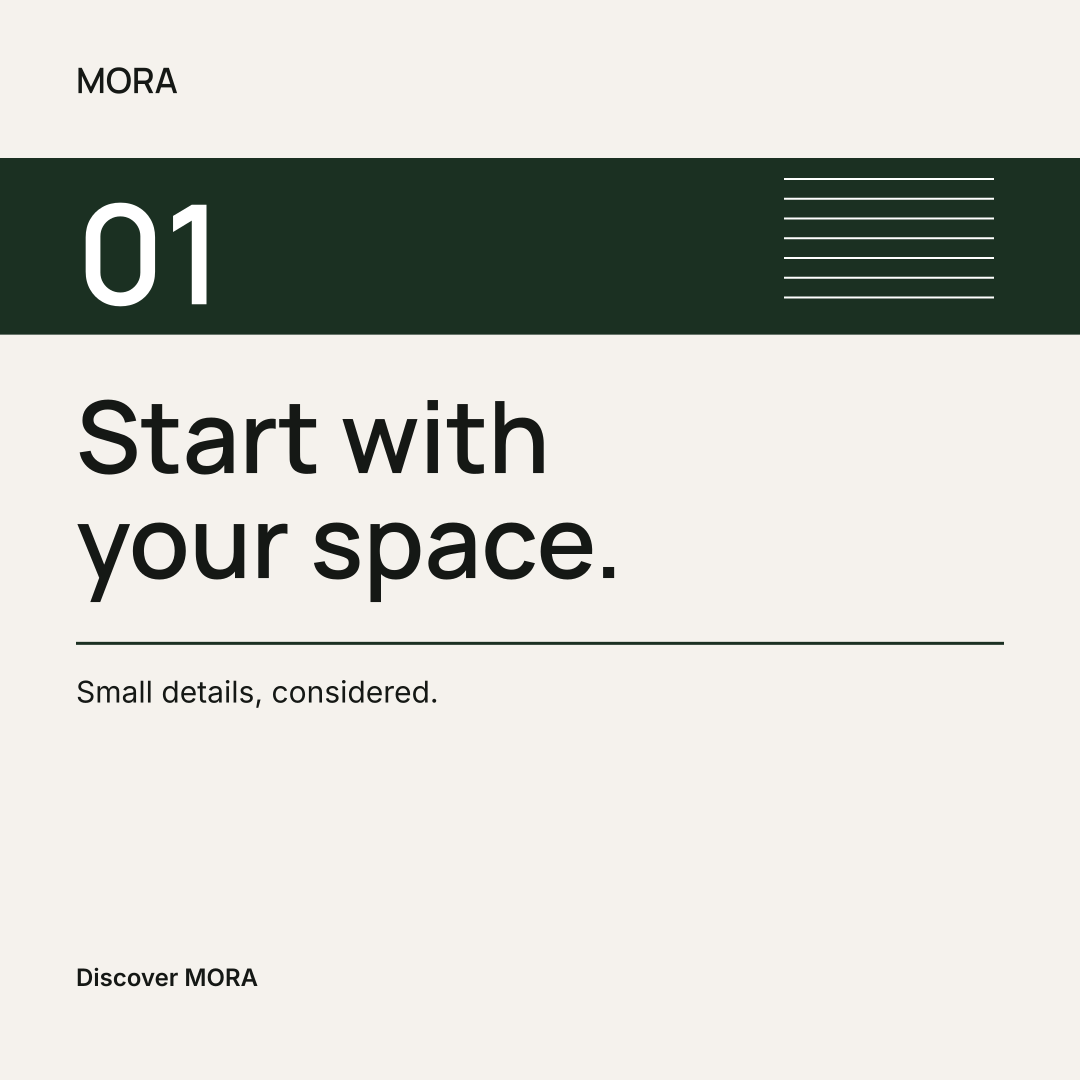
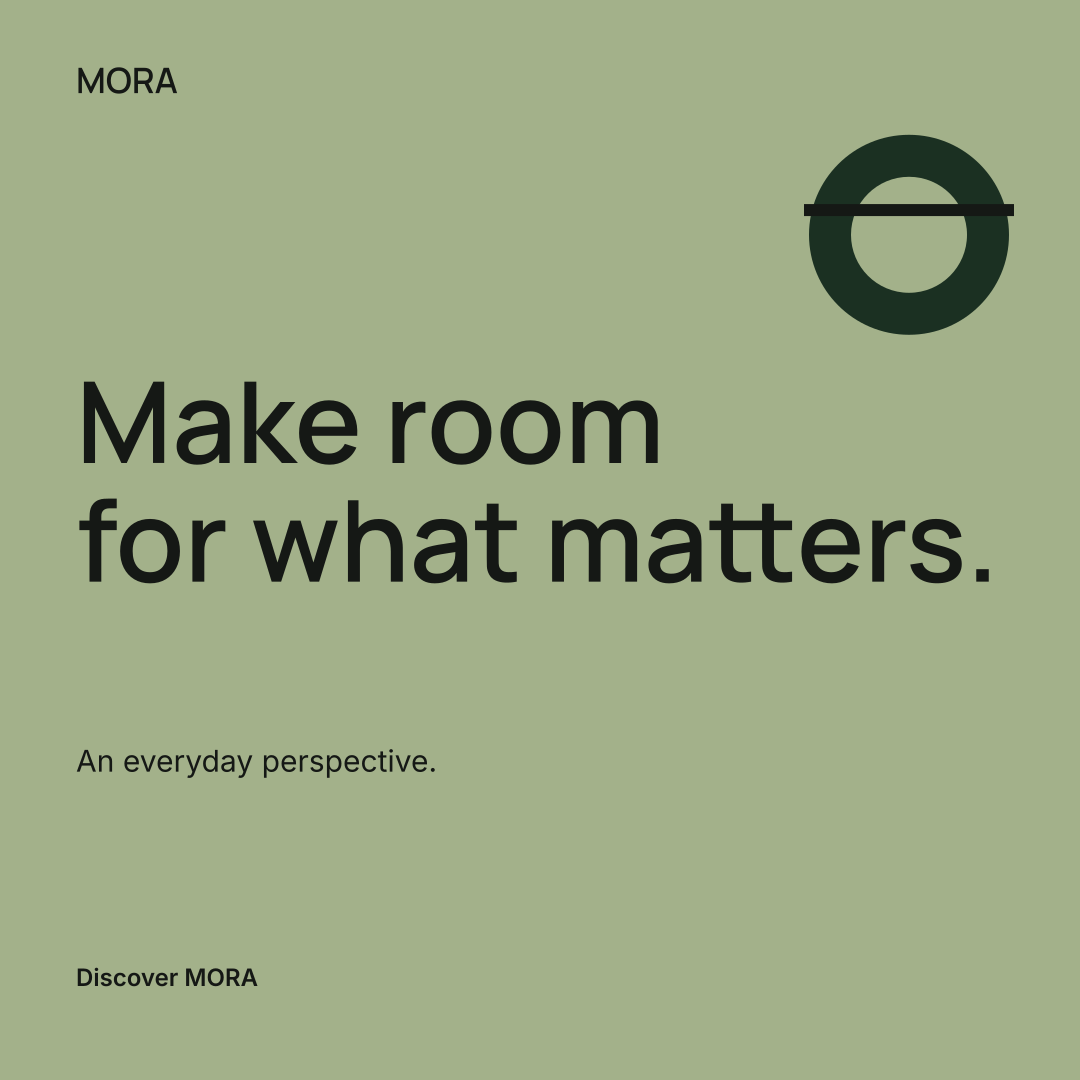
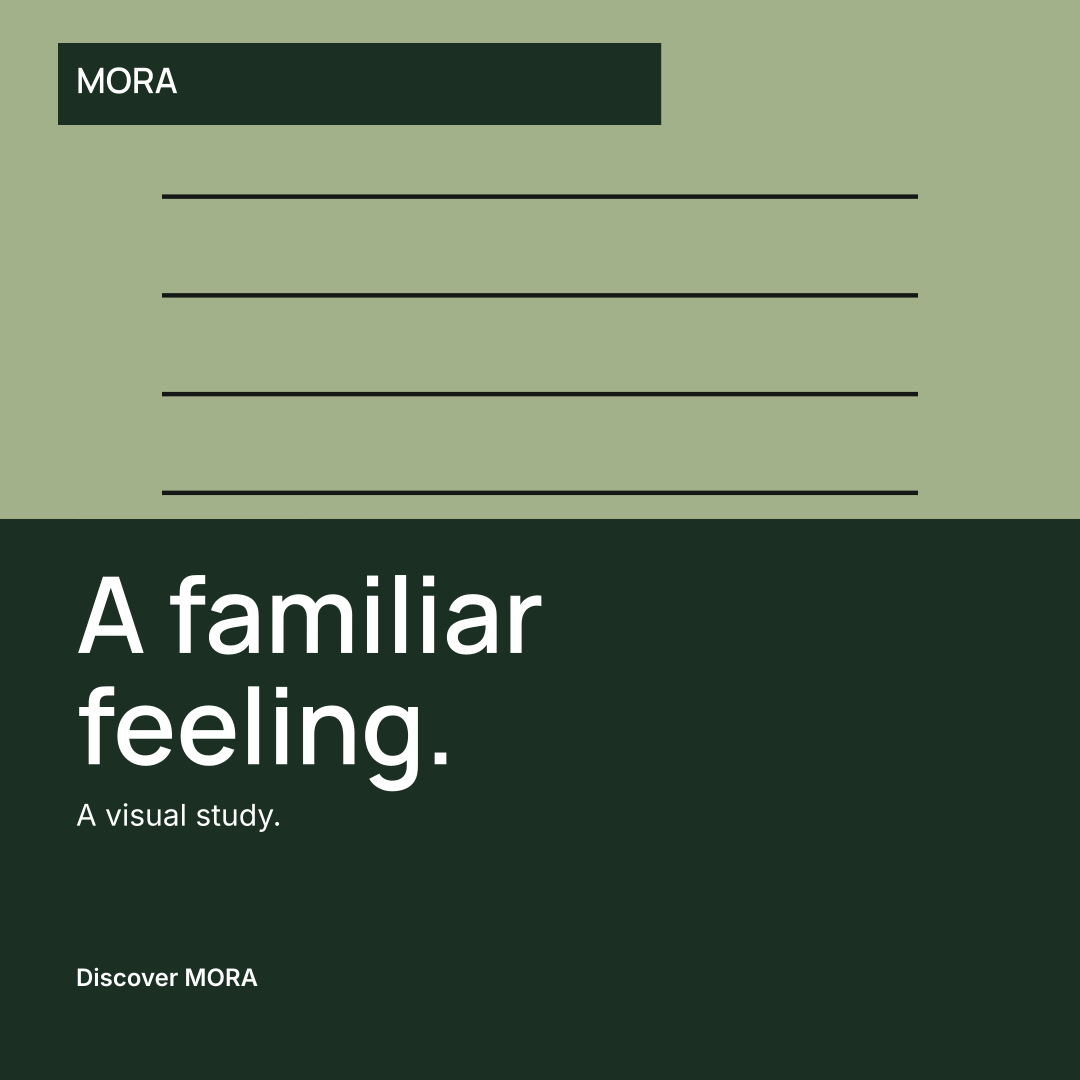
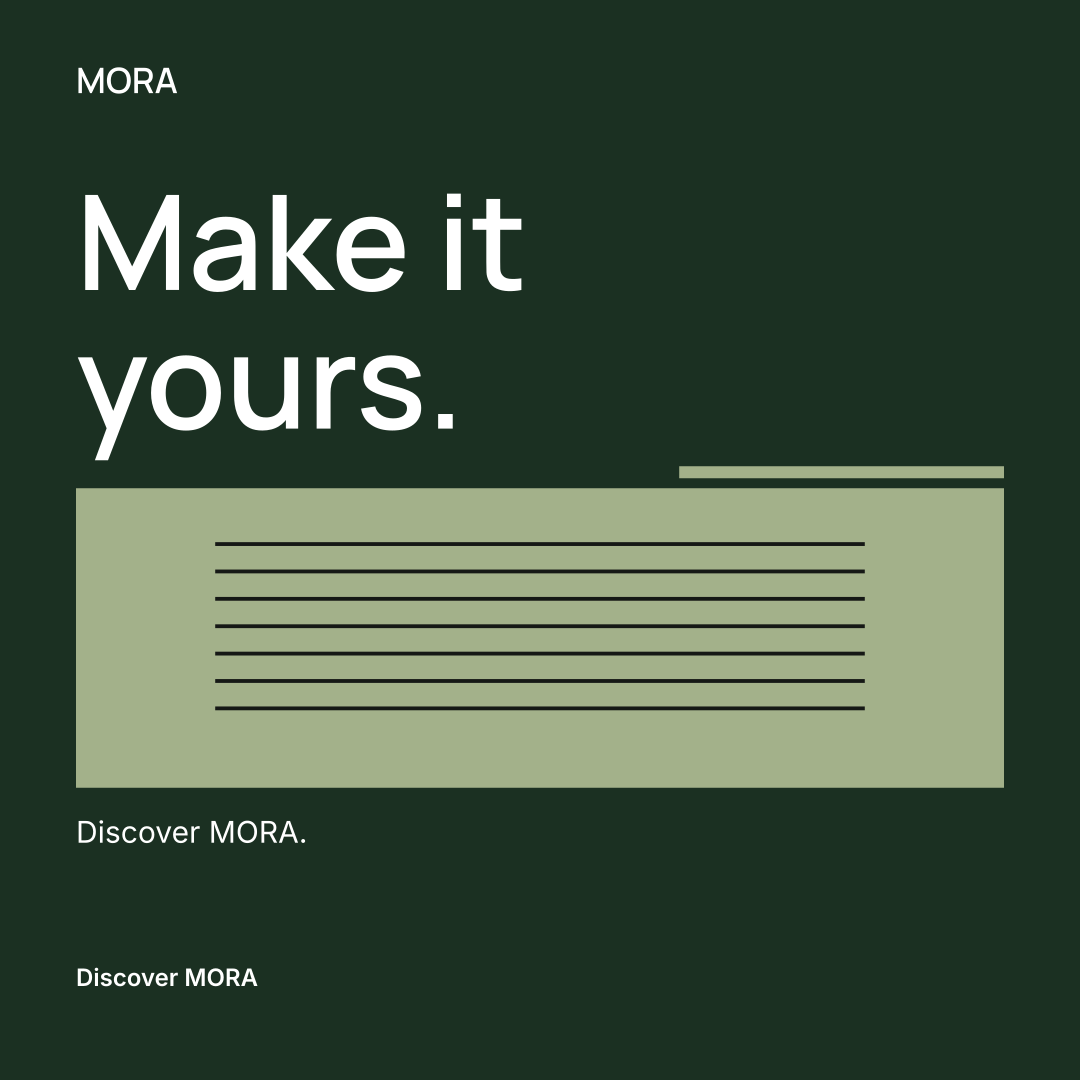
One identity. Nine designs.
Fictional examples with sample copy. VELA uses an existing AI-assisted product reference; MORA uses brand shapes without a product photo.
A practical starting point
Bring what you already have.
Use a saved Brandfolia identity or set up a brand in the workspace. Confirm your colors, type, audience and voice, then add product facts and media. An existing logo or product photo helps you start from your own material.
Choose the channels you use: Instagram, Facebook, LinkedIn, TikTok, Pinterest, YouTube or X. Channel records help organize content; they do not connect or publish to those accounts automatically.
Need a foundation first? The AI brand kit generator creates an editable identity, while the brandbook maker records its rules.
Before you build your kit.
Is this a creator sponsorship media kit?
This workspace focuses on branded social profiles and content assets. It does not generate a verified audience-statistics deck or a sponsorship rate card.
What can I export?
Export social artwork and campaign files, including copy and a schedule. The campaign archive can include a CSV schedule and an ICS calendar. Check each image, caption and destination link before publishing.
Can AI keep my product exactly the same?
Image tools can use a product reference, but output may change shape, labels or details. Compare generated images with your original product before approving them. Uploaded artwork is not automatically converted into an editable vector logo.
How do I keep using this kit?
Create the next campaign with the same brand, select the relevant products and reuse approved assets. Plan the timing in the content planner, then review each new version.
Your brand. Every next chapter.