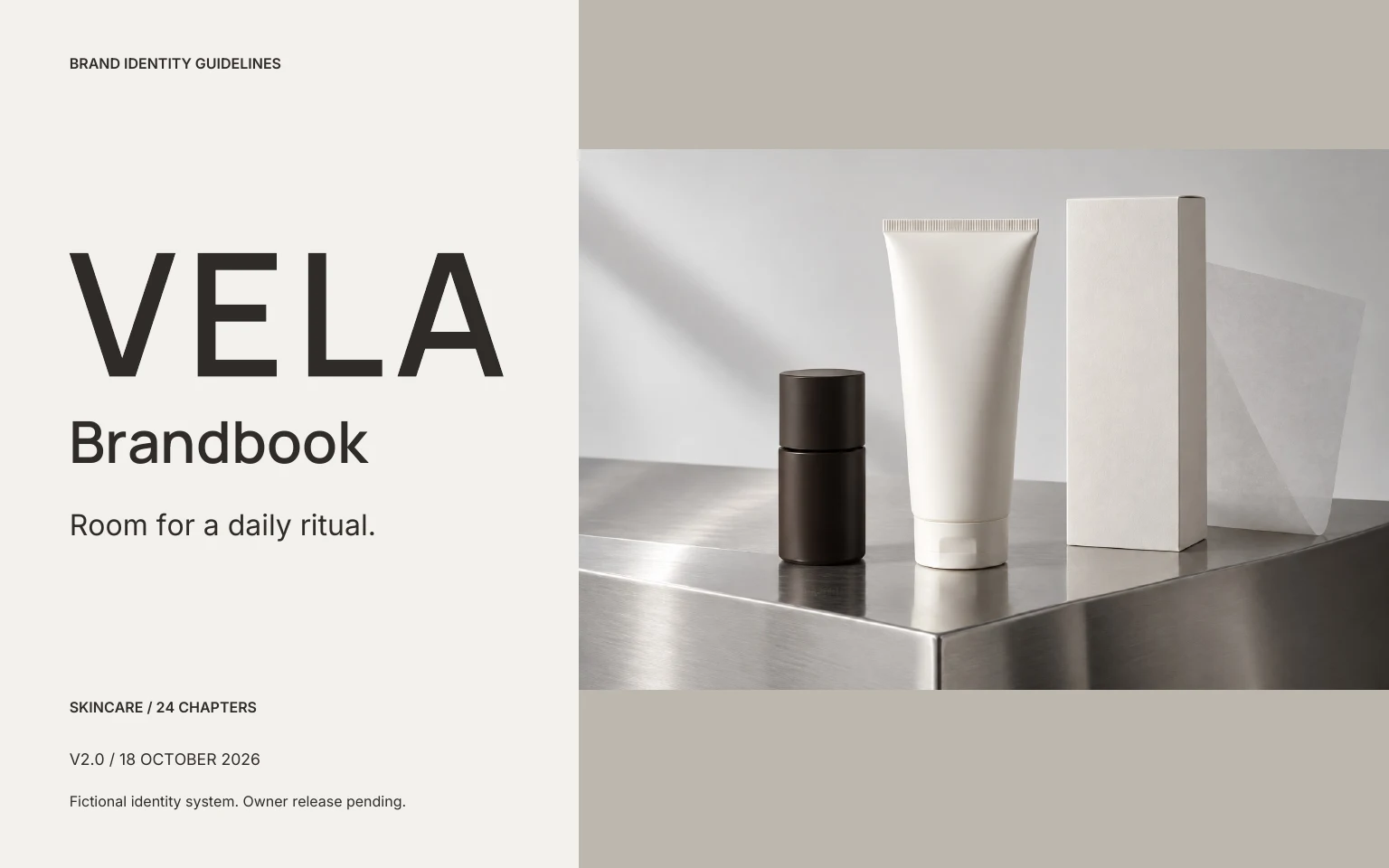
 Skincare / 24 CHAPTERS
VELA
A spaced sans-serif wordmark, with quiet, direct product information.
Read the PDFGet the editable systemThree fictional identities, documented in 24 chapters each. Inspect the master artwork, measured rules and real application sources, then open the editable files.
Art-directed case studies with vector logos, licensed fonts and chapter briefs. Commercial release and print approval remain project-specific. The studio demonstration below shows the editor’s current 12-page output.
Look inside a real 24-page case book. From the master wordmark to the applications, every decision has a place.
Inside the brandbook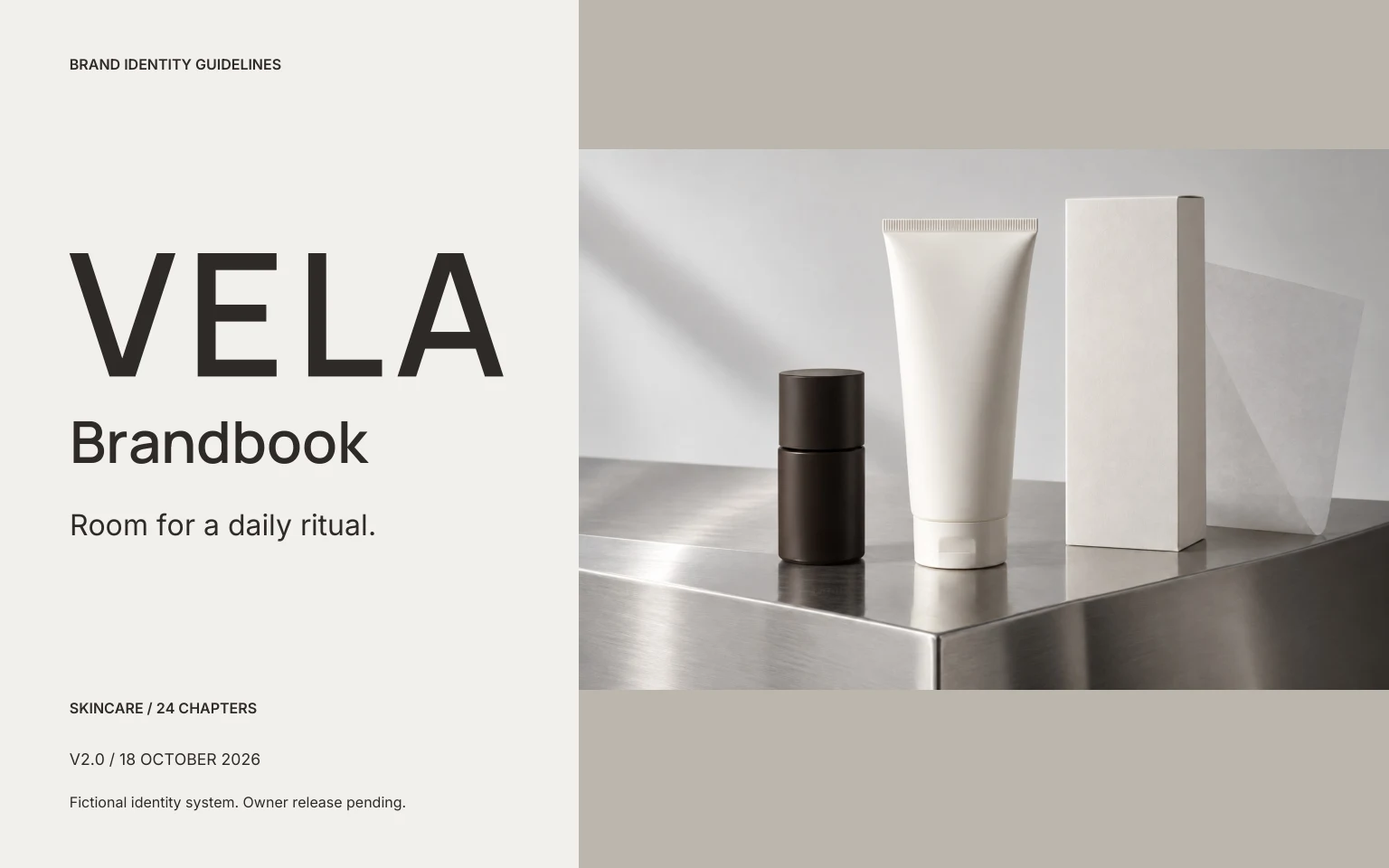 View full page
 An opening page that establishes the product, the visual direction and the scope of the document.
 View full page
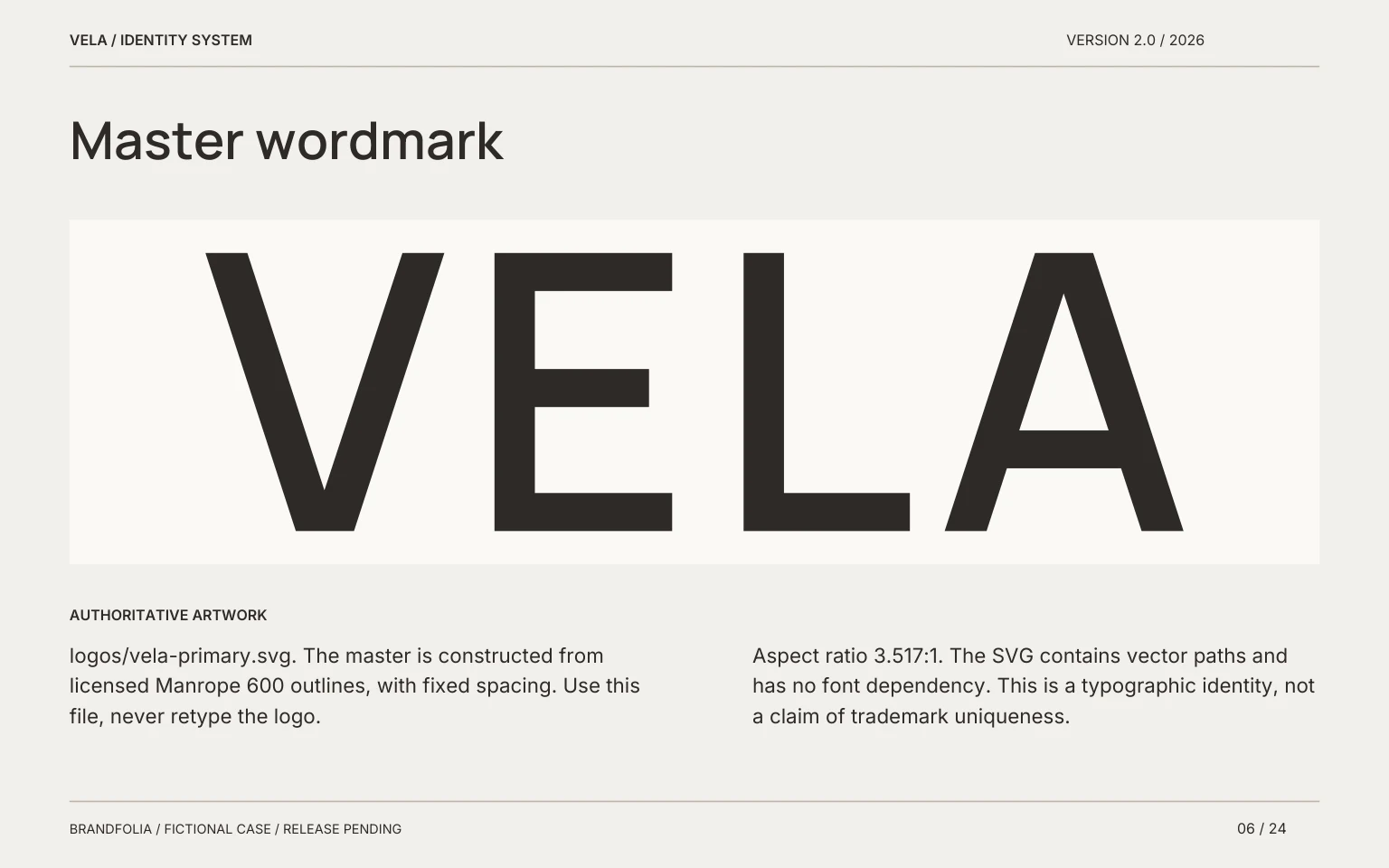
 The authoritative wordmark, with a clear source reference and instructions for its use.
 View full page
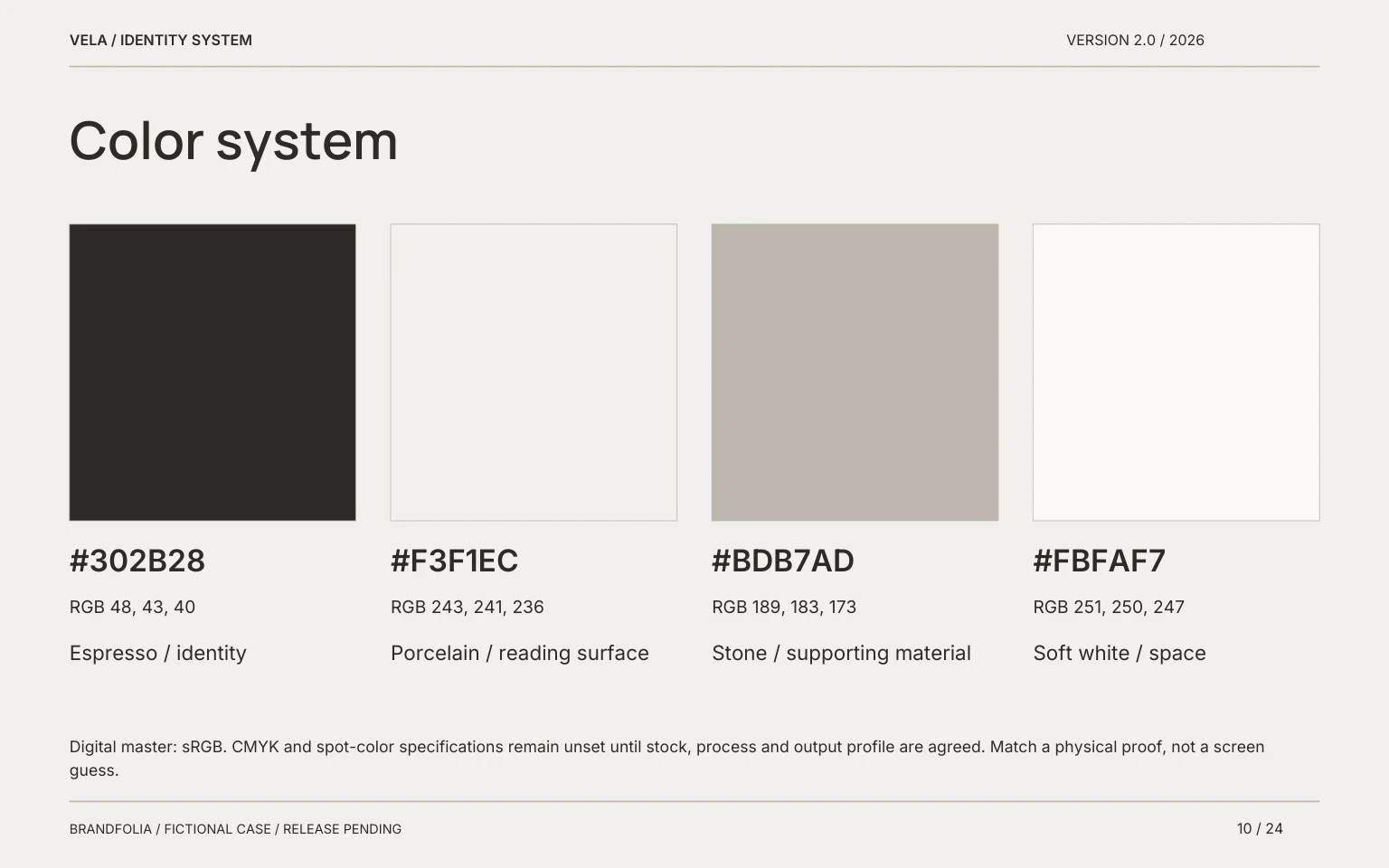
 Defined digital values connect the product, reading surfaces and supporting materials.
 View full page
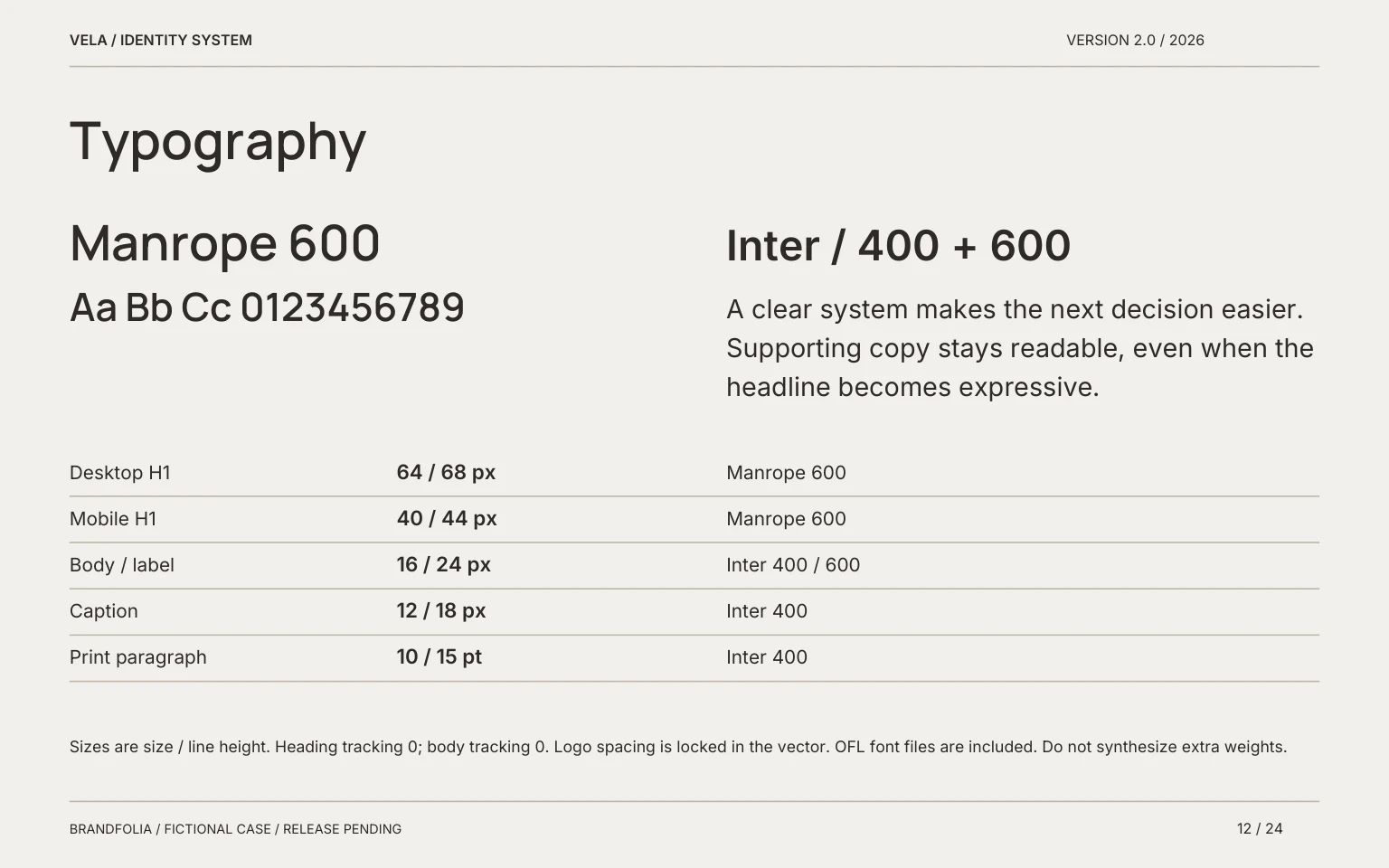
 Display and supporting type, with a practical scale for a consistent reading order.
 View full page
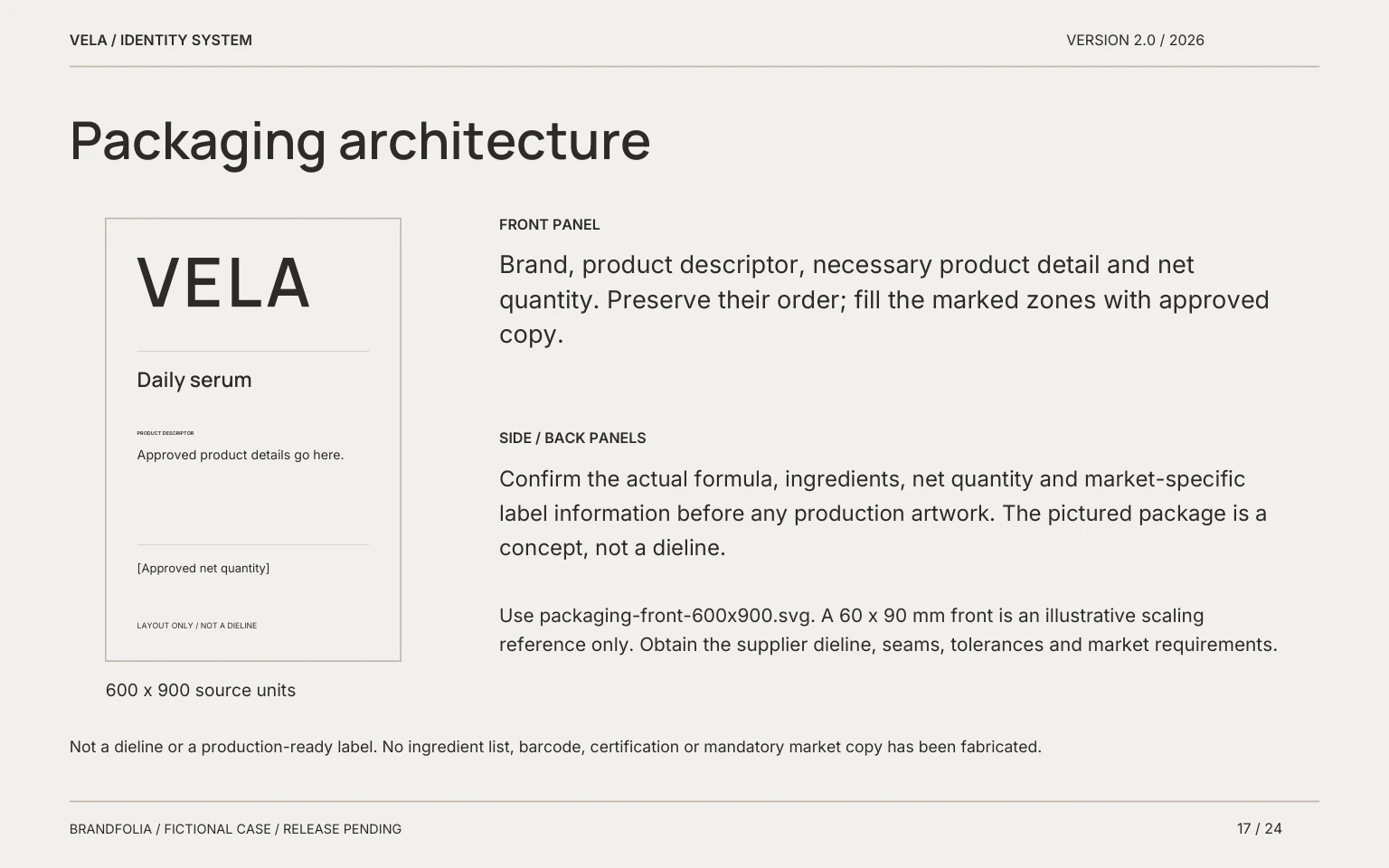
 A front-panel layout makes the hierarchy tangible. Production dimensions and label copy remain separate approvals.
 View full page
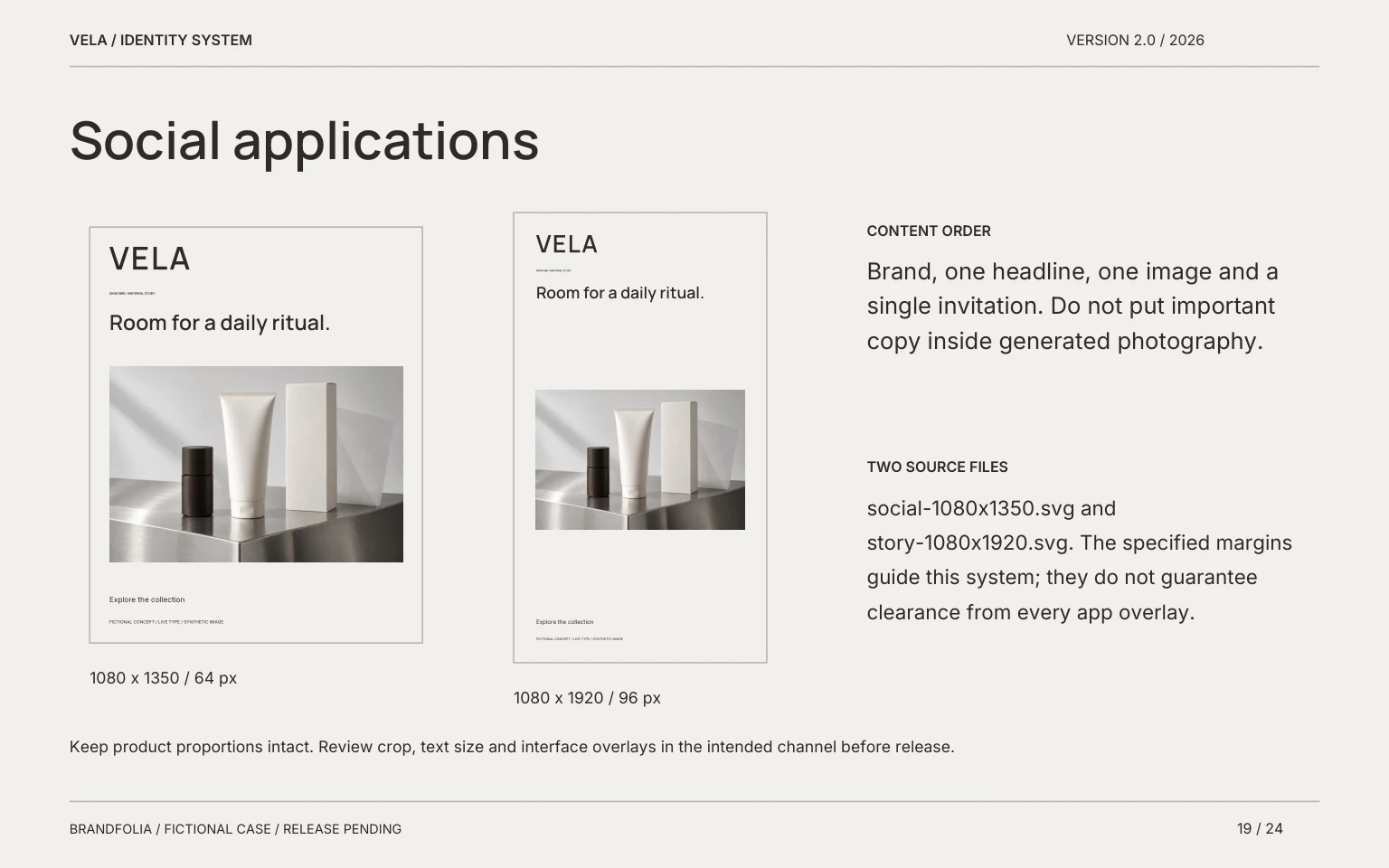
 Social layouts carry the identity into a smaller, faster reading environment.
The free studio has a separate 12-section working draft. The fictional case books use the 24-section structure with editable sources. Paid delivery is not open yet. Inspect the free studio sample.
Each VELA, KORO and SEREIN system contains a 24-page PDF, 24 editable page SVGs, six application SVGs, outlined wordmark variants, included fonts with their license notices, and source records. They are fictional case systems, with brand-name and production approval still pending. The separate SOLEN sample shows the free studio’s 12-section draft.
Skincare / 24 CHAPTERSA spaced sans-serif wordmark, with quiet, direct product information.
Read the PDFGet the editable system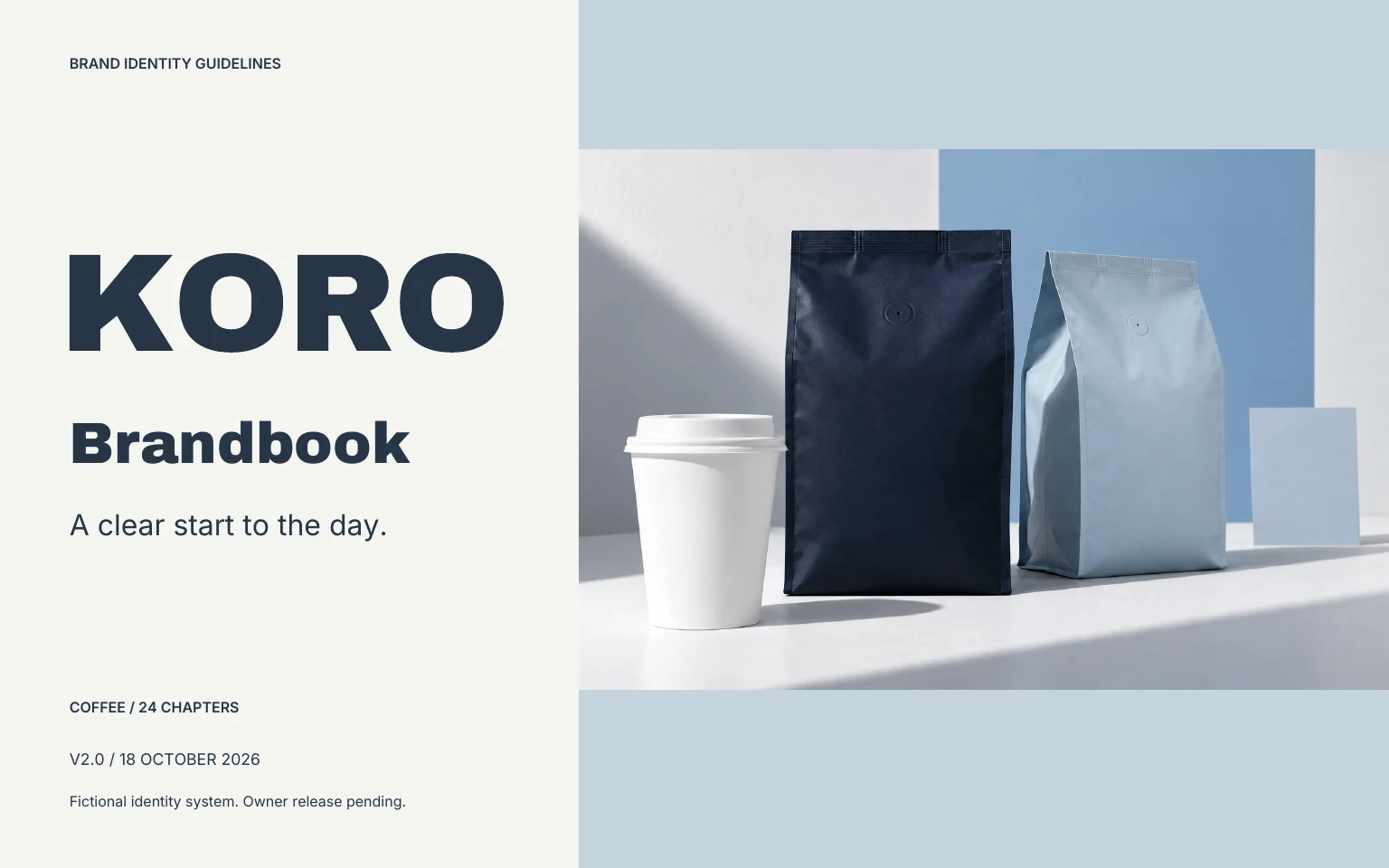 Coffee / 24 CHAPTERS
An assertive sans-serif wordmark, with a separate small type scale for roast and weight.
Read the PDFGet the editable system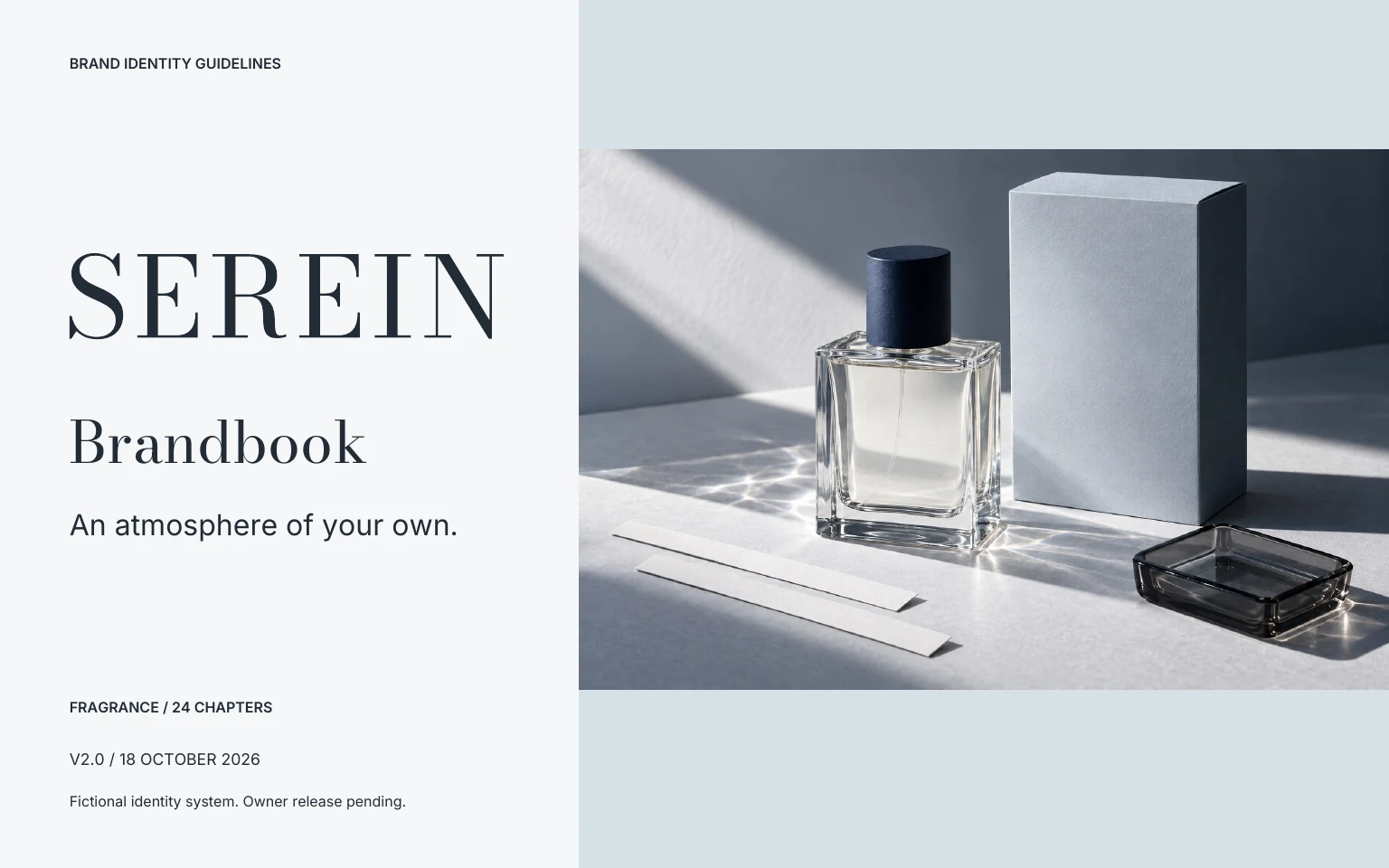 Fragrance / 24 CHAPTERS
A refined serif wordmark with simple supporting sans-serif type. Contrast comes from proportion and spacing.
Read the PDFGet the editable systemDownload all three complete systems
Download all 72 chapter prompts · Each includes brand inputs, required assets, layout deliverables and acceptance checks.
This SOLEN sample shows the studio’s 12-page structure, including foundation, identity rules, color, typography and applications. It uses a fictional brand and a code-drawn sample bottle. It is a demonstration, not a client project.
Download the sample PDF12 landscape pages · approximately 1.1 MB · image-based RGB PDF
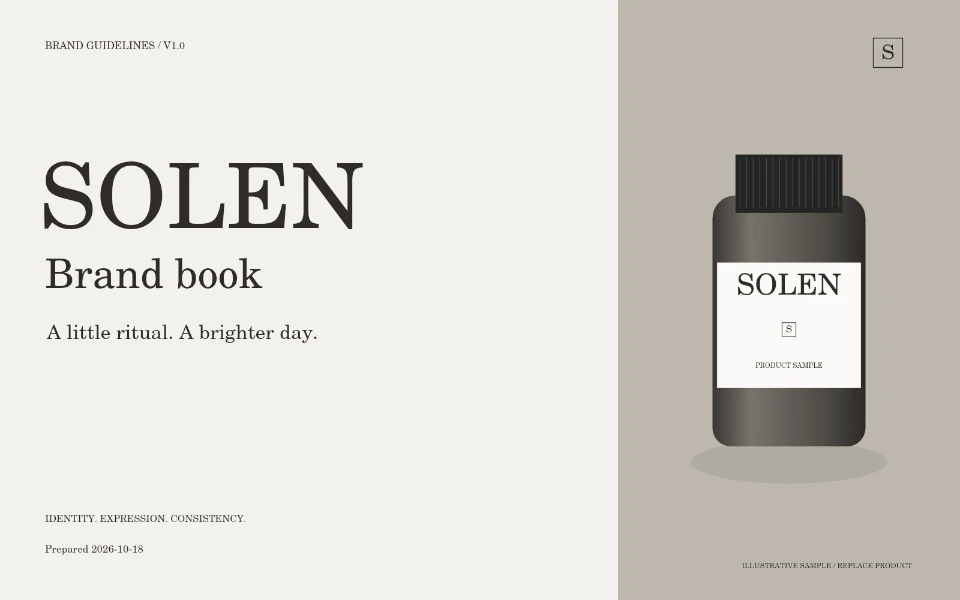
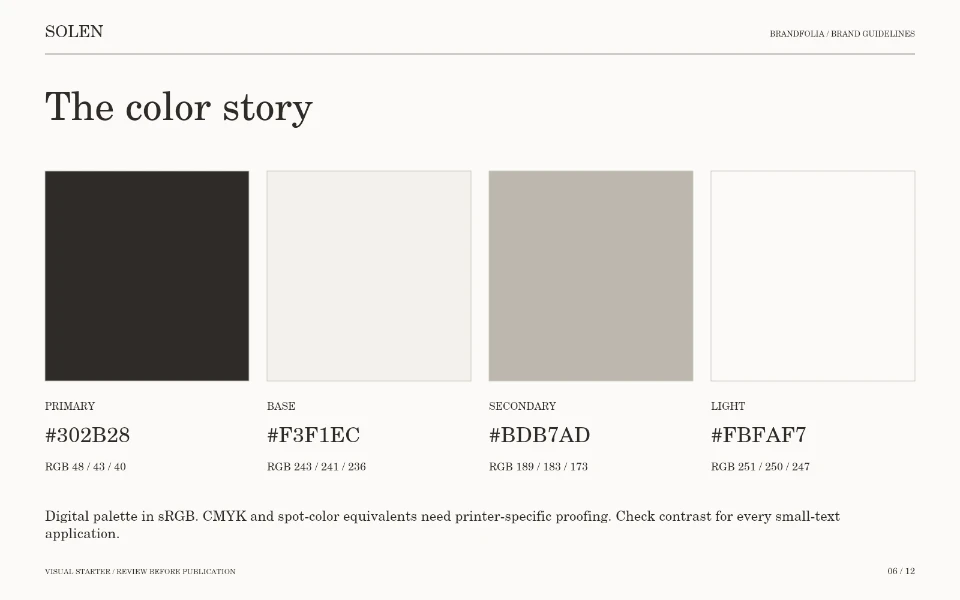
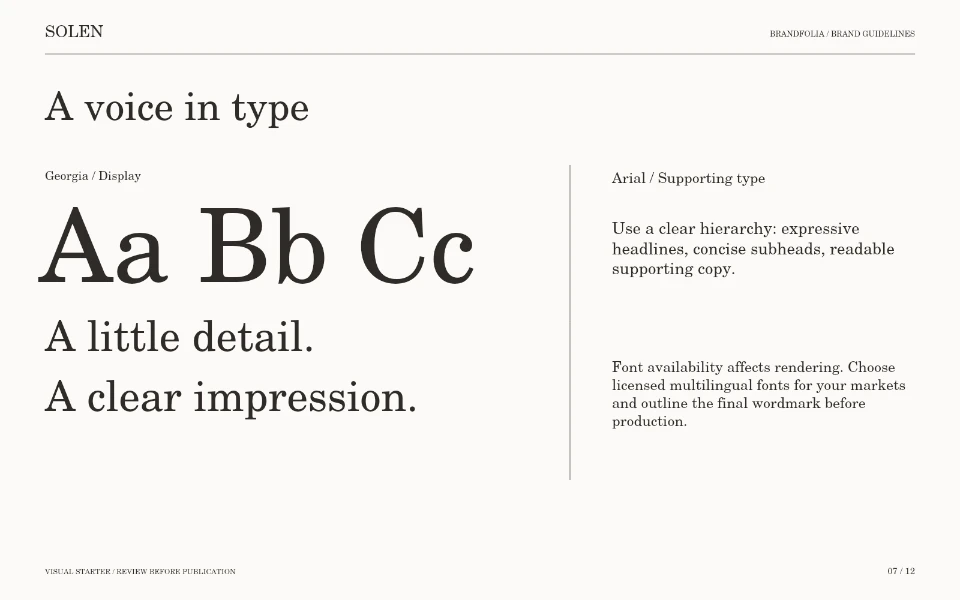
The PDF is rendered using the studio’s page-generation code. It demonstrates the document structure and digital file format. System-font rendering can vary between devices. The separate collection images are art-directed concepts and are not produced automatically by this editor.
Replace the sample brand details and bottle with your own assets. Change the palette, choose the typefaces, add your logo, adjust image placement and edit the chapters. The sample PDF itself is a review document; use the studio project to make editable changes.
Three free watermarked previews. Planned paid packages from $99; not open for orders. Explore planned packages.