Brand applications.
One identity, in use.
Brand applications are the places where an identity becomes usable: a business card, a package, a social post or a screen. These 13 examples show how one set of wordmarks, colors, type and graphic elements adapts across channels.
Every image below is an actual SVG from the modern brand kit template. “Your Brand” is a placeholder identity. These are flat design sources, with no client claim or photographed product mockup.
Choose applications around the next real task
Start with the channels the business actually uses. A service launch may need a card, letterhead and presentation; a product launch may need a label, web hero and social formats. Review three different sizes together before creating more variations. The logo, color roles, type hierarchy and spacing should remain recognizable even when the composition changes.
“Brand collateral” often refers to the materials a team distributes. Here, visual identity applications include those materials as well as interface and outdoor concepts. For complete fictional identities, compare the brand kit case studies.
Print: cards, letters and envelopes
Keep contact details and hierarchy consistent across the set. The sizes shown are the SVG canvases supplied by Brandfolia, not millimeters, inches or a production specification. Ask the printer for the final trim size, bleed, safe area and color requirements.

Business card / front
1050 × 600 canvas units · SVGA compact first impression. Check the wordmark at actual card size and leave room around its edges.
Download business card / front SVG
Business card / back
1050 × 600 canvas units · SVGA contact reference. Replace all contact placeholders and verify small text after resizing.
Download business card / back SVG
Letterhead
840 × 1188 canvas units · SVGA consistent document header. Test a real letter, long addresses and the printer’s non-printing margins.
Download letterhead SVG
Envelope concept
1100 × 550 canvas units · SVGA coordinated mail piece. Confirm the envelope format, flap, window, postage and address zones with the supplier.
Download envelope concept SVGPackaging and merchandise
A repeated motif can connect a label, bag and mug without repeating the same layout. Material, seams, handles and printable areas affect placement. Use these concepts to discuss direction with a supplier; adapt them to the supplier’s template before production.
Packaging label concept
1000 × 1200 canvas units · SVGA product label direction. Add verified product and legal copy on the supplier’s dieline; this artwork is not a packaging structure.
Download packaging label concept SVG
Tote artwork
1000 × 1100 canvas units · SVGA repeatable merchandise graphic. Confirm the printable area, fabric, ink process and seams before ordering a proof.
Download tote artwork SVG
Mug artwork
1200 × 600 canvas units · SVGA wrap or centered graphic. Check the handle, wrap seam, printable area and final color on the actual mug.
Download mug artwork SVGOutdoor: reduce the message
Outdoor artwork has to work at a distance. Test a short headline, a clear mark and one focal point before adding detail. A canvas of 1800 × 900 establishes a 2:1 composition; it does not establish the resolution or physical dimensions needed by an actual billboard.
Outdoor billboard concept
1800 × 900 canvas units · SVGA message at a distance. Keep a short message and test it at viewing distance; obtain the media owner’s size and safe areas.
Download outdoor billboard concept SVGDigital: feeds, stories, slides and interfaces
Digital formats need different crops and reading distances. Keep key content clear of platform overlays and test with real text. Website and mobile examples show an art direction to implement; live navigation, responsive behavior and accessibility need their own development and testing.
Social post
1080 × 1080 canvas units · SVGA square campaign layout. Check the crop and legibility in a real feed, with your own image and message.
Download social post SVG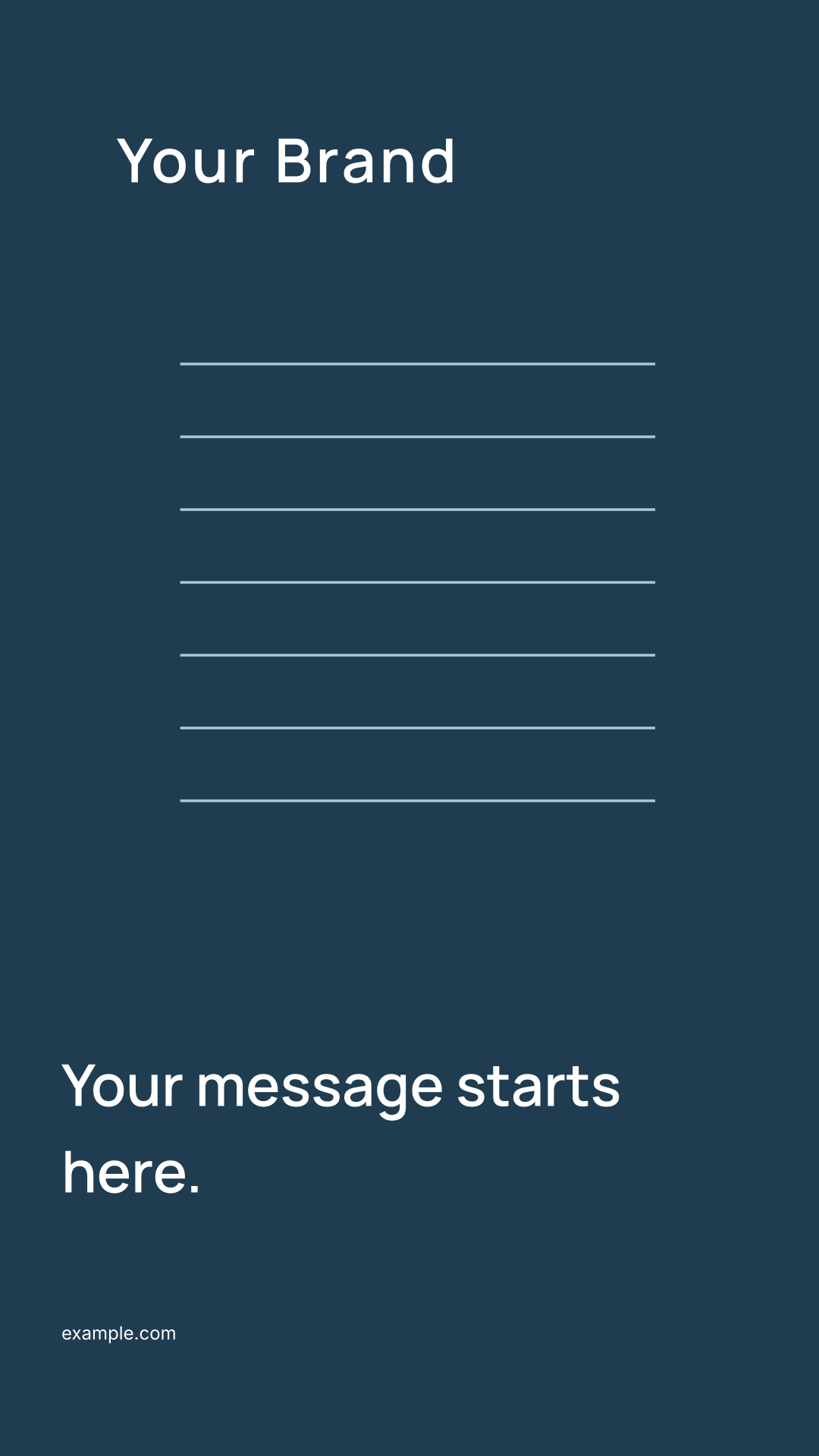
Social story
1080 × 1920 canvas units · SVGA vertical campaign layout. Allow for platform controls and captions; preview the full composition on a phone.
Download social story SVG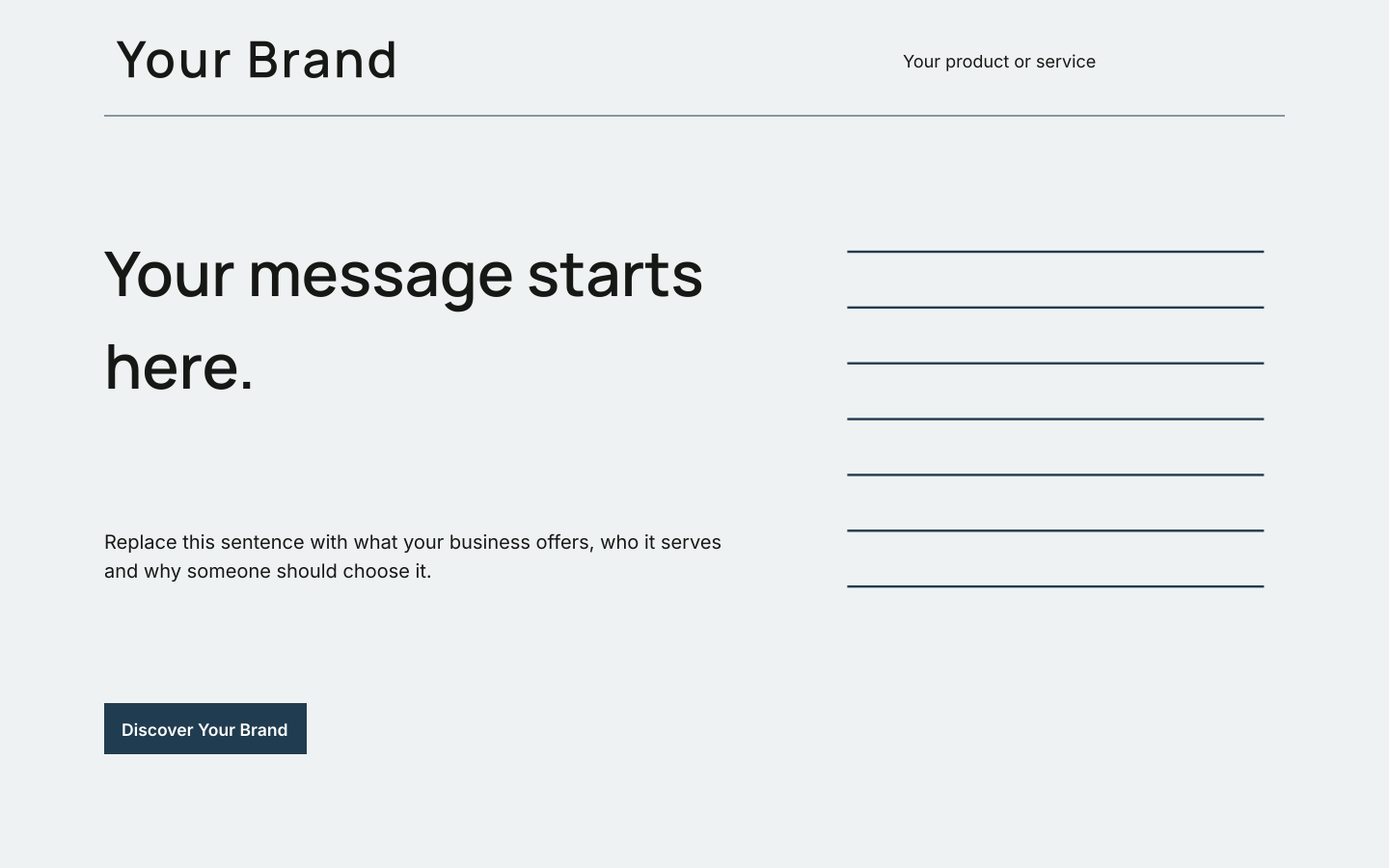
Website hero
1440 × 900 canvas units · SVGA desktop hero direction. Translate artwork into responsive HTML and test real content, navigation and accessibility.
Download website hero SVG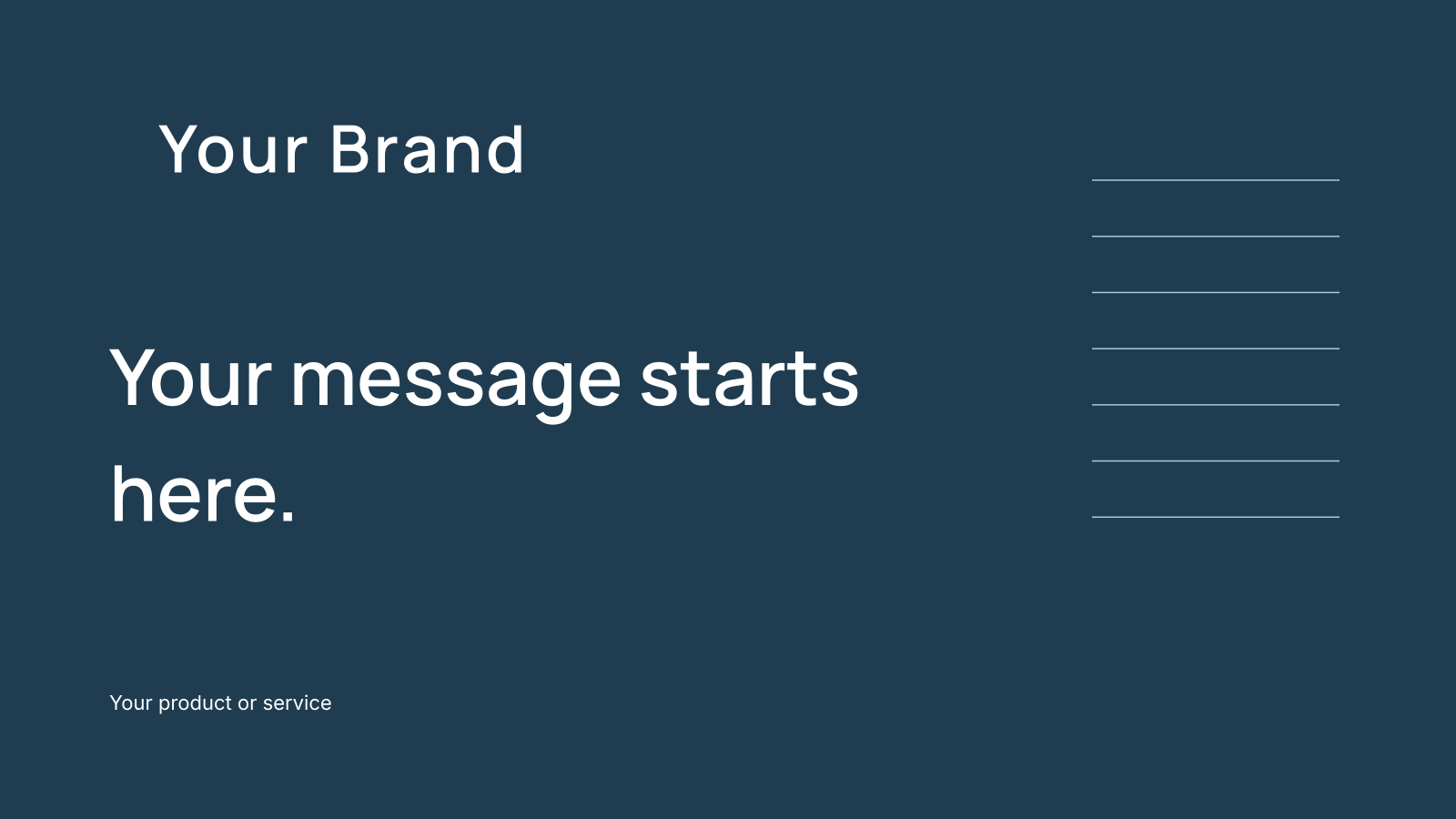
Presentation cover
1600 × 900 canvas units · SVGAn opening slide. Test the title on a projector or call screen; the file is a cover, not a complete slide deck.
Download presentation cover SVG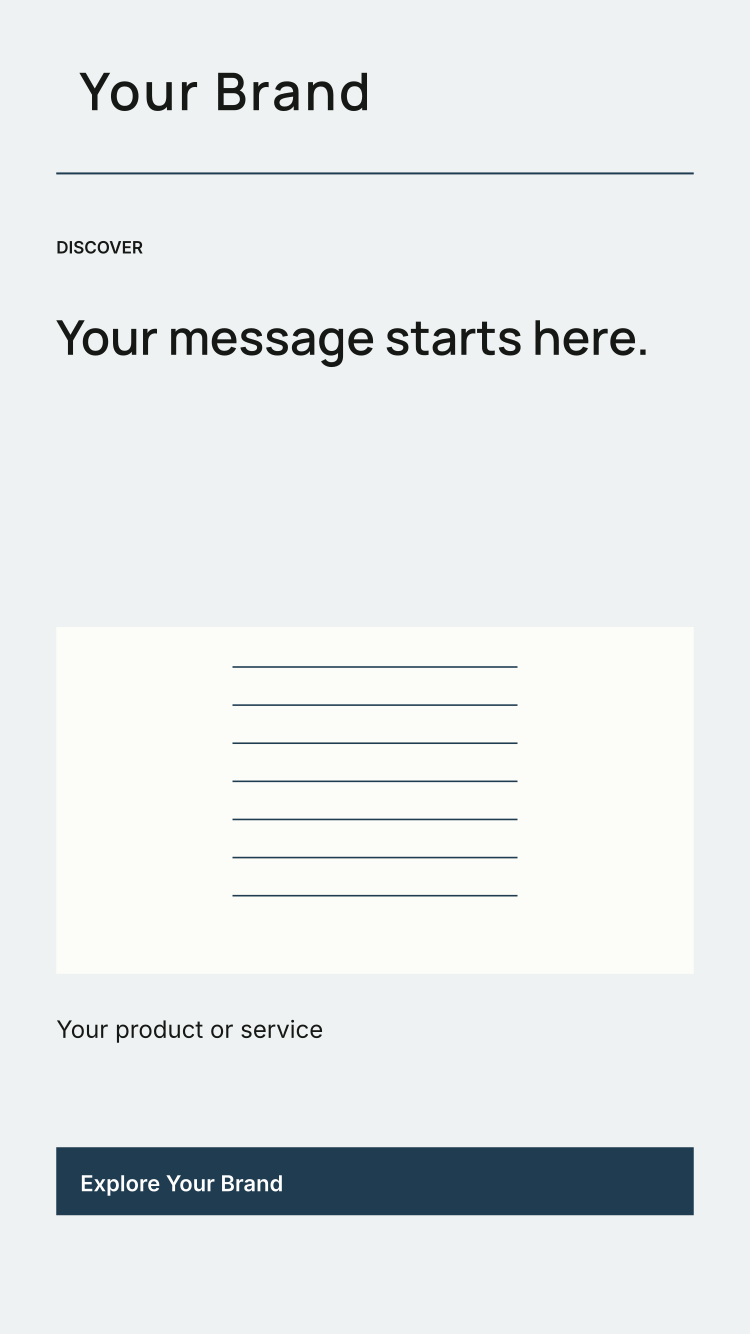
Mobile app concept
750 × 1334 canvas units · SVGA compact interface direction. Review long text and touch targets during implementation; the SVG contains no app behavior.
Download mobile app concept SVGA practical handoff for each application
- Choose the channel and confirm its current output requirements with the platform or supplier.
- Import the template JSON into the studio, replace placeholders and review the regenerated artwork.
- Deliver the approved SVG and brand profile together. Include font licenses, version information and unresolved production decisions.
- Check the final proof or implemented screen against the brand guidelines checklist.
The downloadable SVGs have outlined lettering and sRGB colors. They can be scaled as vector artwork, but scaling does not settle physical size, bleed, color conversion or image resolution. See the file-format guide for more context.
Download all applications together in the starter ZIP, or create a new kit from your own brief.