Define the label hierarchy before adding variants
Write the order in which a customer should read the brand, product name, variant and supporting details. Test it with the smallest intended label and the longest product name. Reserve space for the product information your business must supply; a visual guide does not determine the legal requirements for a market.
| Keep consistent | May vary by product | Record in the guide |
|---|---|---|
| Brand mark position and clear space | Product name and verified variant. | An example with a short name and one with a long name. |
| Type hierarchy and base palette | An approved range accent or identifier. | A named mapping; do not rely only on color to distinguish products. |
| Image crop and lighting direction | Bottle, jar, texture and relevant usage context. | A reference image and a list of product details to preserve. |
| Tone and layout rhythm | Product description supported by your records. | Approved wording, its source and the person responsible for updates. |
Read the VELA skincare example
VELA is a fictional skincare identity with an espresso anchor, porcelain backgrounds and a restrained wordmark. Its authored case book lets you inspect how the palette, spacing and applications relate. These are design choices for this example, not a formula for every skincare audience.
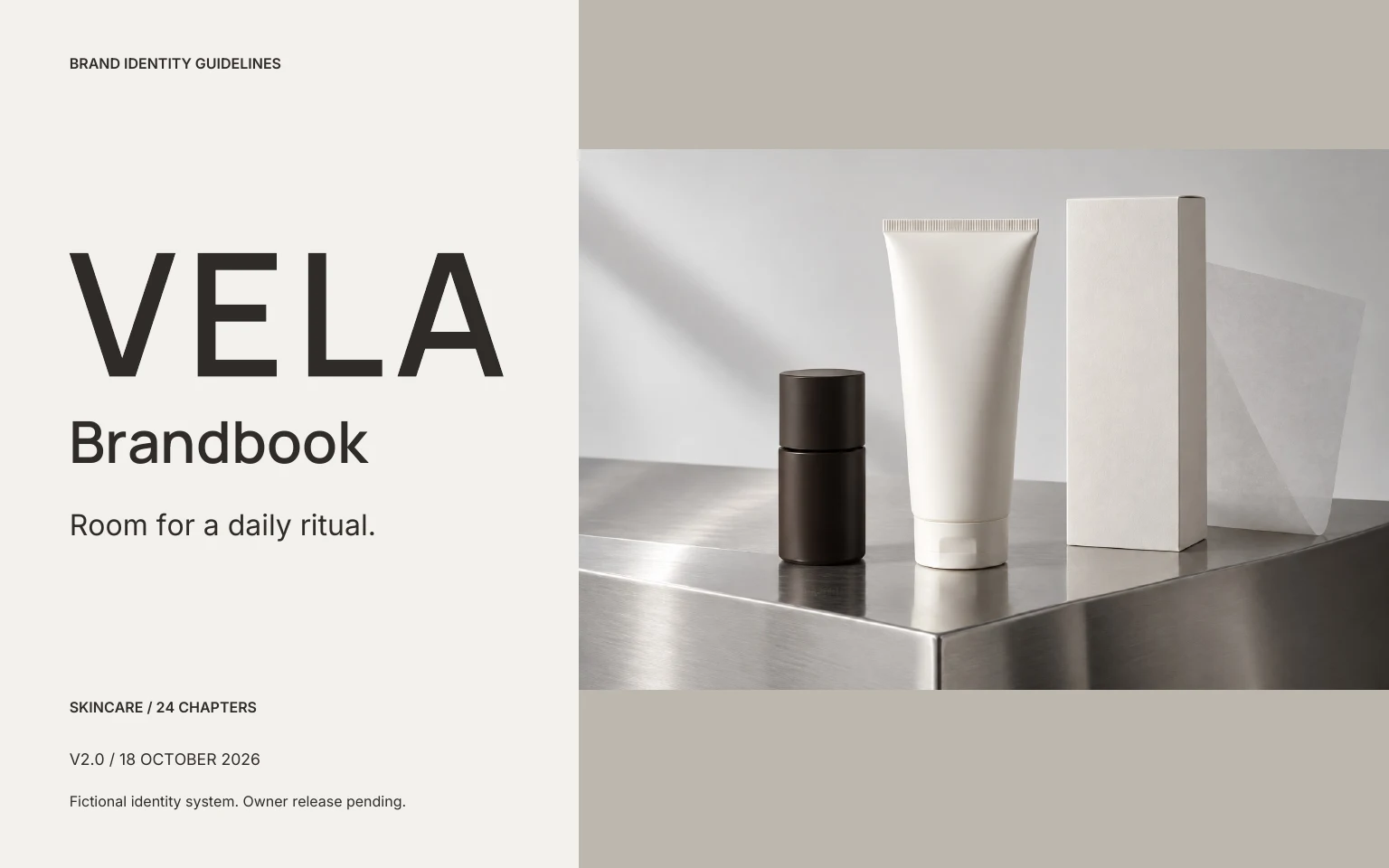
Explore the VELA identity · Read its 24-page case book · Download the matching case-system sources
The current identity studio exports a different 30-page structure. The VELA case is a reference to study, not a promised recreation of an uploaded bottle.
Write product photography rules that protect the facts
- Keep an original product photograph for checking proportions, container shape and label text.
- Specify the crop, background and lighting using a reference; separate product-only images from campaign scenes.
- Review reflections and pale lettering at phone size, especially on curved or glossy containers.
- Do not let a generated scene invent ingredients, certifications, results or product features.
For the input workflow, see branding from a product photo. Add accurate product facts in the brief; the image alone cannot verify them.
Review two products across three surfaces
Place two proposed product labels beside an outer-box concept and a mobile product-page layout. Check that the brand is recognizable and that product names remain distinguishable. Review the longest name, the lightest text/background pair and the smallest mark separately.
Keep label copy approval and supplier preparation outside the visual-style decision. Brandfolia provides sRGB design sources and label concepts; the supplier still needs the actual dimensions, dieline, material and proof requirements.
What the skincare worksheet records
The TXT worksheet includes fixed and variable fields, a product-range mapping, image-preservation notes and a label/box/mobile review table. It is an editable planning document, not a designed packaging template or a compliance checklist.
Make the next version usable
Start with a free editable brand kit, record your rules in the brand guidelines template, then use the handoff checklist to review the matching files.
Starter templates, sample editing and exports are available without an account. Custom AI proposals require an account and paid kit credits; public paid checkout is not open. Check current access and allowances.