What should I prepare before uploading?
Bring a sharp JPG, PNG or WebP of the real product, up to 10 MB. A transparent PNG is useful when you want the product to sit directly on a layout color. The studio preserves the original background and product appearance. Use a photo you have the right to supply.
| Input | Decision it supports | Example brief detail |
|---|---|---|
| Product image | Framing, contrast and layout | A straight-on bottle photo with a readable label |
| Brand name and logo | The identity to preserve or develop | Existing logo supplied; color refresh only |
| Buyer and buying moment | Visual hierarchy and tone | A first-time customer browsing a skincare product page |
| Product facts and message | Accurate copy and emphasis | Approved product name, size and one supported benefit |
| Market, language and channels | Type coverage and relevant formats | English ecommerce launch with social and packaging previews |
What can a product photo not tell the designer?
A photograph does not establish who the buyer is, what the product can truthfully promise, which name is cleared for use or what the printer requires. It may not show the exact material, dimensions or finish either. Supply those facts explicitly. If you are still deciding on your audience or positioning, resolve that before commissioning a consistent visual system.
How do I make the three free previews?
- Open the Brandfolia studio and add the brand name, category, audience and market in Brief.
- Upload the product photo. Add a primary and optional reversed logo in Identity, or inspect the typographic wordmark.
- Choose a visual direction, adjust colors and type, then use Layout to set the product scale and position.
- Check the identity board, social image and website banner together. Download the three watermarked PNGs or their ZIP, and save your local project JSON.
The previews have a longest edge of up to 960 pixels. They are composed from the supplied photo. There is no live AI image generation, new product scene generation or background removal in the studio.
How do I know whether the direction works?
Read the three formats at their intended size. Can you recognize the product? Is its label still accurate? Does the main message remain readable? Does the same logo, type hierarchy and color role work in a portrait social image and a wide banner? Use the color contrast checker for individual text/background pairings, and check the actual composition separately.
What is planned beyond the free preview?
The planned $99 USD Brand System scope proposes completing one direction in a 24-section brandbook and six editable applications, with one consolidated round of copy and color changes. The planned $299 USD Studio Review scope proposes two initial directions, an assigned human reviewer and two refinement rounds, with one direction completed. These are planned packages; customer requests, payments and delivery are not open. See current packages and delivery boundaries.
Preview complete system opens a disabled form. It does not transfer your brand details, upload images, save a customer request or accept payment. You can save the working project locally to continue later.
What should I look for in a finished example?
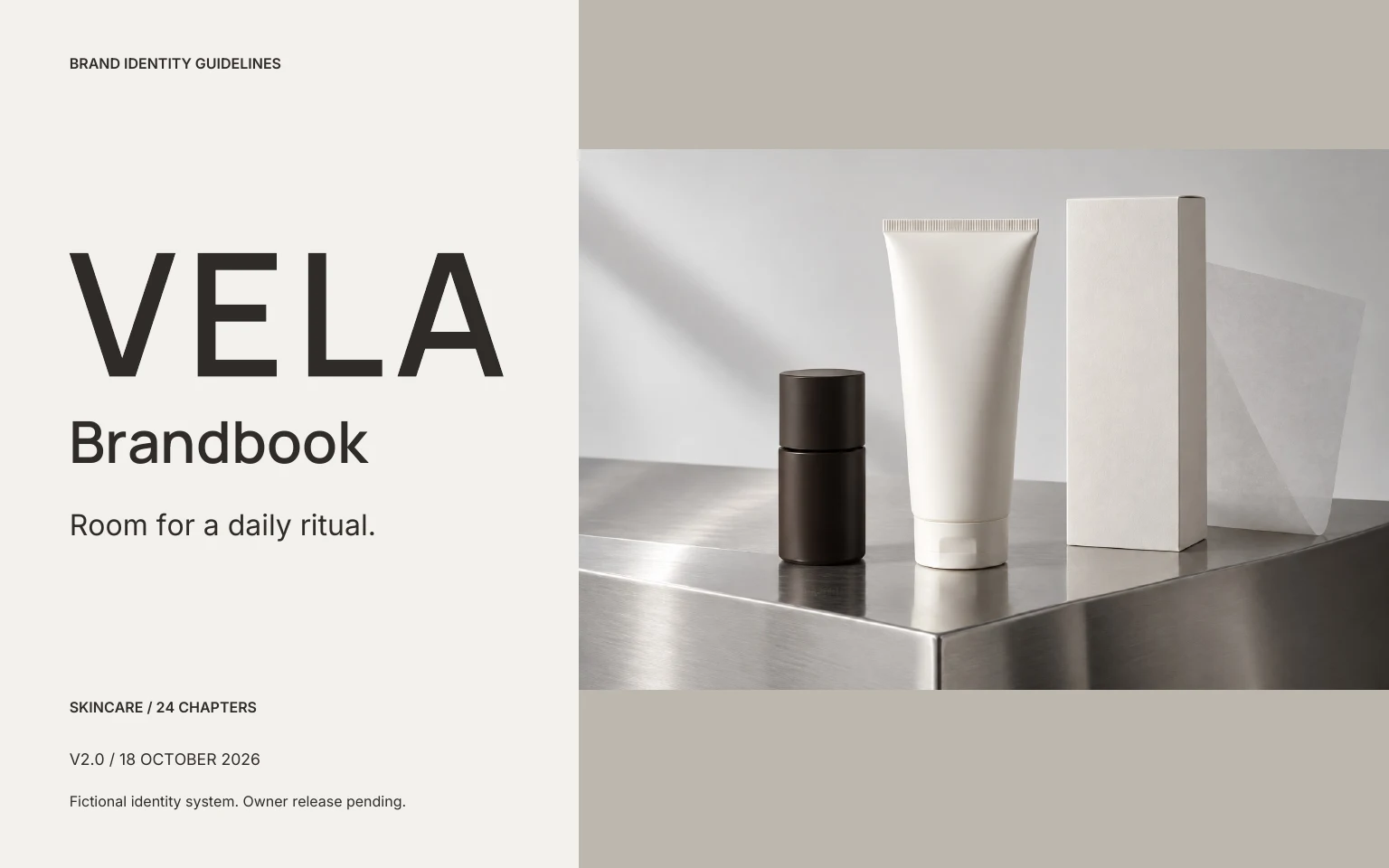
Open the VELA case book and compare sections 6–9 on logo use, 10–12 on color and type, and 17–20 on applications. Then inspect the editable source folder. Ask whether a new designer could use those rules without guessing. This is a useful quality check; the fictional project is not evidence of customer results.
Can I use a preview as finished packaging?
A preview helps you choose a direction. Production packaging needs real dimensions, a supplier dieline, approved label copy and a physical proof. Included fonts and assets need an appropriate rights record for the intended use. Explain these requirements in your brief; the published packages do not include manufacturing artwork or trademark clearance.