Separate the brand from the changing coffee information
Keep the primary mark, type hierarchy and main palette stable. Give each changing field a named place in the layout, so a new coffee does not require a new identity. Only publish origins, processing details, tasting descriptions and certifications that your business can support.
| Layer | Examples of content | Rule to document |
|---|---|---|
| Brand identity | Wordmark, anchor color and typography. | Use the approved version and clear-space rule on every bag. |
| Product identity | Blend or coffee name; format or variant. | Keep a consistent reading order and test the longest name. |
| Changing product details | Verified origin, process, tasting notes or roast information. | Assign editable fields and an owner who confirms the facts. |
| Batch or ordering information | Dates, identifiers and sales details supplied by the business. | Reserve space without letting variable text overwhelm the product name. |
Read the KORO coffee example
KORO is a fictional coffee identity built around a broad wordmark, midnight navy and powder blue. Its bag and cup concepts show how a small visual vocabulary can work across different surfaces. Use the example to study hierarchy, rather than treating blue as a required coffee-brand color.
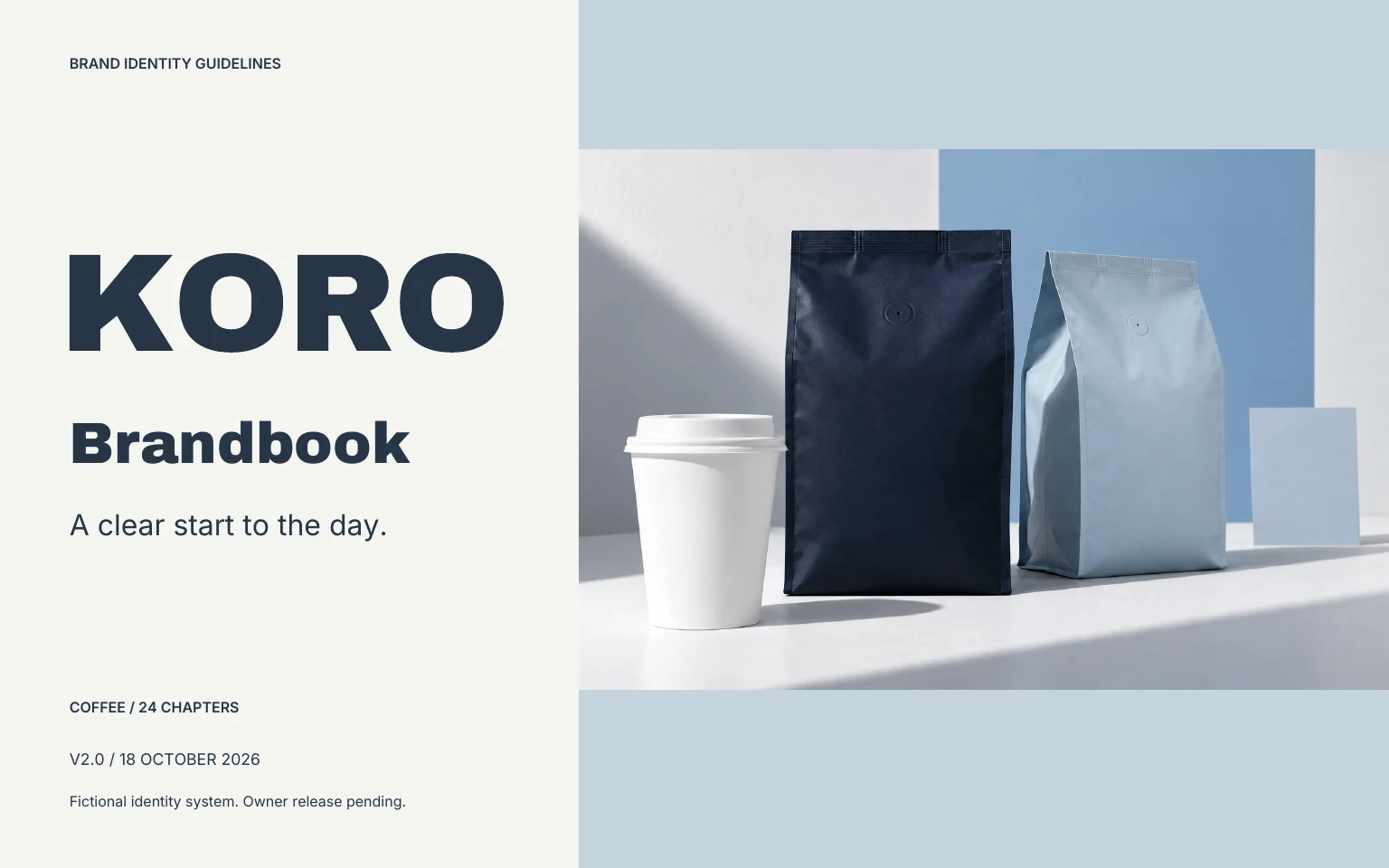
Explore the KORO identity · Read its 24-page case book · Download the matching case-system sources
These case sources are separate from the current studio’s 30-page brandbook output. They demonstrate one authored direction, not an automatic result for every uploaded coffee bag.
Give bags, cups and digital layouts different jobs
- Bag: establish brand and product-name hierarchy, then leave a consistent zone for changing information.
- Cup: check the mark around a curved surface, including the seam and the supplier’s printable area.
- Website or social post: preserve the same identity while making the specific coffee or offer easy to read on a phone.
- Menu: use the approved typography and ordering logic, but prepare the actual menu layout separately. The studio’s source ZIP does not include a menu template.
Test a range before making more designs
Prepare two labels with different name lengths and product information. View them together at intended size. Check recognition, reading order and whether the variant can be understood without relying only on color. Then compare one bag label with a cup concept and a square social post.
Save the original product photo so bag shape, print and materials can be checked against any generated image. A styled scene must not silently change what a customer receives. Use the product-reference guide when preparing the brief.
Keep the artwork and production notes together
The coffee worksheet includes permanent rules, variable product fields, a two-product review and a supplier handoff. Brandfolia exports sRGB design sources; a bag illustration is not a structural dieline and a cup layout is not a printing proof. Confirm dimensions, substrate, ink and printable area with the supplier before production.
Make the next version usable
Start with a free editable brand kit, record your rules in the brand guidelines template, then use the handoff checklist to review the matching files.
Starter templates, sample editing and exports are available without an account. Custom AI proposals require an account and paid kit credits; public paid checkout is not open. Check current access and allowances.